

Listen to this article
Prefer to listen? An audio version of this article is available for accessibility and convenience.
iOS 26.4.2 dropped on April 22, 2026, and it carries exactly one security fix. One. No new features, no emoji additions, no settings changes — just a patch for a flaw in how your iPhone logged notification data. That sounds like something you could reasonably skip, right up until you learn the FBI had already demonstrated what was possible with it.
The short version: Apple’s notification system was quietly keeping copies of message previews even after you deleted them and even after you uninstalled the app that sent them. Signal. WhatsApp. Banking alerts. Anything that arrived as a push notification. That cached data lived in a logging database on your device, completely invisible to you but readable with the right forensic tools.
iOS 26.4.2 closes that gap. More importantly, it also retroactively scrubs notification data that your phone had been improperly holding onto — the copies that should have been gone long ago. That detail matters more than it might seem at first.
 Ad
AdWhat CVE-2026-28950 Actually Did to Your iPhone
The vulnerability, tracked as CVE-2026-28950, lived inside Notification Services — specifically in the logging layer Apple uses for on-device diagnostics. When any notification arrived on your iPhone, a snapshot of that notification was written to a system log. That’s normal. The problem was what happened when you tried to delete it.
Marking a notification for deletion should have removed it from that logging database. It didn’t. Apple’s own security advisory calls it a “logging deficiency,” which is a polite way of saying the deletion flag wasn’t being enforced correctly. The notification previews stayed put, invisible to you and silently accumulating.
Signal messages you swiped away. iMessage snippets you cleared months ago. Alerts from apps you uninstalled entirely. The logged copies of those notification previews were still sitting in a database on your device. You had no way to know they were there. You had no way to delete them directly.
The technical detail that makes this genuinely embarrassing for Apple is how unremarkable the flaw is. This wasn’t a sophisticated zero-day exploit. It was a bookkeeping error in a logging system, sitting quietly on hundreds of millions of devices. You can read Apple’s official security advisory for CVE-2026-28950 for the exact technical details.
 Ad
AdHow the FBI Got There First
On April 9, 2026 — thirteen days before Apple shipped the fix — 9to5Mac reported on a federal case where FBI agents had recovered Signal app message previews from a defendant’s iPhone. Signal had been completely uninstalled. The messages appeared to be gone by any reasonable measure. The notification logs were not.
Forensic software pulled the notification database and surfaced the cached previews. Those previews became evidence.
There’s a detail here that deserves more than a passing mention: Signal’s encryption wasn’t broken. End-to-end encryption held. The flaw wasn’t in Signal at all — it was in Apple’s logging layer, which captured the notification preview before Signal’s encryption could strip it out. The vulnerability was a level below the app.
Standard digital forensics found data in a database that Apple’s own software had built without users knowing it existed. No zero-day exploit, no malware, no targeted attack required. Physical access to the device was all that was needed. That’s a very different category of risk than remote hacking, and honestly, a scarier one. ZOM’s earlier breakdown of how push notifications share data with law enforcement covers the broader notification privacy landscape that makes this flaw so significant.
It Wasn’t Just Signal
The coverage has understandably centered on Signal because that’s the specific case that surfaced this vulnerability. But every app that pushed a notification to your iPhone was affected. WhatsApp. Email. Slack. Bank alerts. Anything that arrived on your lock screen as a preview.
If you’ve ever deleted an app and assumed its data left with it, this flaw directly challenged that assumption. The notification previews that appeared on your lock screen weren’t fully under the app’s control once Apple’s logging layer touched them. They were Apple’s to manage. Apple managed them incorrectly, for an unknown length of time, on an unknown number of devices.
What iOS 26.4.2 Changes — and What It Cleans Up
Apple’s fix is labeled “improved data redaction” in the notification logging layer. In practice, that translates into two meaningful changes.
Going forward, notifications marked for deletion are properly erased from the diagnostic database. The deletion flag is now respected the way it should have been from the beginning. Future notification data won’t linger after you remove it.
The more significant detail is the retroactive cleanup. iOS 26.4.2 doesn’t just patch the mechanism — it also scrubs notification data that was already improperly retained on your device. If your iPhone had been accumulating cached notification previews going back months or years, this update clears them as part of the installation process. You don’t need to run a separate cleanup tool or do anything manually. It happens as part of the update.
Retroactive data cleanup is genuinely unusual for Apple security patches. Most fixes change future behavior without touching already-stored data. The decision to include a cleanup sweep here signals that Apple considered the existing cached data a real and ongoing risk — not just a mechanism problem to patch going forward.
Should You Update?
Yes. Install it today, not tonight.
Apple did not issue an emergency advisory declaring this was being actively exploited against ordinary consumers by malicious actors. The documented case was law enforcement using forensic tools in a criminal investigation. That framing matters because it sets a realistic risk level — but it shouldn’t create false comfort.
Physical access is the attack surface here, not a remote connection. And physical access to your phone is something you can’t always control. Lost phones, stolen devices, border inspections — the scenario where someone who is not you holds your iPhone is not far-fetched. The update is small, fast, and went out two weeks after iOS 26.4.1, which was equally clean. Legacy device users should know that Apple simultaneously released iOS 18.7.8 on April 22, which patches the same notification flaw for devices that can’t run iOS 26.
How to Install iOS 26.4.2
Open Settings, tap General, then Software Update. Pull down to refresh if the update isn’t showing — Apple staggers rollouts and it can take a few hours to reach your device.
A few things to sort before you tap “Update Now”:
- Make sure your iPhone is charged to at least 50%, or plug it in. A failed mid-update restart on a dead battery is its own headache.
- Back up to iCloud or your Mac first if you haven’t recently. Standard practice — not a warning specific to this update.
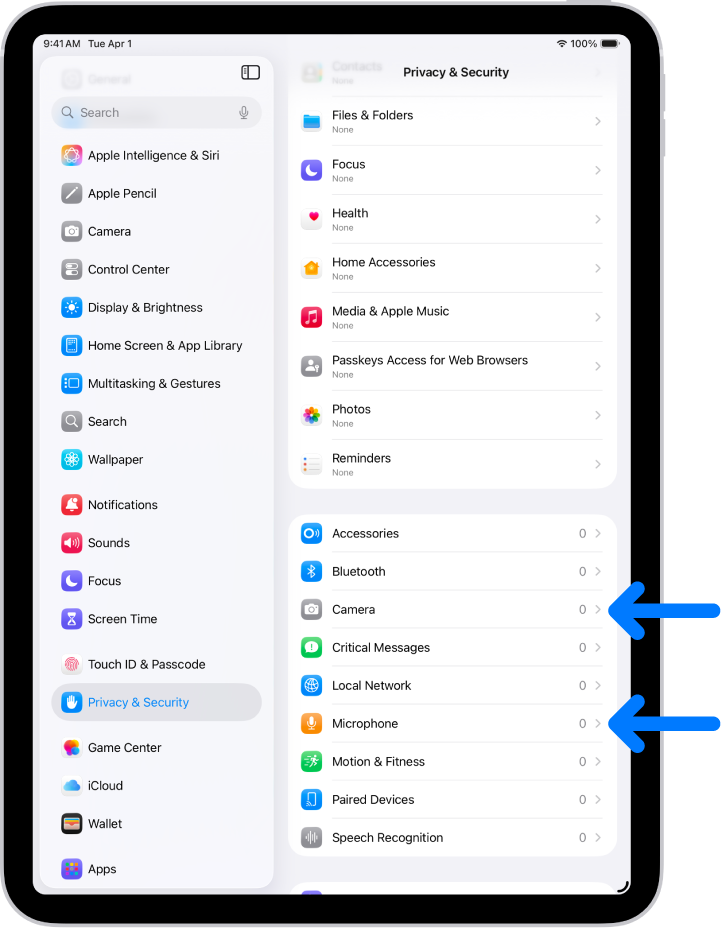
- After the restart, check Settings > Privacy & Security > Tracking to confirm your settings are still where you left them. Minor point releases occasionally reset a preference — rare, but worth a thirty-second check.

Related Posts
What the iPhone Action Button Does When You Set It Up Right
Apr 20, 2026
iOS 26.4 Added Serious Weather Alert Upgrades to Your iPhone. Here’s Where to Find Them.
Apr 17, 2026
iOS 26.4 Added Serious Weather Alert Upgrades to Your iPhone. Here’s Where to Find Them.
Apr 17, 2026