

🎧 Listen to this article
Prefer to listen? An audio version of this article is available for accessibility and convenience.
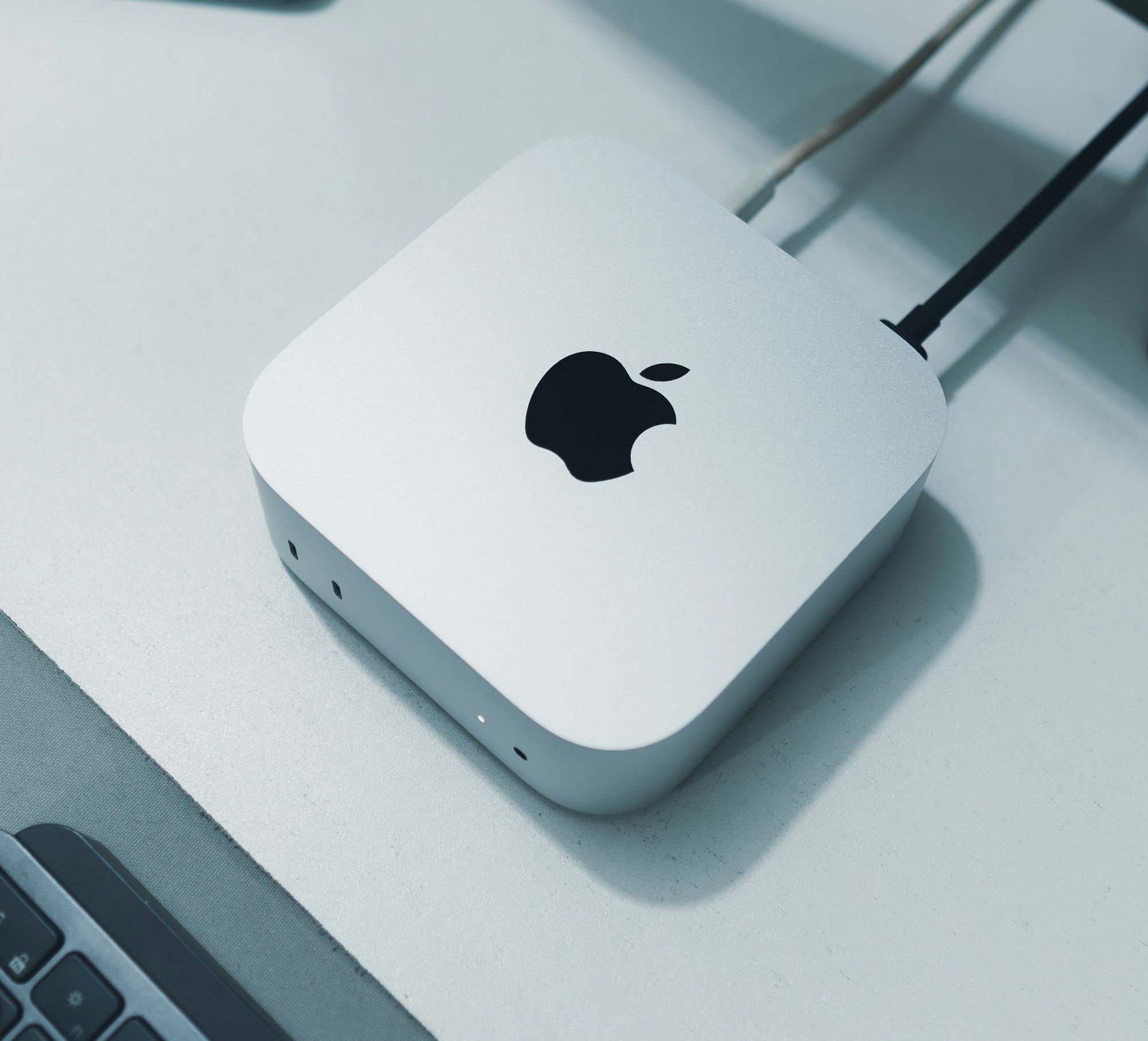
Mac Studio M4 Max is not the obvious upgrade. Mac mini M4 is already a strong machine — and if you configure it with the M4 Pro chip, you even get Thunderbolt 5 on the back. So the honest question is not whether Mac Studio is more powerful. It obviously is. The real question is whether what it adds is something your work actually needs.
Here’s the direct answer: if you’re editing ProRes RAW footage at 8K, running machine learning workloads that push past 64GB of unified memory, or connecting four or five displays at the same time, Mac Studio M4 Max earns every dollar of its price premium over Mac mini M4 Pro. For everyone else — developers, designers, writers, and most video editors working in 4K — Mac mini M4 Pro delivers the same Thunderbolt 5 connectivity at a significantly lower price.
The catch? One of the most compelling reasons to buy Mac Studio M4 Max has nothing to do with chip specs at all.
 Ad
AdThe Thunderbolt 5 Myth and the Memory Bandwidth Reality
A lot of people assume the main reason to choose Mac Studio over Mac mini is Thunderbolt 5. That’s only half right. Mac mini M4 Pro ships with Thunderbolt 5 too — three ports on the back, all running at 120Gb/s. If you’ve been waiting to upgrade your Mac mini specifically for Thunderbolt 5 access, you might already have it.
The actual separator is memory bandwidth. Mac Studio M4 Max delivers 410GB/s with the 32-core GPU configuration and 546GB/s with the 40-core option. Mac mini M4 Pro runs at 273GB/s. That gap is not a benchmark footnote. Memory bandwidth determines how quickly the GPU can pull and process data during a render, a machine learning pass, or a high-resolution composite. More bandwidth means more real-time headroom before the machine starts queuing work.
It’s also worth knowing that Mac mini M4 has no SD card slot — not on the front, not anywhere. Mac Studio M4 Max has an SDXC card slot on the front panel, right next to the USB-C ports. For photographers and videographers pulling footage off cards every day, that difference is a dongle and an extra workflow step every single time.
What Only Mac Studio M4 Max Gets
The GPU core count is where the performance gap is most visible in daily use. Mac mini M4 Pro tops out at 20 GPU cores. Mac Studio M4 Max starts at 32 and goes to 40. Those additional cores are not theoretical benchmarks — they’re the difference between real-time playback on a multi-angle timeline in Final Cut Pro and watching a progress bar count down instead.
RAM ceiling matters even when most users never hit it. Mac mini M4 Pro caps at 64GB of unified memory. Mac Studio M4 Max goes to 128GB. Most workflows will never exceed 64GB — but if you’re running Logic Pro sessions with large orchestral sample libraries, working with local large language model inference, or using DaVinci Resolve’s Fusion compositing with heavy effects chains, that ceiling is a hard stop, not a soft suggestion.
 Ad
AdMac Studio M4 Max also puts two USB-C ports and the SDXC slot on the front of the machine, right where you can reach them without rotating the unit. Mac mini’s front panel has USB-C ports too, but no card slot anywhere on the machine. For a desktop that lives on a desk all day, front-access ports and a flush card slot are the kind of ergonomic detail that quietly saves five seconds a dozen times a day.
The specs that actually differ in ways you’ll notice at the desk come down to a short list.
The specs that separate Mac Studio M4 Max from Mac mini M4 Pro where it counts at the desk:
| Spec | Mac mini M4 Pro | Mac Studio M4 Max |
|---|---|---|
| Thunderbolt Ports | 3x TB5 (120Gb/s) | 4x TB5 (120Gb/s) |
| Max Unified Memory | 64GB | 128GB |
| Memory Bandwidth | 273GB/s | 410–546GB/s |
| GPU Cores (max) | 20-core | 40-core |
| Max Displays | 3 | 5 |
| Front SD Card Slot | None | Yes (SDXC) |
| Ethernet | Gigabit | 10Gb |
Display count is the quiet dealbreaker for multi-monitor setups. Mac mini M4 supports up to three displays. Mac Studio M4 Max supports five. Three monitors handles most professional setups without complaint — and if you’re building that kind of desk out, the seven Mac accessories worth adding to your setup covers the gear that makes it work. But a fifth display for reference monitoring, a secondary timeline view, or a dedicated status screen requires Mac Studio.
Mac Studio M4 Max also ships with 10Gb Ethernet standard. Mac mini’s default Ethernet is Gigabit. Moving a 100GB project file across a local NAS takes about two minutes on 10Gb and closer to fifteen on Gigabit. If your workflow depends on shared storage and large media files, that is not a marginal difference.
Who Should Stay With Mac mini M4
Most people. That’s the honest answer, and it’s not a consolation prize — it’s what the specs actually support. Mac mini M4 Pro is a fast, well-connected desktop with Thunderbolt 5, up to 64GB of unified memory, and enough GPU horsepower to handle 4K editing without slowing down.
If you’re setting one up or already have, the Mac mini M4 settings worth changing on day one will get you from default to dialed-in quickly. Mac mini M4 Pro earns its place in most professional setups without much argument.
Mac Studio M4 Max is for the professional whose bottleneck is genuinely the machine itself — not the network, not the storage drive, specifically the chip. Video production facilities, music producers running large hybrid sessions, machine learning researchers running local inference: these are the actual target users. The price premium is justified when you are genuinely in one of those situations and you feel it in your daily workflow.
The M5 Delay: Does It Change Anything?
Apple’s M5 Mac Studio was expected to arrive in summer 2026. Industry-wide memory shortages have pushed that timeline back, with reports suggesting the delay is open-ended for now. If you’ve been holding off for an M5 upgrade, you’re likely waiting longer than the original estimate suggested.
That changes things for current buyers. An M4 Max Mac Studio is not a machine about to be replaced next quarter. Apple Silicon chips don’t depreciate the way PC hardware does — the M4 Max will remain genuinely fast for professional workflows for years regardless of when M5 ships. If your work genuinely needs what Mac Studio M4 Max offers today, there is no obvious reason to wait.
Accessibility and Clarity
The Mac Studio M4 Max front panel is a practical ergonomic advantage for users with limited mobility. Both USB-C ports and the SDXC card slot sit at the front of the unit, which means peripheral connections happen without reaching around the machine or its cables. For users who rely on VoiceOver, Voice Control, or other macOS assistive technologies — all documented on Apple’s accessibility pages — the 128GB memory ceiling means those tools can run alongside resource-intensive professional applications without the system slowing to manage memory pressure.

Related Posts
Google Gemini for Mac Just Launched — Here's What It Does
Apr 17, 2026
Your Mac Can Receive AirPlay from Any iPhone or iPad — Here’s How
Apr 16, 2026
The Nintendo Switch 2 Setup That Turns Your iMac Into the Perfect Gaming Screen
Apr 14, 2026