

CrossOver 26 translates Windows DirectX calls into Apple Metal on the fly, letting Mac owners run HELLDIVERS 2, God of War Ragnarok, Starfield, and hundreds of other Windows-only Steam titles without installing Windows at all. The catch is that not every game cooperates. Kernel-level anti-cheat systems like Riot Vanguard and certain Easy Anti-Cheat implementations still block compatibility entirely, and performance varies depending on the game engine, your specific Apple Silicon chip, and which translation path CrossOver uses under the hood. The difference between a frustrating slideshow and a genuinely smooth 60 FPS session comes down to knowing which games work, how to configure your bottle, and which controller to pair before you launch.
What CrossOver 26 Actually Does Under the Hood
CrossOver is not an emulator. It is a compatibility layer built on Wine that intercepts Windows API calls and translates them into macOS equivalents in real time. The February 2026 release, CrossOver 26, ships with Wine 11.0 (over 6,000 upstream improvements), D3DMetal 3.0 for DirectX-to-Metal translation, and vkd3d 1.18 for DirectX 12 support via Vulkan. That D3DMetal 3.0 component is critical: it translates DirectX 11 and 12 calls directly to Apple Metal, skipping the older double-translation path that routed through DXVK and MoltenVK. The result is significantly less overhead on Apple Silicon.
Apple's own Game Porting Toolkit shares DNA with CrossOver. Apple built GPTK on Wine and contributed D3DMetal back to CodeWeavers, who fold it into CrossOver for consumer use. The symbiotic relationship means advances in one project benefit the other. But GPTK is a developer tool with a restrictive license that forbids recreational gaming. CrossOver is the consumer-facing product that wraps all of that technology in a GUI, adds preconfigured compatibility profiles, and charges $74 per year for ongoing updates and support.
You can check exactly which games work and which ones have known issues in the CrossOver compatibility database before buying a license. CodeWeavers rates each title from gold (runs perfectly) down to garbage (does not run), with community-submitted test reports for specific hardware configurations.
The Games Worth Installing Right Now
CrossOver 26 brought a wave of newly compatible AAA titles to Mac. HELLDIVERS 2 now runs with full multiplayer functionality on Apple Silicon. Clair Obscur: Expedition 33 earned a near-perfect compatibility rating, playable from start to finish without critical bugs. God of War Ragnarok, Starfield, Final Fantasy VII Rebirth, Borderlands 4, and Age of Empires IV: Anniversary Edition all landed in the supported column with this release.
Performance depends on your hardware. An M3 Max or M4 Pro running The Witcher 3: Wild Hunt at 1080p on Ultra settings can hold a steady 60 FPS. Elder Scrolls Online on an M4 base chip sits at around 100 FPS with comfortable headroom. Older M1 and M2 machines still run many of these titles, but you will want to drop resolution and dial back shadows and post-processing to keep frame rates above 30.
Shader compilation stutter is the one consistent annoyance across the board. The first time you enter a new area in any translated game, CrossOver compiles shaders on the fly, causing momentary freezes that last anywhere from a fraction of a second to several seconds in effects-heavy scenes. These stutters diminish over time as compiled shaders get cached, but the first hour with any new game will feel rougher than subsequent sessions.
What Will Not Work (and Why)
Anti-cheat is the wall. Valorant uses Riot Vanguard, a kernel-level anti-cheat system that requires deep Windows kernel access that Wine cannot replicate. It is completely incompatible and likely will remain so. Fortnite's Easy Anti-Cheat implementation on macOS blocks CrossOver detection. Some multiplayer titles with aggressive anti-cheat routines flag Wine or CrossOver processes as unauthorized software and refuse to launch.
Denuvo DRM has historically caused problems, though recent CrossOver versions have improved compatibility with newer Denuvo implementations on macOS Sonoma and Tahoe. Kingdom Come: Deliverance II appeared in CrossOver 26's changelog as newly supported, but some community reports still flag launch issues on specific hardware. Checking the compatibility database before purchasing a game is not optional; it is the single most important step in the workflow.
Setting Up CrossOver 26 on Your Mac
The installation takes about ten minutes. Download the CrossOver installer from CodeWeavers, drag it into Applications, and launch it. CrossOver creates isolated environments called bottles, each one a self-contained Windows-like filesystem where your applications live. To install Steam, click the Install a Windows Application button, search for Steam, and let CrossOver build a new bottle with the required dependencies. Steam downloads and installs inside that bottle exactly as it would on a Windows PC.
Log into your existing Steam account, and your full library appears. Not everything in your library will run, but anything with a gold or silver rating in the compatibility database is worth trying. Install a game through Steam as you normally would, launch it, and CrossOver handles the translation layer transparently. If a game needs configuration tweaks, the compatibility database usually lists the specific bottle settings or DXVK overrides required.
For anyone who has already invested in an Apple TV gaming setup, CrossOver opens a completely separate catalog. Apple TV gaming focuses on native App Store and Apple Arcade titles, while CrossOver gives your Mac access to the entire Windows Steam library. The two approaches complement each other rather than compete.
Pairing a Controller for the Full Experience
Affiliate disclosure: some links in this article are Amazon Associate links. If you buy through them, Zone of Mac may earn a small commission at no extra cost to you, and we only recommend products that genuinely bring value to your Apple setup.
A keyboard and trackpad will get you through menu-driven games and strategy titles, but anything with camera control or action combat feels dramatically better with a dedicated controller. macOS has supported Bluetooth game controllers natively since Catalina, and CrossOver passes controller input through to the translated game seamlessly. The key is choosing a controller where the button layout matches the on-screen prompts, since most Windows games display Xbox-style button icons by default.
The 8BitDo Pro 2 Bluetooth Controller was designed with Apple devices in mind. It lists macOS, iPhone, iPad, and Apple TV compatibility right on the box and connects via Bluetooth without any adapter. The rear paddle buttons give you extra inputs for games that need them, and 8BitDo's companion app lets you remap every button and adjust stick dead zones. There is a dedicated mode switch on the back that flips between Switch, macOS, and Android profiles. The D-pad has a satisfying pivot that sits somewhere between mushy and stiff; it clicks without feeling brittle, which matters for fighting games and 2D platformers. Battery life runs about 20 hours on a single USB-C charge.
You can grab the 8BitDo Pro 2 Bluetooth Controller here https://www.amazon.com/dp/B08XY86472?tag=zoneofmac-20
The Xbox Core Wireless Controller remains the default recommendation for a different reason: nearly every Windows game ever made was tested against Xbox input, so button prompts match perfectly with zero configuration. It pairs with your Mac over Bluetooth, and macOS recognizes it natively. The triggers have a longer throw than the 8BitDo, with a subtle granularity to the resistance that makes throttle control in racing games feel more analog. The textured grip on the underside picks up fingerprints quickly but provides solid traction during longer sessions. If you only own one controller and want guaranteed compatibility across every CrossOver game, this is the safer choice.
Pick up the Xbox Core Wireless Controller on Amazon https://www.amazon.com/dp/B08DF248LD?tag=zoneofmac-20
CrossOver vs. Game Porting Toolkit: Which One Is Actually for You
Join The Inner Circle For Serious Apple Users
Exclusive Apple tips. Free to join.
Check your inbox for a confirmation link.
Something went wrong. Please try again.
Apple released Game Porting Toolkit 2 as a free developer tool, and the question that surfaces constantly is whether GPTK replaces CrossOver. It does not. GPTK requires an Apple Developer account, Xcode command line tools, and comfort with Terminal. Its license explicitly forbids using it to play games recreationally. Apple designed GPTK so game studios can evaluate whether porting a title to Mac is worth the investment, not so consumers can run Steam.
The table below compares CrossOver 26 against Apple's Game Porting Toolkit 2 and native Mac ports for readers deciding which path fits their gaming workflow.
| Attribute | CrossOver 26 | Game Porting Toolkit 2 | Native Mac Ports |
|---|---|---|---|
| Intended User | Consumers | Developers only | Everyone |
| Game Library Access | Full Steam/Windows library | Same (evaluation only) | Limited catalog |
| Setup Complexity | GUI installer, 10 minutes | Terminal, Xcode, 30+ minutes | App Store download |
| Cost | $74/year | Free (Apple Developer account) | Per-game pricing |
| Performance vs. Windows | 85-95% with D3DMetal 3.0 | Similar (shared tech) | 100% (optimized) |
| Anti-Cheat Support | Limited (no Vanguard/EAC) | Same limitations | Full native support |
CrossOver wraps the same underlying translation technology in a commercial product built for everyday use. You install it, click a button, and play. The $74 annual subscription funds ongoing Wine development (CodeWeavers is the largest corporate contributor to Wine), ensures D3DMetal stays current with Apple's Metal updates, and provides technical support when a game does not launch correctly. A free alternative called Whisky existed until April 2025, when its developer stopped updating it and publicly endorsed CrossOver, citing concerns that a free competitor could undermine the funding model that keeps Wine development alive.
Where Mac Gaming Stands in February 2026
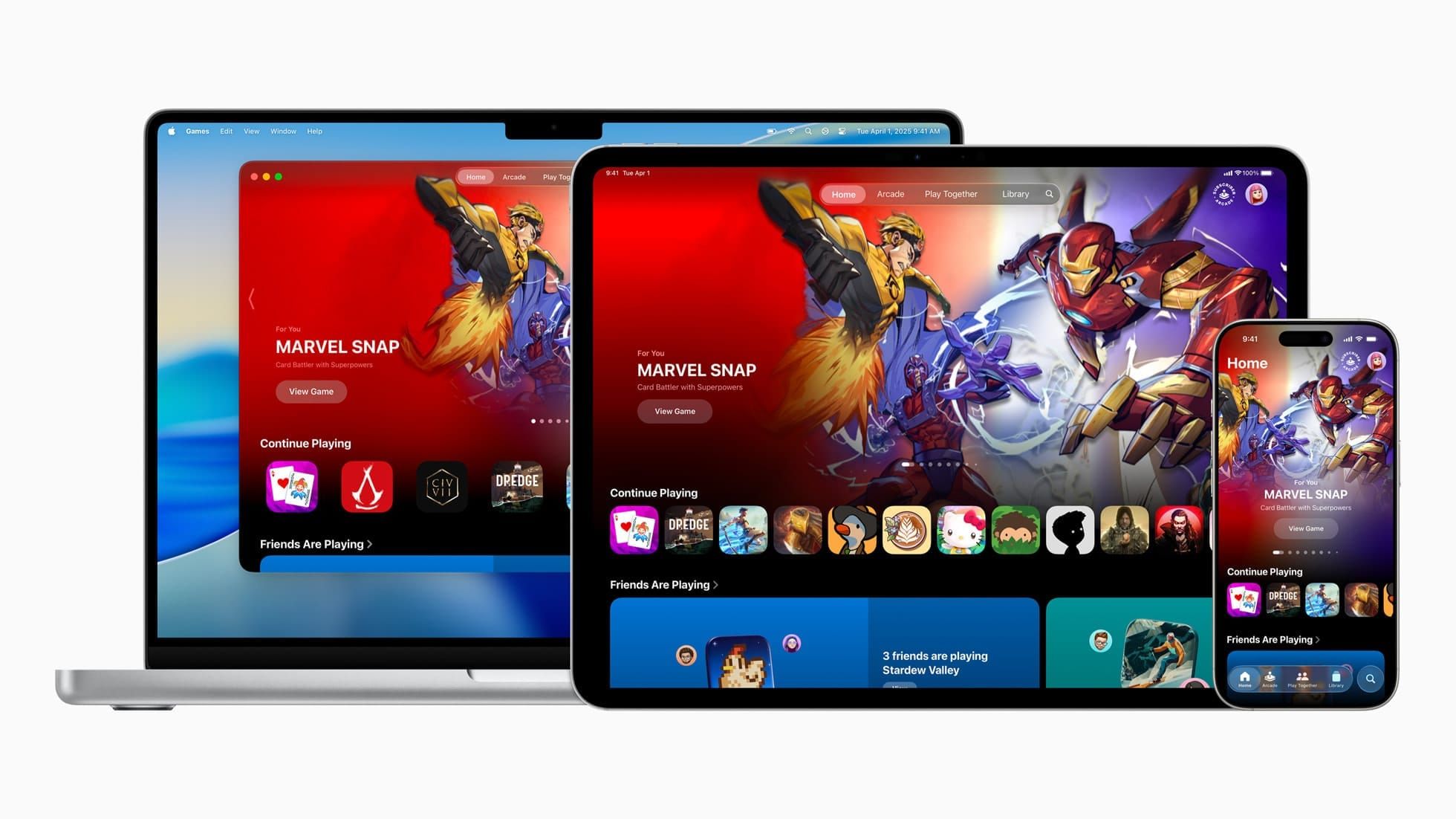
Apple launched a dedicated Games app in macOS Tahoe as a pre-installed hub for discovering, downloading, and syncing games across Mac, iPhone, and iPad. Metal 4 brought performance improvements that benefit both native ports and translated titles. AAA studios have started releasing native Mac builds: Cyberpunk 2077, Assassin's Creed: Shadows, and Resident Evil 3 all run natively on Apple Silicon without any translation layer.
The Mac Mini M4 workstation that has been sitting on desks for productivity work doubles as a surprisingly capable gaming machine. Pair it with an external display, a controller, and CrossOver, and you have access to a library that would have been unthinkable on Mac hardware two years ago.
For the most current list of what runs and what does not, the Apple Game Porting Toolkit documentation provides technical details from Apple's side, while the CrossOver compatibility database captures real-world community testing results.
Accessibility and Clarity
CrossOver's interface uses standard macOS controls, which means VoiceOver reads every menu, button, and dialog without issue. The bottle creation wizard labels each step clearly, and keyboard navigation works throughout the application. Where accessibility gets complicated is inside the translated games themselves. Windows games running through CrossOver do not automatically inherit macOS accessibility features. VoiceOver cannot interact with content rendered inside a DirectX-to-Metal translation layer. Games that ship with their own accessibility options (remappable controls, colorblind modes, subtitle sizing) retain those features through CrossOver, but games that lack built-in accessibility remain inaccessible regardless of the translation layer.
Controller pairing benefits users with limited mobility who find keyboard and trackpad input difficult. Both the 8BitDo Pro 2 and Xbox Core Controller support button remapping at the system level through macOS Bluetooth settings, and the 8BitDo's companion app adds further customization. The cognitive load of the CrossOver setup process is moderate: installing Steam inside a bottle follows a linear wizard with numbered steps, avoiding nested menus or branching decision trees that could increase confusion. Once configured, launching a game is a single click from the CrossOver interface or directly from the macOS Dock.
Quick-Action Checklist
- Download CrossOver 26 from codeweavers.com and drag it into Applications
- Launch CrossOver, click Install a Windows Application, search for Steam
- Let CrossOver create a new bottle and install Steam inside it
- Log into your Steam account and install a game rated gold or silver in the compatibility database
- Pair a Bluetooth controller: open System Settings, go to Bluetooth, hold the pairing button on your controller
- Launch the game from CrossOver or Steam inside the bottle
- If you experience shader stutter, play through the first 15 to 20 minutes to let the shader cache build
- Check codeweavers.com/compatibility before buying any new game to verify it runs

Tori Branch
Hardware reviewer at Zone of Mac with nearly two decades of hands-on Apple experience dating back to the original Mac OS X. Guides include exact settings paths, firmware versions, and friction observations from extended daily testing.
Related Posts
Seven Mac Accessories That Turn a Good Desk Into a Great One
Apr 10, 2026
Your Mac Has a Networking Time Bomb That Only a Reboot Defuses
Apr 09, 2026
Your Mac Feels Slow After macOS Tahoe — Here’s What Actually Fixes It
Apr 08, 2026