
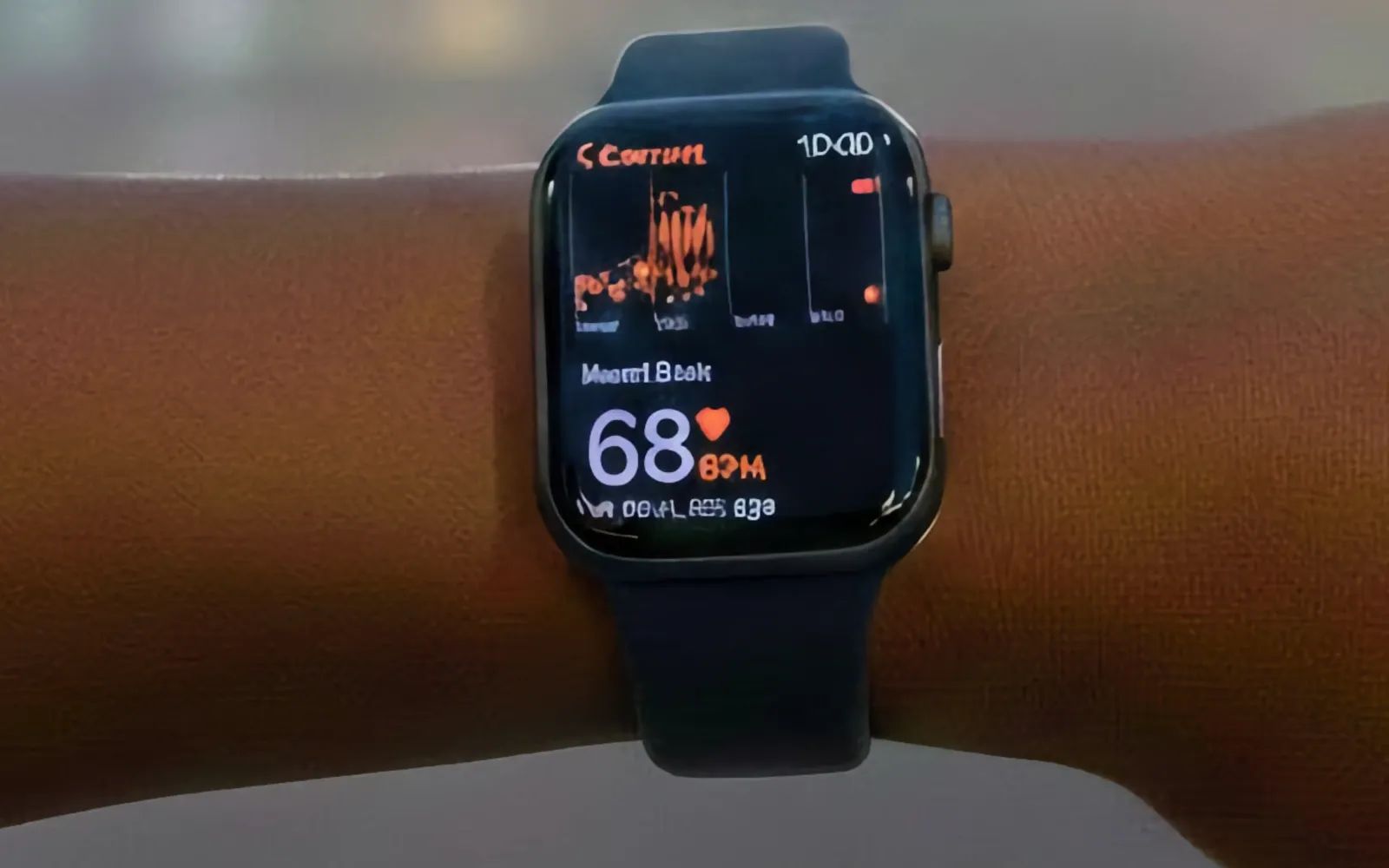
Apple Watch irregular rhythm notifications represent one of the most medically significant features Apple has ever shipped. Using the optical heart sensor on the back of your watch, this feature periodically checks your heart rhythm in the background and alerts you when it detects signs of atrial fibrillation, commonly called AFib. A recent study published in early 2026 demonstrated that Apple Watch detected arrhythmia in asymptomatic patients with remarkable reliability, reinforcing what many cardiologists have suspected for years: wearable heart monitoring has genuine clinical value.
Key Takeaways
- Enable irregular rhythm notifications in the Apple Watch app under Heart settings
- The feature requires Apple Watch Series 4 or later running watchOS 26
- Notifications appear only after multiple readings suggest an irregular pattern
- A positive alert warrants a conversation with your doctor, not panic
- Apple Watch ECG can record a detailed rhythm strip for your physician to review
- Keeping your watch charged overnight enables consistent background monitoring
| Feature | Requirement | How to Access |
|---|---|---|
| Irregular Rhythm Notifications | Apple Watch Series 4+, watchOS 26 | Watch app > Heart > Irregular Rhythm |
| ECG App | Apple Watch Series 4+ | ECG app on watch face |
| Heart Rate Monitoring | All Apple Watch models | Heart Rate app or Complications |
| Background Checks | Enabled in settings | Automatic when watch is worn |
How Irregular Rhythm Notifications Actually Work
The optical heart sensor on Apple Watch continuously measures light absorption through your skin to detect blood flow changes. When you are still, Apple Watch periodically analyzes these readings for irregularities in timing between heartbeats. The algorithm specifically looks for patterns consistent with atrial fibrillation, where the upper chambers of the heart beat chaotically instead of rhythmically.
Apple designed this feature to minimize false positives. The system requires multiple readings over a period suggesting an irregular rhythm before sending you a notification. One brief moment of heart rate variability during exercise will not trigger an alert. The watch needs consistent evidence of irregularity captured during several background checks. This approach means you might not receive an alert immediately when AFib occurs, but it dramatically reduces the chance of alarming you unnecessarily.
When you do receive an irregular rhythm notification, your watch displays a message explaining what happened and encourages you to record an ECG. The ECG app, available on Apple Watch Series 4 and later, records a single-lead electrocardiogram by measuring electrical signals between your finger on the Digital Crown and your wrist. This recording creates a PDF you can share directly with your doctor, giving them clinical data rather than just a notification screenshot.
Accessibility and Clarity
Apple designed the heart monitoring interface with VoiceOver full compatibility. All alerts, settings toggles, and ECG results can be read aloud by the built-in screen reader. The Heart Rate app displays readings in large, high-contrast numerals against a dark background, making the information visible for users with low vision. The haptic tap that accompanies heart notifications provides a distinct pattern that differs from standard alerts, helping users who cannot see the screen identify health-related notifications by feel.
For users with motor limitations, the ECG recording process requires holding a finger on the Digital Crown for 30 seconds, which may present challenges. Apple has not yet implemented an alternative recording method, though the background irregular rhythm notifications function without any user interaction beyond wearing the watch. Cognitive accessibility considerations favor Apple's design choice to limit alert frequency, as a steady stream of false positives would create unnecessary anxiety and decision fatigue.
Why This Actually Matters
Atrial fibrillation affects millions of people worldwide, and many cases go undiagnosed because AFib can be asymptomatic or intermittent. When AFib occurs, blood can pool in the heart's upper chambers and form clots. Those clots can travel to the brain and cause strokes. Detecting AFib early allows physicians to prescribe blood thinners or recommend other interventions that dramatically reduce stroke risk.
The challenge has always been catching AFib during a doctor's visit. Traditional monitoring required wearing a Holter monitor for 24 to 48 hours, an uncomfortable patch that records heart activity continuously. Many patients experience AFib episodes infrequently enough that a two-day recording misses them entirely. Apple Watch provides something different: years of passive monitoring without any effort from the wearer. The watch is already on your wrist. The monitoring happens automatically.
Research published in January 2026 demonstrated that Apple Watch successfully identified previously undiagnosed atrial fibrillation in study participants who had no symptoms. These findings matter because they suggest the technology works as intended in real-world conditions, not just controlled laboratory settings. For people with risk factors like high blood pressure, diabetes, or a family history of heart problems, this passive screening adds a layer of protection that was simply unavailable to consumers a decade ago.
Join The Inner Circle For Serious Apple Users
Exclusive Apple tips. Free to join.
Setting Up Heart Monitoring on Your Apple Watch
Open the Apple Watch app on your iPhone and tap the My Watch tab. Scroll down to Heart and tap it. You will see several options including High Heart Rate, Low Heart Rate, Irregular Rhythm Notifications, and Cardio Fitness. Enable Irregular Rhythm Notifications by tapping the toggle. Apple will ask you to confirm your date of birth and answer a few health questions, as the feature is only available to users 22 years and older who have not been diagnosed with AFib.
Once enabled, the feature runs automatically. You do not need to open any app or perform any action. When your wrist is still for long enough, the watch checks your rhythm. If it detects irregularity across multiple checks, you receive a notification. The watch stores this data in the Health app, where you can review your heart rhythm history over time.
For the most reliable monitoring, wear your Apple Watch consistently and keep it charged. The optical sensor works best when the watch sits snugly on your wrist without moving around. Some users prefer to wear their watch while sleeping to capture nighttime rhythms, though this requires developing a charging routine that keeps the battery ready for overnight wear.
Affiliate disclosure: some links in this article are Amazon Associate links. If you buy through them, Zone of Mac may earn a small commission at no extra cost to you, and we only recommend products that genuinely bring value to your Apple setup.
Keeping Your Apple Watch Ready for Health Monitoring
Consistent heart monitoring depends on keeping your Apple Watch charged and on your wrist. A 3-in-1 charging stand solves the logistics of maintaining your Apple ecosystem while ensuring your watch never dies mid-monitoring session. The Belkin MagSafe 3-in-1 Wireless Charging Stand charges your Apple Watch using the official fast-charging module, reaching 0 to 80 percent in roughly 45 minutes for Series 7 and newer models. The stand also charges your iPhone and AirPods simultaneously, meaning you can top everything off during dinner and have full battery life for overnight health tracking.
The stand supports StandBy mode on iPhone while positioning your Apple Watch in Nightstand mode, so both devices remain useful while charging. The weighted base prevents wobbling when you grab your phone, and MagSafe alignment means you just drop your iPhone onto the charger without fumbling with cables in the dark.


Here's where to get the Belkin MagSafe 3-in-1 Wireless Charging Stand https://www.amazon.com/dp/B0B5XYX7BP?tag=zoneofmac-20
What To Do When You Get an Alert
An irregular rhythm notification does not mean you are having a medical emergency. It means your Apple Watch detected a pattern that warrants attention. The first step is to open the ECG app and record your heart rhythm while you are experiencing whatever the watch detected. Place your finger on the Digital Crown, stay still for 30 seconds, and let the app complete the recording.
After the recording finishes, the app displays a classification: sinus rhythm, atrial fibrillation, inconclusive, or poor recording. Save the result and export the PDF from the Health app. Schedule an appointment with your primary care physician or cardiologist, and share the PDF during your visit. Doctors appreciate having this data because it provides context they cannot get from a brief office visit where your heart might be behaving normally.
Do not ignore repeated alerts. If your Apple Watch continues detecting irregular rhythms over days or weeks, that pattern strengthens the case for medical evaluation. On the other hand, a single alert that never repeats might represent an isolated event or a recording artifact. Context matters, and only your physician can interpret these findings in light of your complete medical history.
The ECG feature on Apple Watch has FDA clearance for detecting AFib, which means it meets regulatory standards for identifying this specific condition. The watch is not a replacement for professional medical equipment, but it provides useful screening data that can inform clinical decisions. Think of it as a first alert system rather than a diagnostic tool.
The Bigger Picture of Wearable Health Monitoring
Apple Watch heart monitoring represents just one piece of a broader shift toward consumer health technology. The same sensors that detect irregular rhythms also track your resting heart rate trends over time, monitor heart rate variability, and estimate your cardio fitness level based on walking speed and elevation changes. Combined with sleep tracking, blood oxygen measurements, and fitness ring data, Apple Watch builds a comprehensive picture of your health that accumulates value over months and years.
This data lives in the Health app on your iPhone, where you can review trends, export records for your doctor, and connect third-party apps for deeper analysis. The value compounds with time. A year of heart rate data reveals patterns that a single checkup cannot capture. Seasonal variations, the effect of exercise habits, recovery from illness, and gradual improvements or declines all become visible when you have continuous monitoring.
For anyone serious about using Apple Watch for health, the commitment involves wearing the device consistently and establishing charging habits that keep it ready. The technology works passively once set up, but it cannot help if it sits dead in a drawer. Building the watch into your daily routine turns it from a gadget into a genuine health companion, quietly watching for irregularities while you go about your life.

Related Posts
Build the Custom Apple Watch Face You Actually Want
Apr 06, 2026
Your Apple Watch Band Has a Cleaning Method Most Owners Skip
Apr 02, 2026
Your Apple Watch Has a Sleep System Most Owners Never Touch
Apr 02, 2026