
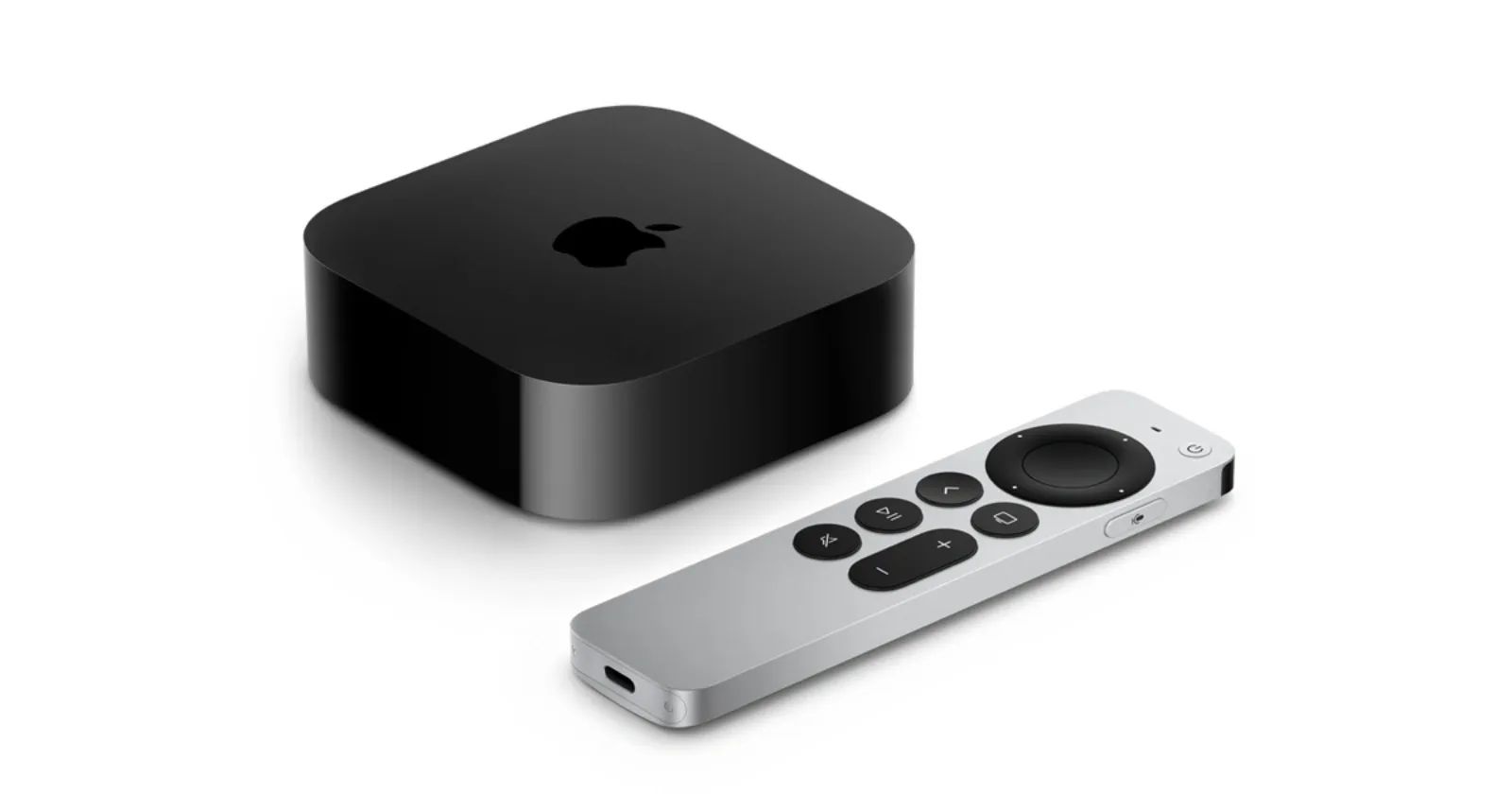

Apple TV 4K sits under millions of televisions doing one job well: streaming content. What many owners never discover is that the same box doubles as a powerful smart home hub, capable of controlling lights, thermostats, locks, and dozens of other HomeKit accessories through voice commands alone.
Key Takeaways
- Press and hold the Siri button on the Siri Remote to issue voice commands for any HomeKit accessory
- Apple TV 4K acts as a home hub, enabling remote access to your smart home accessories when you leave the house
- Use "Hey Siri" through a connected HomePod to control your setup entirely hands-free
- Create scenes that adjust multiple devices at once with a single voice command
- The 128GB Apple TV 4K model includes Thread support for faster, more reliable smart home communication
At-A-Glance: Apple TV Smart Home Features
| Feature | Benefit | Requirements |
|---|---|---|
| Siri Voice Control | Hands-free device control | Siri Remote or HomePod |
| Home Hub | Remote access away from home | Apple TV 4K always on |
| Thread Support | Faster accessory response | 128GB model with Ethernet |
| Multi-User Recognition | Personalized commands by voice | tvOS 26 profile setup |
Why Apple TV Beats Traditional Smart Home Apps
Opening the Home app on your iPhone every time you want to dim a lamp gets tedious. The friction adds up. But when you can simply press a button on your remote and say "dim the living room lights to 50 percent," you stop thinking about controlling your home and start just living in it.
Affiliate disclosure: some links in this article are Amazon Associate links. If you buy through them, Zone of Mac may earn a small commission at no extra cost to you, and we only recommend products that genuinely bring value to your Apple setup.
The Apple TV 4K functions as a HomeKit home hub automatically once you sign in with your Apple Account. This means your smart home accessories remain controllable even when your iPhone is nowhere near your house. The Apple TV maintains the connection and processes your commands whether you issue them from the couch or from another continent.
Setting Up Your Apple TV as a Smart Home Command Center
Before your Apple TV can control accessories, those accessories need to exist in the Home app on your iPhone or iPad. Adding a new device typically involves scanning a code printed on the accessory or its packaging.
Once accessories appear in Home, they automatically become available to your Apple TV. No additional configuration required.
To verify your Apple TV is functioning as a home hub, open the Home app on your iPhone, tap the three-dot menu in the top-right corner, select Home Settings, then tap Home Hubs & Bridges. Your Apple TV should appear in the list with a "Connected" status.
The Meross Smart Plug Mini makes an excellent starting point for anyone new to HomeKit. These compact plugs transform ordinary lamps, fans, and coffee makers into voice-controlled devices without requiring any rewiring. The plug connects directly to your Wi-Fi network and appears in the Home app within two minutes of setup. Each plug occupies only one socket, and you can stack two on a single outlet without blocking either one. The flame-retardant PC material carries ETL and FCC certifications, supporting appliances up to 15A.
Here's where to get the Meross Smart Plug Mini 4-Pack https://www.amazon.com/dp/B084JHJBQT?tag=zoneofmac-20
Voice Commands That Actually Work
Siri on Apple TV responds to a surprisingly broad range of natural language requests. You do not need to memorize exact phrases. Hold the Siri button on your remote and speak normally.
Try commands like "turn off all the lights" to darken every room at once. Ask to "set the thermostat to 72 degrees" without specifying which thermostat if you only have one. Request that Siri "lock the front door" before bed.
The real power emerges when you create scenes. A scene combines multiple actions into a single command. Build a "Movie Night" scene in the Home app that dims the living room lights, closes the blinds, and sets the TV room temperature to a comfortable level. Then say "Hey Siri, movie night" and watch everything happen simultaneously.
If you have set up Recognize My Voice in tvOS 26, Siri knows who is speaking and adjusts recommendations accordingly. This feature extends to HomeKit as well. Different family members can have different default rooms assigned to their voice profiles.
Accessibility and Clarity
Voice control through Apple TV removes physical barriers that affect users with mobility limitations. Instead of walking to a light switch or fumbling with a phone, a single voice command accomplishes the task.
For users with visual impairments, VoiceOver on Apple TV reads aloud the names of accessories and their current states. The Accessibility Shortcut (triple-press the TV button) quickly toggles VoiceOver on or off.
Siri commands benefit from spatial and textual descriptions rather than color-based instructions. Asking to "turn on the lamp in the bedroom" works better than referencing "the blue lamp" because Siri identifies devices by their assigned names, not by their physical appearance.
For users with cognitive accessibility needs, the simplicity of voice commands reduces friction. There is no need to remember which app controls which device or navigate complex menus. Just speak the request.
Thread Support Changes Everything
The 128GB Apple TV 4K model includes Thread networking alongside Wi-Fi. Thread creates a mesh network between compatible accessories, eliminating the single-point-of-failure problem that plagues Wi-Fi-only smart homes.
When one Thread device receives a command, it can relay that command to another Thread device further away from your router. The network becomes more reliable as you add more Thread accessories, not less. Response times drop noticeably compared to Wi-Fi or Bluetooth connections.
The Apple TV 4K with 128GB storage and Ethernet connectivity serves as a Thread border router out of the box. Connecting it via Ethernet rather than Wi-Fi provides the most stable foundation for your entire smart home. The Ethernet connection means your home hub never drops offline due to Wi-Fi congestion, which matters when you depend on voice commands to lock doors or control critical systems.
Here's where you can buy the Apple TV 4K 128GB with Wi-Fi and Ethernet https://www.amazon.com/dp/B0BJMGB95J?tag=zoneofmac-20
Controlling Accessories From Other Rooms
HomePod integration extends your voice reach beyond the living room. Place a HomePod mini in the kitchen, and you can control any accessory in any room without touching your Apple TV remote.
Specify the room in your command when necessary: "Turn off the lights in the bedroom" works from anywhere. Or omit the room and Siri uses context clues based on which HomePod heard your voice.
This distributed voice control transforms your entire home into a responsive environment. The Apple TV acts as the central hub managing all the connections, while HomePods serve as microphones positioned throughout your space.
For more on managing your smart home ecosystem, check out our guide to Philips Hue Secure finally adds Apple Home support in 2026.
Automation Without Voice Commands
Some tasks should happen automatically. The Home app allows you to create automations triggered by time, location, or accessory state.
Set your porch lights to turn on at sunset without any manual intervention. Have the thermostat adjust when everyone leaves the house based on iPhone location data. Turn off all accessories when the last person locks the front door at night.
The Apple TV evaluates these automations locally, so they execute even if your internet connection drops. This reliability matters for security-related automations like arming sensors or activating cameras.
Privacy Matters
Every Siri request processed through your Apple TV stays private. Apple does not store recordings of your voice commands or share them with third parties. HomeKit data encrypts end-to-end, meaning even Apple cannot see which lights you turned on last Tuesday.
This privacy-first approach distinguishes Apple's smart home platform from alternatives that monetize user data. Your home activity patterns remain yours alone.
Looking Ahead: tvOS 26.4 and Smarter Siri
Apple continues improving voice control capabilities. tvOS 26.4, expected in spring 2026, promises a significantly upgraded Siri that understands natural language more fluently and maintains conversational context across multiple requests.
The current Siri handles direct commands well. The upcoming version should handle requests like "make the living room feel like a movie theater" and figure out on its own that means dimming lights, closing blinds, and perhaps adjusting the sound system.
These improvements arrive as software updates to your existing Apple TV 4K. No hardware purchase required to benefit from smarter voice processing.

Tori Branch
Hardware reviewer at Zone of Mac with nearly two decades of hands-on Apple experience dating back to the original Mac OS X. Guides include exact settings paths, firmware versions, and friction observations from extended daily testing.
Related Posts
HomeKit Ceiling Fans That Earn a Spot in Your Apple Home
Apr 07, 2026
The Apple TV 4K Settings You Skipped Are Ruining Your Movies
Apr 06, 2026
The HomeKit Weather Sensors That Belong in Every Apple Home
Apr 05, 2026