
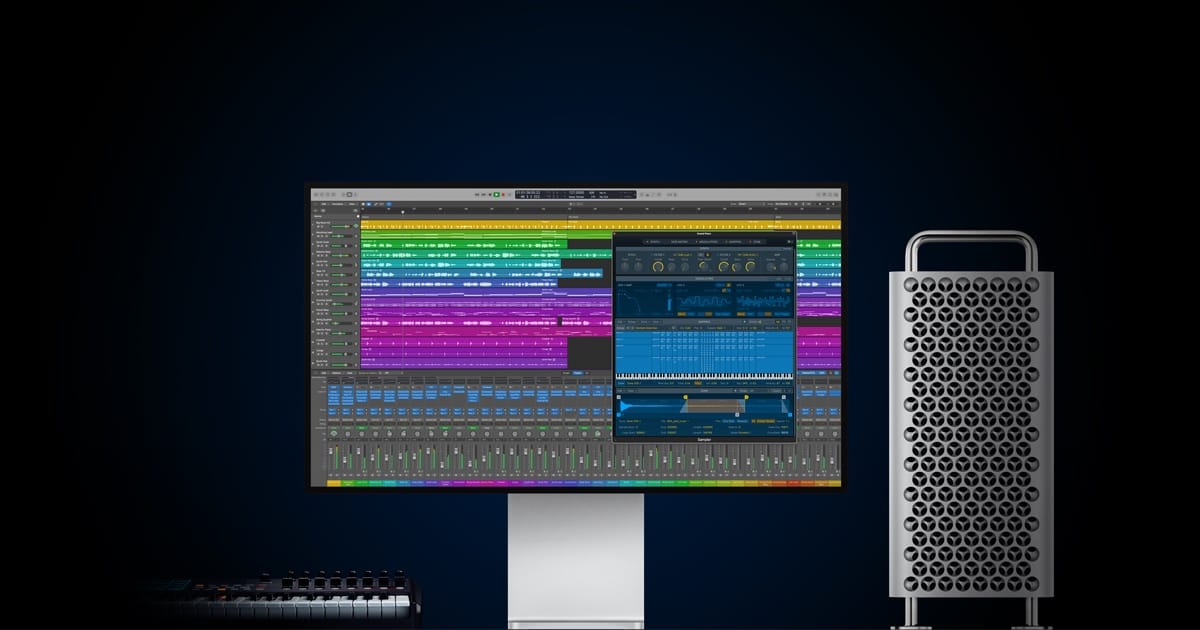

The Apple Mac Studio with Apple Silicon M5 Max and Apple Silicon M5 Ultra chips is expected to arrive around June 2026, likely alongside WWDC. The short answer on whether you should wait: yes, if your creative work regularly hits a wall with render times, AI model processing, or large-format video editing. But that “yes” comes with a catch that depends entirely on which chip tier you actually need.
Apple’s M5 generation introduced a Fusion Architecture that splits the CPU and GPU onto separate dies, and in the MacBook Pro M5 Max, that architecture already proved it could embarrass the outgoing M3 Ultra Mac Studio in single-threaded benchmarks. Putting that same silicon into the Mac Studio’s thermal envelope — with sustained power delivery and active cooling that a laptop cannot match — is where things get genuinely interesting for anyone who treats their Mac as a production tool rather than a browsing machine.
 Ad
AdWhat Apple’s Fusion Architecture Changes for Desktop Workflows
I want to be clear about something: this is not a speed bump. The Fusion Architecture that Apple debuted with the M5 Pro and M5 Max represents the first time Apple has physically separated the CPU and GPU into distinct dies on a system-on-chip. Apple confirmed this in their March 2026 newsroom announcement, and the implications for the Mac Studio are significant.
The M5 Max packs an 18-core CPU — six super cores for single-threaded speed and twelve performance cores for multi-threaded workloads. The GPU scales up to 40 cores, and here is the part that matters most for creative professionals: each GPU core now includes a dedicated Neural Accelerator. Apple claims over four times the peak AI compute compared to the M4 Max. That is not marketing fluff. The MacBook Pro M5 Max benchmarks that AppleInsider reported on March 6 showed the chip competing directly with the M3 Ultra in Geekbench scores. In a laptop. The Mac Studio version, with better sustained thermals, should push those numbers even further.
Unified memory on the M5 Max goes up to 128 gigabytes with bandwidth reaching 614 gigabytes per second. For video editors working in Apple Final Cut Pro with multicam 8K ProRes timelines, or 3D artists running Blender Cycles renders, that bandwidth is the difference between smooth scrubbing and the pinwheel of death.
The M5 Ultra Question Nobody Can Answer Yet
Here is where honest coverage has to diverge from hype coverage. Apple has not announced the M5 Ultra. Everything about it right now is informed speculation based on Apple’s established pattern of doubling the Max chip to create the Ultra.
If Apple follows that pattern — and every generation so far suggests they will — the M5 Ultra would feature a 36-core CPU, up to 80 GPU cores, and unified memory support reaching 256 gigabytes. That is workstation territory that competes with machines costing two or three times as much.
But I have to be straight with you: until Apple actually announces it, those numbers are projections, not promises. What we do know from Mark Gurman’s reporting at Bloomberg is that the Mac Studio M5 is coming around mid-2026 and that the design will look identical to the current model. Same compact aluminum enclosure. Same port layout. The changes are all on the inside.
 Ad
AdWho Should Wait and Who Should Buy Now
This is the question I keep seeing in every thread, and the answer is less complicated than people make it.
Wait for the Mac Studio M5 if you fall into any of these categories: you run AI models locally and need more Neural Engine throughput. You edit 8K ProRes footage and your current Mac Studio stutters on multicam timelines. You work with 3D rendering in Blender, Cinema 4D, or Houdini and your renders take hours instead of minutes. You need more than 96 gigabytes of unified memory. Or you plan to keep your next Mac Studio for four-plus years and want the latest architecture.
Buy the current Mac Studio now if your work fits comfortably within 96 gigabytes of unified memory. The M4 Max Mac Studio is a genuinely excellent machine, and if your projects do not push into the territory I just described, you are paying for headroom you may never use. The current model handles Final Cut Pro, Logic Pro, and most Xcode workflows without breaking a sweat. Waiting six months for a machine you do not need is six months of lost productivity.
If you are coming from an M1 Max or M2 Max Mac Studio, the M5 generation represents a two-generation leap in Neural Engine performance and a substantial jump in GPU compute. That is worth waiting for. If you already own an M3 Ultra or M4 Max Mac Studio and your current workflow runs smoothly, staying put is the rational move. The M5 will be faster, but “faster than fast enough” does not pay the bills.
The 512-Gigabyte RAM Situation
Apple quietly pulled the 512-gigabyte unified memory configuration from the Mac Studio lineup earlier this month. If you were eyeing that top-end option for massive AI model work, it is gone for now. AppleInsider reported on March 6 that Apple dropped the four-thousand-dollar upgrade, likely due to supply constraints in high-density memory chips.
The expectation is that the M5 Ultra Mac Studio will bring 256 gigabytes as its maximum configuration. For the overwhelming majority of professional workflows — even demanding ones — 256 gigabytes is more than enough. The users who genuinely needed 512 gigabytes were running enterprise-scale AI inference or scientific computing workloads that represent a tiny fraction of the Mac Studio’s customer base.
Still, losing the option stings. Apple marketed the Mac Studio as a machine that could handle anything you threw at it, and quietly removing the top tier before the replacement arrives feels like a gap in the product line that should not exist. If your work specifically requires more than 256 gigabytes of unified memory, the Mac Pro remains your only Apple option — and that machine has its own update timeline that nobody outside Cupertino knows.
What the Mac Studio M5 Means for Your Existing Setup
The Mac Studio sits on a desk. That sounds obvious, but it matters because the Mac Studio’s value proposition is not just the chip — it is the thermal design that lets that chip run at full power indefinitely. A MacBook Pro M5 Max throttles under sustained loads because it has to. The Mac Studio does not. If you have ever watched Activity Monitor during a long export and seen your MacBook Pro’s CPU frequency quietly step down after ten minutes, you already understand why the desktop form factor still matters.
The current Mac Studio ships with Thunderbolt 5 ports, and the M5 model is expected to keep them. That means 120 gigabits per second of bandwidth for external storage — fast enough to edit directly from a Thunderbolt 5 SSD without copying files to internal storage first. If you have been building a workflow around external NVMe drives, the Mac Studio M5 slots right in. For anyone considering the move from a Mac setup built around external displays and storage, the Mac Studio works especially well as the center of a creative workstation — something we explored in our guide to choosing the right Mac Studio for your creative workflow.
One friction point worth mentioning: the Mac Studio has no user-accessible RAM or storage upgrades. What you buy is what you get. With a machine that starts at $1,999 for the M5 Max and likely $3,999 for the M5 Ultra, choosing the wrong configuration is an expensive mistake. My advice is to buy more unified memory than you think you need today, because your projects will grow and Apple will not let you add more later. We covered the implications of Apple’s recent 512-gigabyte discontinuation in detail.
Accessibility and Clarity
The Mac Studio’s compact form factor presents both advantages and challenges for users with physical limitations. The front ports — two USB-C and an SD card slot — sit roughly four inches off the desk surface, which is reachable without lifting or tilting the machine. The rear ports require reaching behind the unit, and for users with limited mobility or visual impairments, that initial cable setup can be frustrating without assistance.
macOS Tahoe’s built-in accessibility features — VoiceOver, Switch Control, Voice Control, and the systemwide high-contrast display modes — all run identically on the Mac Studio as on any other Mac. The machine’s strength for accessibility is actually its desktop nature: pair it with any display size you need, any input device that works for your body, and any assistive technology that connects via USB or Bluetooth. Unlike a laptop, you are not locked into a specific screen size or keyboard layout. For users who rely on large-text displays or head-tracking input devices, the Mac Studio’s flexibility in monitor choice makes it one of the most adaptable Macs in the lineup.

Related Posts
Your Mac Just Started Warning You About Apps That Will Stop Working
Mar 28, 2026
MacBook Pro M5 Pro vs M4 Pro: The Honest Buying Decision for 2026
Mar 26, 2026
Claude Can Work Your Mac While You Walk Away — Here’s What That Changes
Mar 26, 2026