
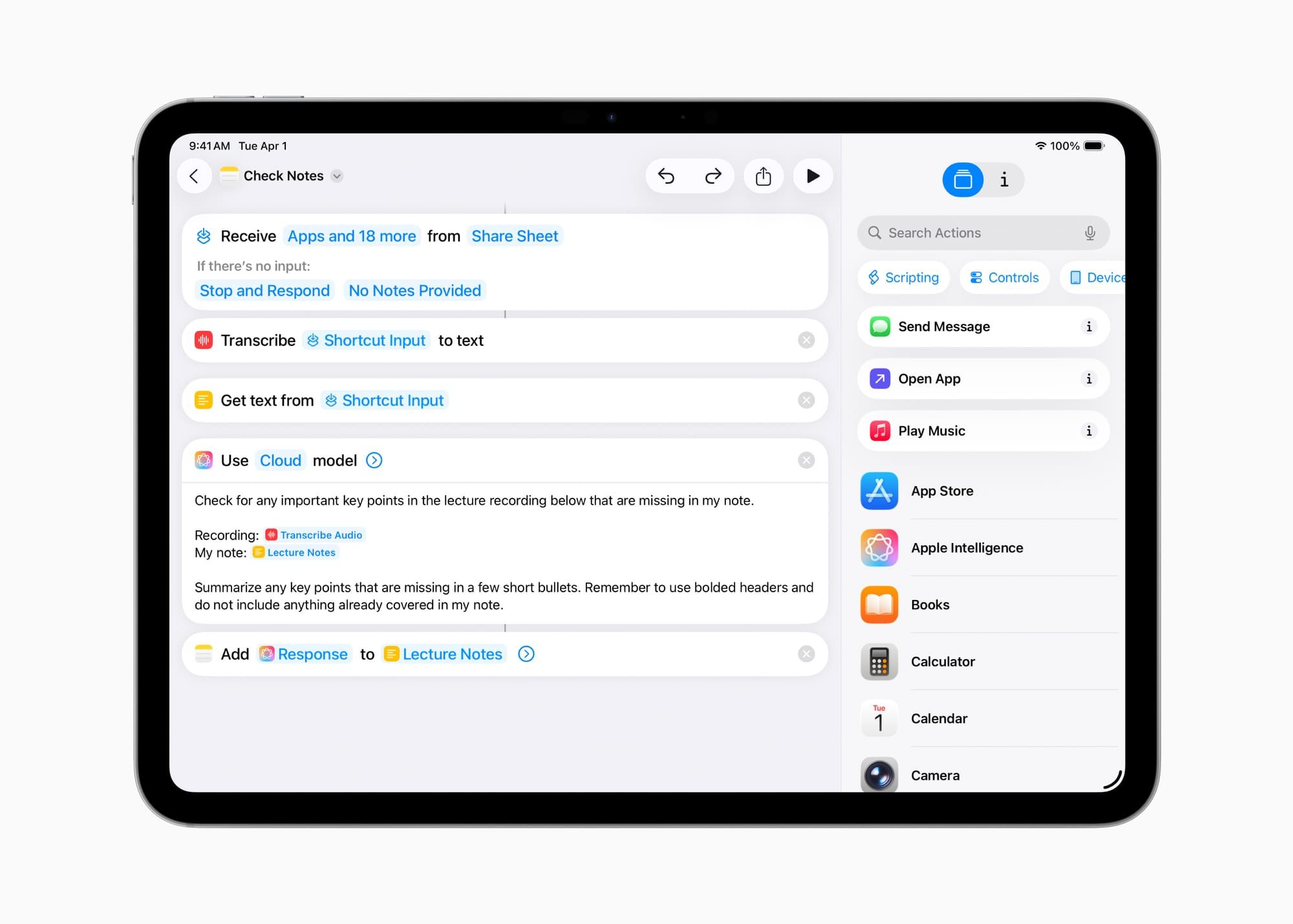

Apple Notes comes free on every iPad, handles handwriting recognition through Scribble, syncs across iCloud, and gets the job done for grocery lists and meeting notes. For anything beyond that, it quietly falls apart. The folder system is shallow, handwriting-to-text conversion only works inline, and there is no way to sync written notes to audio recordings. The real question is not whether Apple Notes is good enough. The real question is which third-party app matches the specific way you take notes, because the wrong choice wastes more time than a paper notebook.
Four apps dominate the iPad note-taking space in iPadOS 26: Apple Notes for speed, GoodNotes 6 for visual organization, Notability for lecture-style audio sync, and Nebo for handwriting-first writers who want their ink converted to editable text in real time. Each one handles Apple Pencil Pro differently, and the gap between them is wider than most comparison articles let on.
Why Apple Notes Works Until It Suddenly Stops
Apple Notes in iPadOS 26 supports folders, tags, Smart Folders, inline scanning, PDF markup, and Quick Notes from the Lock Screen. Tap the Apple Pencil Pro to the Lock Screen and a new note opens instantly. Scribble lets you write anywhere a text field exists, and iPadOS converts your handwriting to typed text on the fly. For capturing a phone number, jotting down a reminder, or sketching a rough layout, nothing launches faster.
The friction shows up the moment your notes start to accumulate. Apple Notes lets you nest folders one level deep. One. You can work around this with tags and Smart Folders, but Smart Folders only filter by tags, dates, and attachments. There is no way to build a Smart Folder that pulls every note containing a specific handwritten word. Search handles typed text well but treats handwritten content inconsistently, sometimes catching a phrase, sometimes missing it by one letter.
The other blind spot is output. Apple Notes can export a note as a PDF, but it flattens your handwriting into a static image. You cannot export handwritten notes as editable text. You cannot reflow your handwriting into a different page size. Once you write something in Apple Notes, the format is locked.
GoodNotes 6 Gives Structure-Obsessed Note Takers Full Control
GoodNotes 6 is the app for people who color-code their notebooks, organize by semester or project, and want every page to feel like a physical journal. It supports unlimited nested folders, custom covers, and over a hundred built-in templates ranging from dot grids to Cornell-style lecture sheets. The organizational depth is the single biggest reason people switch from Apple Notes.
GoodNotes recently added full Apple Pencil Pro support, including the squeeze gesture for quick tool switching and barrel roll for rotating brush angles. Squeezing the Apple Pencil Pro in GoodNotes opens a radial tool menu right where your pencil tip sits, so you never have to reach for the toolbar at the top of the screen. The barrel roll response is precise enough that calligraphy brushes rotate smoothly as you twist your wrist. These feel like small details until you spend forty minutes in a lecture and realize you never lifted your hand from the page to change tools.
Affiliate disclosure: some links in this article are Amazon Associate links. If you buy through them, Zone of Mac may earn a small commission at no extra cost to you, and we only recommend products that genuinely bring value to your Apple setup.
Those Pencil Pro gestures only work on iPad models that support Apple Pencil Pro: the iPad Air M2 and later, and the iPad Pro M4 and later. Apple designed the Apple Pencil Pro with a gyroscope and haptic engine specifically for this kind of per-app gesture customization. The squeeze gesture sends a haptic pulse through the barrel so you feel the tool change without looking, and the barrel roll sensor tracks rotation at a granularity that cheaper styluses cannot replicate. If you are building a note-taking workflow around GoodNotes, the Apple Pencil Pro is the input device that unlocks the full experience.
You can pick up the Apple Pencil Pro on Amazon https://www.amazon.com/dp/B0D3J71RM7?tag=zoneofmac-20
GoodNotes costs $11.99 per year for the Essentials plan or $35.99 as a one-time purchase. The free tier limits you to three notebooks, which is enough to test the app but not enough to commit to it. AI features like note summarization and handwriting search enhancement require the subscription tier.
Notability Is Still the Only App That Syncs Ink to Audio
Notability's defining feature has not changed since 2012, and nobody else has matched it. Record a lecture or meeting while taking handwritten notes, and Notability timestamps every stroke to the audio timeline. During playback, tap any word you wrote and the audio jumps to the exact moment you wrote it. This is not a gimmick. Students, journalists, and anyone who records conversations while writing will not find this feature anywhere else on iPad.
The AI transcription added in 2025 made this even more useful. Notability now generates a full text transcript alongside the audio, and tapping a word in the transcript jumps to both the audio timestamp and the corresponding handwritten notes on the page. It turns a fifty-minute lecture into a searchable document where every word, written or spoken, is cross-referenced.
Notability's organizational model is simpler than GoodNotes. You get subjects and dividers instead of nested folders. This works well for students who organize by class, but professionals juggling dozens of project notebooks may find the structure too flat. Notability is free to download, with a $14.99 per year subscription unlocking iCloud sync across devices, advanced editing tools, and the AI transcription features. The paid tier is where the real value sits.
Nebo Converts Your Handwriting to Editable Text as You Write
Nebo approaches note-taking from a direction the other apps ignore entirely. Write a sentence with Apple Pencil, and Nebo converts it to typeset text in real time, preserving your paragraph structure, bullet points, and headings. This is not the same as Scribble, which only works inside text fields. Nebo converts entire pages of handwriting into formatted, editable documents that you can export as Word files, PDFs, or HTML.
The conversion accuracy is startling once you adjust to the recognition engine. Nebo asks you to set your primary language during setup and calibrates from there. Within a few pages, it catches shorthand, sloppy letters, and even math notation. The friction point is that Nebo's conversion requires you to write in a structured way. It expects paragraphs, not scattered annotations across a blank canvas. If you take notes in a linear, top-to-bottom style, Nebo is faster than typing. If you sketch diagrams between paragraphs or annotate images, GoodNotes handles that workflow better.
Nebo costs $9.99 as a one-time purchase with no subscription required. For writers and students who produce long-form handwritten content, that single payment replaces an entire typing workflow. If your notes involve importing files from other apps, the iPadOS built-in file transfer tools handle moving documents between Nebo and other apps without any third-party workarounds.
The table below compares the four note-taking apps discussed in this article across organization, handwriting conversion, audio sync, and Apple Pencil Pro support. Use it to match your workflow to the right app.
| Feature | Apple Notes | GoodNotes 6 | Notability | Nebo |
|---|---|---|---|---|
| Handwriting to Text | Scribble only | Lasso convert | Basic convert | Real-time inline |
| Audio Sync | No | Basic recording | Tap-to-seek sync | No |
| Apple Pencil Pro Squeeze | System only | Full support | Partial | Partial |
| Organization Depth | Folders + Tags | Infinite nested folders | Subjects + Dividers | Notebooks + Pages |
| Best For | Quick capture | Visual organizers | Lecture recording | Handwriting-first writers |
How Apple Pencil Pro Changes the Note-Taking Equation
All four apps work with every Apple Pencil model, but Apple Pencil Pro adds three capabilities that reshape the experience: squeeze gestures for instant tool switching, barrel roll for rotational brush control, and haptic feedback that confirms actions without visual confirmation. The squeeze gesture alone eliminates the most common interruption in handwritten note-taking, which is reaching to the toolbar to swap between pen and highlighter. In GoodNotes and Notability, a quick squeeze cycles through your last two tools. In Nebo, it toggles between writing and eraser mode.
The barrel roll sensor tracks the rotation angle of Apple Pencil Pro and translates it to brush orientation. In GoodNotes, this means calligraphy pens respond to wrist rotation the way a real flat-nib pen does. The effect is subtle in note-taking but transformative for anyone who sketches diagrams or uses visual emphasis in their notes. Apple’s Human Interface Guidelines for Apple Pencil confirm that barrel roll operates at the hardware level, with supported apps receiving continuous rotation data from the gyroscope.
The haptic engine is the least discussed feature and arguably the most important for note-taking speed. Every squeeze sends a short tap through the pencil barrel. Every tool change, every undo, every menu dismiss produces physical feedback. After a week of using Apple Pencil Pro in GoodNotes, switching back to a second-generation Apple Pencil feels like typing on a keyboard with no key travel. The physical confirmation keeps your eyes on the page instead of the toolbar. If you already own Apple Pencil Pro and use it for creative work in Procreate, these same gestures carry over to every note-taking app that supports them.
Join The Inner Circle For Serious Apple Users
Exclusive Apple tips. Free to join.
Check your inbox for a confirmation link.
Something went wrong. Please try again.
Accessibility and Clarity
All four apps support VoiceOver navigation, but the depth of implementation varies significantly. Apple Notes integrates directly with the system accessibility stack, so every handwritten stroke, every folder label, and every Smart Folder filter is announced correctly by VoiceOver. GoodNotes and Notability handle basic navigation well but sometimes fail to announce custom toolbar states. When you switch tools via Apple Pencil Pro’s squeeze gesture, VoiceOver may not announce the new tool selection, which creates confusion for users who rely on audio feedback.
Nebo’s real-time handwriting conversion creates a unique accessibility advantage. Because your handwritten notes are instantly converted to typeset text, VoiceOver can read them back immediately. In Apple Notes and GoodNotes, handwritten content requires OCR processing before it becomes searchable or readable by assistive technology. For users with low vision who write with Apple Pencil but need their notes read back to them, Nebo bridges that gap better than any competitor.
Cognitively, GoodNotes presents the most complex interface with its layered folders, custom covers, and template system. Users with ADHD or dyslexia may find the initial setup overwhelming. Notability and Nebo both offer simpler information architectures that reduce decision points during note creation. Apple Notes sits in the middle: the app itself is simple, but the Smart Folders system requires abstract thinking about filter logic that can increase cognitive load.
Quick-Action Checklist
- Open the App Store on your iPad and search for GoodNotes, Notability, or Nebo
- Download the free tier of your chosen app to test before committing
- Create one notebook and write two full pages of notes with Apple Pencil
- Test the squeeze gesture (Apple Pencil Pro only) to switch tools mid-page
- Try exporting a page as PDF and as editable text to see which formats your app supports
- Set up iCloud sync in your app’s settings so notes appear on your iPhone and Mac
- Delete the apps that did not match your workflow and commit to one
Deon Williams
Staff writer at Zone of Mac with two decades in the Apple ecosystem starting from the Power Mac G4 era. Reviews cover compatibility details, build quality, and the specific edge cases that surface after real-world use.
Related Posts
Your iPad Moves Files Six Ways and You're Probably Using One
Apr 08, 2026
Your iPad’s Magic Keyboard Has a Shortcut Layer Most Owners Never Open
Apr 07, 2026
Your Apple Pencil Tip Is Wearing Out and You Can’t Even Tell
Apr 06, 2026