

🎧 Listen to this article
Prefer to listen? An audio version of this article is available for accessibility and convenience.
Apple Vision Pro has apps that justify the headset sitting on your shelf. Productivity tools like Fantastical and Things 3 run natively on visionOS 26, entertainment apps like Disney+ wrap you in spatial Dolby Atmos sound, and creative tools like Shapr3D let you sculpt 3D models by reaching into thin air. The catch is that most of these apps require deliberate setup, the visionOS App Store buries some of the best options behind generic categories, and a handful of critical services still refuse to show up at all.
I spent time going through what is actually available on visionOS 26 as of March 2026, and the results surprised me. The app ecosystem is thinner than iPhone or iPad, obviously. But the apps that do exist tend to be deeply considered, built specifically for spatial computing rather than lazy ports of existing iPad interfaces. Here is what is genuinely worth downloading, what fills the gaps Apple left open, and what still needs work.
 Ad
AdProductivity Apps That Earn Their Spatial Canvas
Fantastical is the calendar app that made me understand why spatial computing matters for actual work. Flexibits built their visionOS version from the ground up, and the result lets you open multiple calendar windows and arrange them around your physical space. One window shows today’s schedule to my left, another shows the full week ahead to my right. The developer called it “the best version we’ve ever made,” and after using it, I get why. Apple’s own Calendar app on Vision Pro feels flat by comparison.
Things 3 by Cultured Code brings task management into the same spatial workflow. You can open multiple Things windows and scatter them around your environment, which sounds gimmicky until you actually do it. Having a project window next to a reference document next to your calendar creates a workspace that feels more organized than any monitor arrangement. Things 3 costs $30 as a one-time purchase on visionOS, which is steep for a task manager, but the spatial interface earns it.
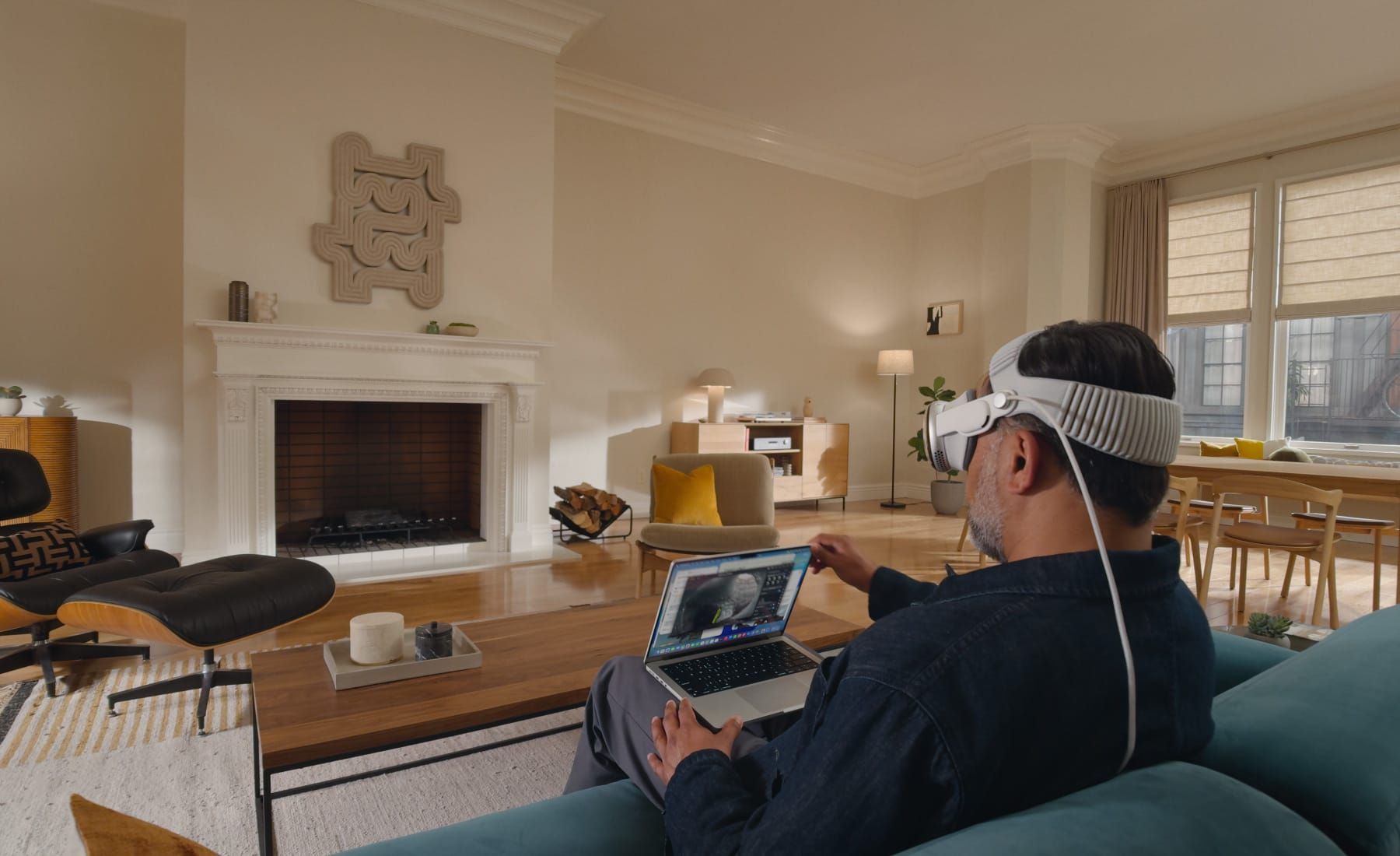
Craft operates as a native visionOS document editor and works well for notes, project briefs, and collaborative documents. Microsoft 365 runs as a compatible iPad app on visionOS, which means it works but does not take full advantage of spatial features. For serious productivity, the Mac Virtual Display feature in visionOS 26 remains the single best reason to put on the headset. Why would you squint at a 16-inch laptop screen when you can work on a virtual display the size of a wall? It mirrors your Mac desktop onto a massive virtual screen that fills your field of view, and Apple improved the resolution and responsiveness in this release.
The Entertainment Gap and How to Fill It
Disney+ set the standard for what a visionOS entertainment app should look like. It offers immersive viewing environments, spatial audio, and 3D movie content. Apple TV+ matches it with a growing library of Apple Immersive Video content filmed in stereoscopic 3D at 8K resolution, including nature documentaries, concert experiences, and short films designed specifically for the headset.
YouTube finally launched a native visionOS app in February 2026, two full years after Vision Pro shipped. It supports 3D 360-degree and VR 180-degree videos and can handle 8K content on the M5-based Vision Pro. But it is a basic floating window with none of the custom viewing environments that Disney+ offers. No virtual cinema, no spatial tricks.
Netflix still refuses to make a visionOS app. They even blocked their iPad app from running on Vision Pro, which means your only official option is watching Netflix through Safari in a browser window. The third-party app Supercut fixes this problem for five dollars. Built by developer Christian Privitelli, Supercut wraps Netflix and Amazon Prime Video in a native visionOS interface with 4K Dolby Vision and spatial Dolby Atmos audio. It is the single most useful five-dollar purchase on the entire visionOS App Store, and the fact that a solo developer built what Netflix will not is both impressive and a little embarrassing for Netflix.
 Ad
AdGaming Gets Serious With Controller Support
visionOS 26 added PlayStation VR2 Sense controller support, and that changes the gaming conversation entirely. The VR2 controllers bring high-performance motion tracking, haptic feedback, and finger-touch detection to Vision Pro, which means games that previously required awkward hand gestures can now use precise physical inputs.
Apple Arcade includes spatial games designed for Vision Pro, though the library is still small. The immersive live sports content is where things get genuinely exciting. Apple started broadcasting select NBA Lakers games in immersive format earlier this season, offering a front-row courtside perspective where you turn your head to follow the action up and down the court. The replays are freely available through the NBA app with an NBA ID. Apple TV holds exclusive U.S. broadcast rights for Formula 1, and immersive F1 content on Vision Pro feels inevitable after what they demonstrated with basketball. If you are curious about what two years of Vision Pro development looks like from the outside, this deep-dive on Vision Pro’s progress covers everything that changed and what still has not.
Creative Tools That Actually Use Three Dimensions
Shapr3D is a full CAD application running natively on visionOS. You can model 3D objects by manipulating them in actual three-dimensional space, without any supporting device. For architects, product designers, and engineers, this is the single strongest argument for Vision Pro as a professional tool. Prototypes that exist as floating objects you can walk around and inspect from every angle change how you evaluate a design.
Polycam connects iPhone LiDAR scanning to Vision Pro viewing. Scan an object or room on your iPhone, then open Polycam on Vision Pro to interact with the 3D model at real-world scale. JigSpace turns those scans into interactive presentations. Together, these three apps form a scanning-to-presentation pipeline that works entirely within the Apple ecosystem.
What visionOS 26 Changed for Apps
The biggest software addition in visionOS 26 is spatial widgets. Widgets now anchor to locations in your physical space and persist between sessions, returning to exactly where you placed them when you put the headset back on. A weather widget above your kitchen counter, a calendar widget next to your desk, a music controller by the couch. Third-party developers can build spatial widgets through the new Widgets app, and the ones from Fantastical and Things 3 already work well. For a full walkthrough of what spatial widgets can do, this guide covers the setup from scratch.
Enhanced Personas in visionOS 26 are dramatically improved. The volumetric rendering now captures accurate hair, lashes, and complexion, with full side-profile views. Apple says you can choose from over 1,000 glasses variations during setup. Shared experiences let multiple Vision Pro users in the same room watch 3D movies, play spatial games, or collaborate on projects together, with remote participants joining via FaceTime.
Look to Scroll lets you navigate apps and web pages with just your gaze, setting preferred scroll speeds in Accessibility settings. Hand tracking improved to 90Hz in this release, which makes every interaction feel noticeably more responsive. The Liquid Glass design language from visionOS 26 gives the entire interface a translucent, layered look that responds to light in your real environment. Apple’s developer documentation for visionOS 26 covers the full list of spatial computing frameworks powering these apps, including RealityKit and ARKit updates.
If you already own an Apple Vision Pro with M5 and have not explored the App Store since launch, the ecosystem has matured enough to deserve another look. The productivity apps are genuinely useful, the entertainment workarounds cover the biggest gaps, and the creative tools do things no other platform can match. The hardware still costs $3,499 and the headset still weighs enough that two-hour sessions are the comfortable maximum. But the software finally has enough depth to make those two hours count.

Related Posts
Your Entire Steam Library Now Streams to Apple Vision Pro
Apr 08, 2026
Your Apple Vision Pro Has a Fifth F1 Feed Nobody Mentions
Mar 10, 2026
Your Apple Vision Pro Light Seal Is the Reason It Feels Wrong on Your Face
Mar 06, 2026