
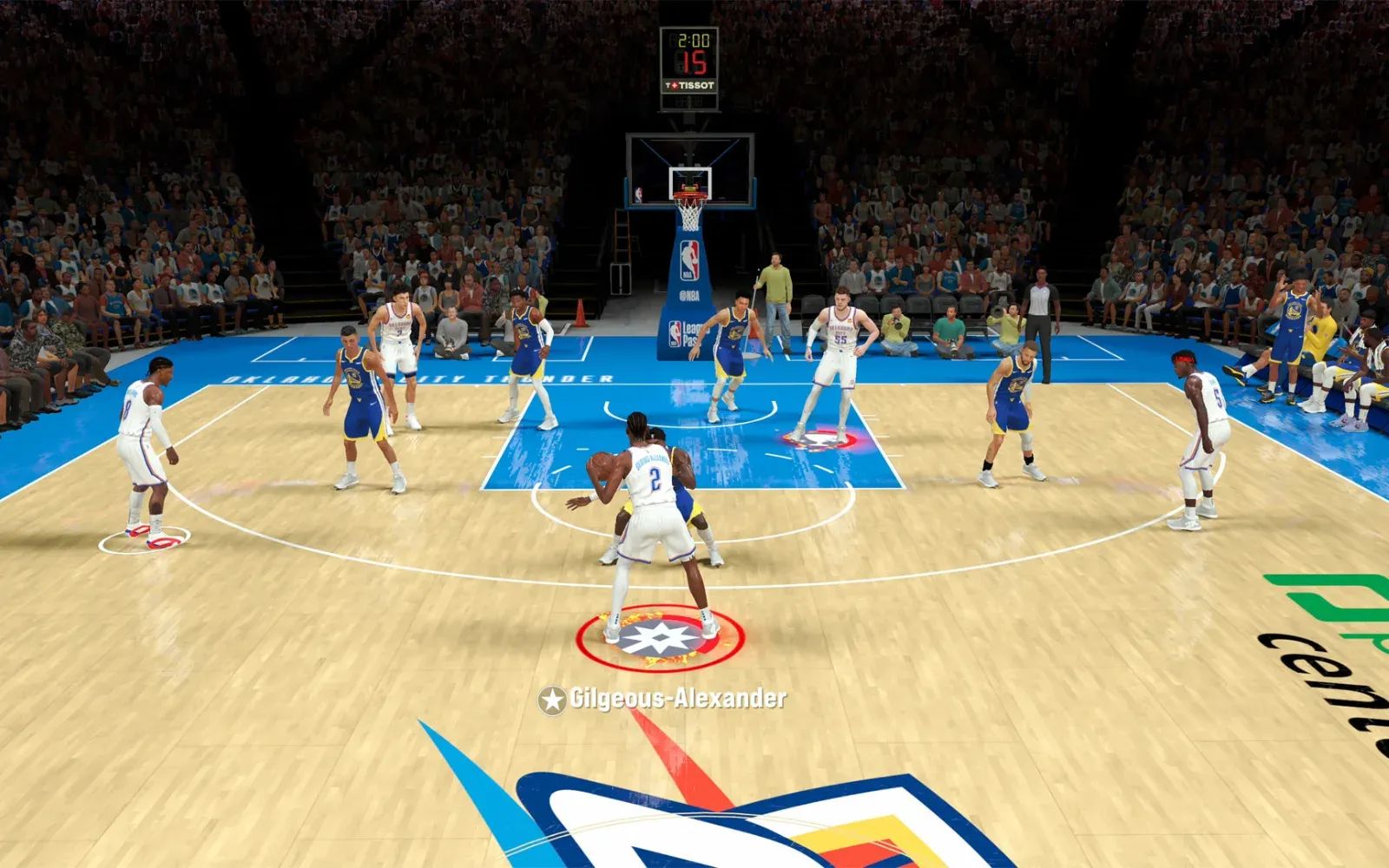
Like me, there are many reasons why you might have opted in to buying the glorious Apple TV 4K. Maybe you wanted AirPlay for photos during the holidays. Perhaps you thought having another device that syncs with your HomeKit setup would be useful, which it is, and I've written about turning your Apple TV into a smart home hubbefore. But somewhere in the Settings menu, hiding between Screen Saver and AirPlay & HomeKit, there's a secret: your Apple TV wants to be a gaming console. And tvOS 26 makes that ambition more reasonable than ever.
The problem is that most people try gaming with the Siri Remote. This is like trying to eat soup with a fork. Technically possible if you're committed enough, but you're going to have a bad time and make a mess.
Why the Siri Remote is the Wrong Tool
Apple includes the Siri Remote with every Apple TV, and technically it works as a game controller. The touch surface handles swipes, the clickpad registers directional input, and you've got a few buttons to work with. Some Apple Arcade titles were even designed with this input method in mind.
The reality is less charming. The Siri Remote weighs basically nothing, which sounds great until you're trying to execute a tight turn in Horizon Chase 2 and the remote slips because your hands are sweating from concentration. The touch surface lacks tactile feedback, so you never quite know if your input registered until something happens on screen. Or doesn't happen.
I spent an embarrassing amount of time playing Sonic Dream Team with the Siri Remote before admitting defeat. The game supports it, sure. The game also supports actual controllers, which is how the developers clearly intended people to play their 3D platformer where precision matters.
What tvOS 26 Changes
The latest update arrived in September 2025, and while most attention went to interface refreshes and Apple Intelligence hooks, the gaming improvements flew under the radar.
Controller support expanded significantly. tvOS 26 now recognizes more Bluetooth gamepads natively, including the full lineup of 8BitDo controllers that previously required firmware updates. Button remapping moved to a more accessible location in Settings, then Remotes & Devices, then Bluetooth. The system remembers custom layouts per game, which sounds minor until you realize the previous behavior made you reconfigure everything constantly.
The Apple Games app that debuted on iPhone, iPad, and Mac hasn't arrived on tvOS 26 yet. Rumors suggest Apple is waiting to launch it alongside updated hardware featuring the A17 Pro chip, delayed from late 2025 into early 2026.
Picking the Right Controller
You have options, ranging from "thing you already own" to "thing you'll buy specifically for Apple TV gaming."
If you own a PlayStation 5, your DualSense controller pairs over Bluetooth with no fuss. Press and hold the PS button and the Create button simultaneously until the light bar flashes, then select it from your Apple TV's Bluetooth menu. The adaptive triggers and haptic feedback don't work outside the PlayStation ecosystem, but basic functionality is solid.
Xbox controllers work the same way. Hold the pair button until the Xbox logo flashes, then connect through Bluetooth settings. Nintendo Switch Pro Controllers are also compatible, though button labels can get confusing since tvOS references buttons by position rather than name.
Affiliate disclosure: some links in this article are Amazon Associate links. If you buy through them, Zone of Mac may earn a small commission at no extra cost to you, and we only recommend products that genuinely bring value to your Apple setup.
For those without existing console hardware, or those who want a dedicated Apple TV controller that isn't perpetually borrowed from another system, the 8BitDo Ultimate Bluetooth Controller deserves serious consideration. It comes with a charging dock that powers the controller on and off automatically when you lift or place it, which removes the friction of remembering to charge or connect. The Hall Effect joysticks resist drift, a problem that plagues cheaper controllers after a few months of use. Two programmable back buttons sit where your middle fingers naturally rest, useful for games where remapping makes life easier.
The catch with 8BitDo controllers is the firmware situation. Out of the box, older models needed a firmware update downloaded from the 8BitDo website and applied through their desktop software before tvOS would recognize them properly. Recent shipments come with Apple-compatible firmware pre-installed, but if you're buying used or picking up old stock, budget fifteen minutes for the update process. Not difficult, just annoying.
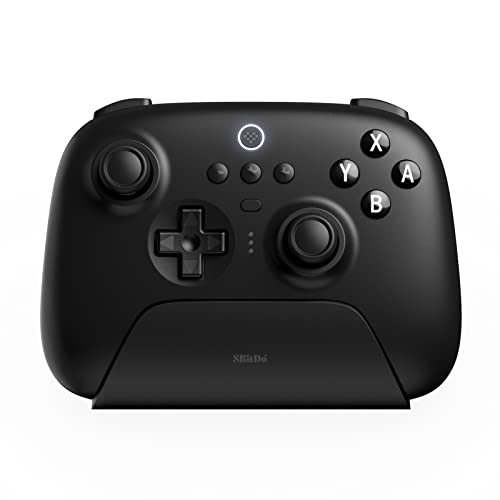

Here's where to get the 8BitDo Ultimate Bluetooth Controller with Charging Dock https://www.amazon.com/dp/B0B9BGJVLL?tag=zoneofmac-20
The one limitation worth mentioning: rumble vibration works inconsistently across Apple Arcade titles. Some games support it fully, some partially, some not at all. The Pathless vibrates when arrows connect. Dead Cells+ provides feedback during combat. Most games just don't bother. This isn't 8BitDo's fault; it's a developer implementation issue across the platform.
Configuring Your Controller
Once connected, the controller shows up in Settings, then Remotes & Devices, then Bluetooth. Select it to access customization options.
Button remapping lets you swap any input to any other input. If you prefer jump on the right bumper instead of the A button position, you can do that. If a specific game has an unintuitive control scheme and doesn't offer in-game remapping, the system-level option saves you from suffering through it.
Vibration intensity can be adjusted or disabled entirely. Some people find controller vibration immersive. Some find it annoying. I keep mine at about 60%, which provides feedback without making my hands go numb during longer sessions.
The controller can also navigate the entire tvOS interface. Once connected, you can put the Siri Remote in a drawer and forget about it. The controller handles menus, text input through an on-screen keyboard, and all the streaming apps. Using a gaming controller to browse Netflix feels odd at first, then becomes completely normal.
Join The Inner Circle For Serious Apple Users
Exclusive Apple tips. Free to join.
Games Worth Playing
Apple Arcade costs $7 per month or comes bundled with Apple One subscriptions. The library exceeds 200 games, though not all work on Apple TV, and not all benefit from controller input.
Dead Cells+ is a punishing roguelike requiring precise timing. Trying it with the Siri Remote is an exercise in futility. With a proper controller, the combat clicks and the game becomes genuinely excellent.
Stardew Valley+ brought the beloved farming simulator to Apple Arcade, and while touch controls work on iPhone, playing on the big screen with a controller feels right. You're not fighting the interface.
Katamari Damacy REROLL requires dual stick input by design. The original was a PlayStation 2 game controlled entirely through both analog sticks. That scheme persists, making Siri Remote play impossible. Controller required, game outstanding.
Sneaky Sasquatch works surprisingly well on Apple TV too. The game's about being a sasquatch living secretly among humans, stealing food from campers, getting a job. Standard sasquatch activities.
The Accessibility Angle
Apple's controller support includes extensive accessibility options. Under Settings, then Accessibility, then Remotes & Devices, you can enable Switch Control to use the game controller as an accessibility device beyond gaming.
For users with motor impairments, system-level button remapping means adapting controls to individual needs without relying on in-game options that may not exist. The larger physical size of dedicated controllers compared to the Siri Remote can also be easier to hold for users with grip challenges. Audio descriptions and closed captions work normally with controller input.
What's Coming Next
The rumored Apple TV 4K refresh with A17 Pro chip would bring hardware-accelerated ray tracing, the same technology that enabled console-quality ports like Resident Evil 4 on iPhone 15 Pro and iPhone 16 models. Apple Intelligence integration is reportedly the reason for the delay into spring 2026.
For now, the current Apple TV 4K with tvOS 26 and a proper controller provides a gaming experience good enough to merit attention. Not a console replacement, but a capable secondary gaming device for anyone already invested in the Apple ecosystem. The controller compatibility extends to Vision Pro using many of the same pairing methods.
Stop treating your Apple TV like a streaming-only device. Pair a controller, download a few games, and let the thing do what it's been quietly capable of doing for years. The soup tastes better with a spoon.

Related Posts
Apple Home Has Almost No Smoke Detectors. Do This Instead
Mar 30, 2026
The HomePod Mini Placement Mistake That Ruins Your Sound
Mar 23, 2026
Build a Whole-Home Audio System with HomePod
Feb 22, 2026