
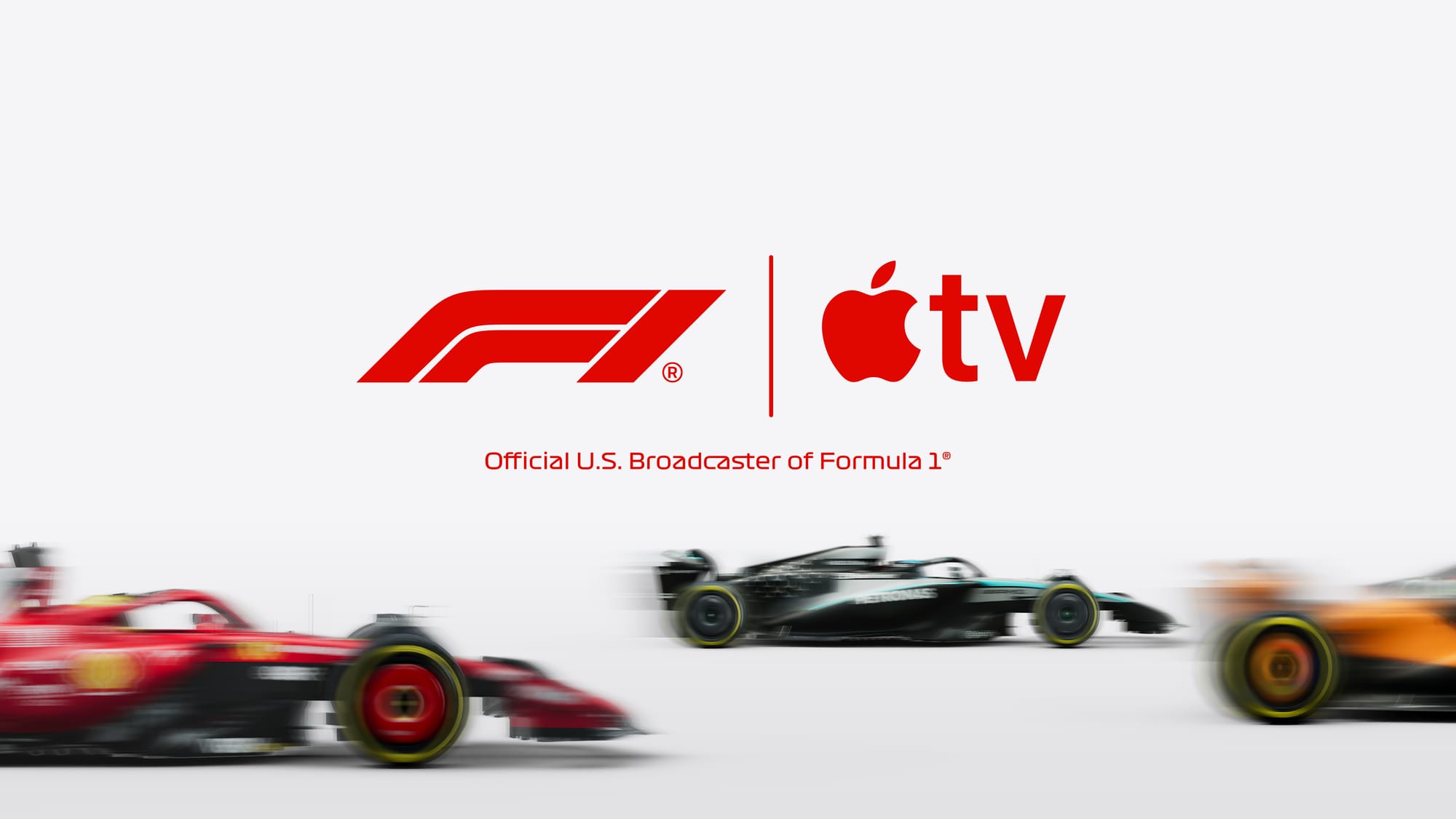

Formula 1 in the United States now streams exclusively through the Apple TV app, and an Apple TV+ subscription unlocks every practice session, qualifying round, Sprint race, and Grand Prix in 4K Dolby Vision with Dolby Atmos audio. That is a genuine first for the sport. F1 has never been broadcast in Dolby Vision before the 2026 season, and the jump from ESPN’s 1080p stereo feed is immediately obvious the moment the lights go out.
But subscribing is just the starting line. Apple’s F1 experience includes up to 30 simultaneous camera feeds, a Multiview feature that lets you watch four streams at once, two entirely different commentary teams you can switch between mid-race, and a free tier that most people do not realize exists. Getting all of that working the way you actually want it takes about ten minutes of setup, and the choices you make during those ten minutes determine whether race day feels like a premium broadcast or a confusing mess of menus.
I am going to walk through every step, subscription option, and hidden setting so you can have your Apple TV 4K race-ready before the next Grand Prix weekend.
 Ad
AdWhat Happened to Formula 1 on Cable
Gone. Completely. Apple signed a five-year deal worth roughly $750 million to become the exclusive U.S. broadcast partner for Formula 1 starting with the 2026 season. ESPN, ESPN2, and ABC no longer carry any F1 content. There is no cable fallback. If you want to watch a Grand Prix live in America, you need the Apple TV app. As we covered when Apple TV became the only way to watch F1 in America, this was the biggest shift in American motorsport broadcasting in decades.
The season opened with the Australian Grand Prix on March 7, 2026, and 24 races stretch through December 6 in Abu Dhabi. Six of those weekends include Sprint races. A new street circuit in Madrid joins the calendar this year, and the entire sport is running under the most sweeping regulation changes in its history — new chassis and new power unit rules arriving at the same time.
Your Subscription Options Are Simpler Than They Look
Here is what surprised me: you do not need a separate F1 TV subscription if you are in the United States. Apple TV+ at $12.99 per month (or $99 per year if you go annual) includes every F1 TV Premium feature at no additional cost. That means onboard cameras, driver telemetry, full replays, the “Race in 30” condensed recaps, and access to Formula 2, Formula 3, F1 Academy, and Porsche Supercup. The annual plan works out to about $8.25 per month, which is genuinely reasonable for what amounts to a complete motorsport package on top of Apple’s regular TV+ content.
Apple TV+ is also included in every Apple One bundle tier. If you already subscribe to Apple One for iCloud+ storage or Apple Music, you might already have F1 access without realizing it. Check your Apple TV+ subscription perks if you are unsure.
What most people miss: there is a free tier. All practice sessions (FP1, FP2, FP3) and select Grand Prix races are available without any subscription at all. Apple clearly wants to hook new fans with the free sessions and convert them to subscribers for qualifying and race day. It is a smart strategy, and honestly, the free practice sessions alone are worth checking out if you are curious about the sport but not ready to commit.
A quick look at the three ways to access Formula 1 content through Apple TV, and what each tier actually delivers:
| Access Level | What You Get | Cost | Multiview |
|---|---|---|---|
| Free (no subscription) | All practice sessions, select Grand Prix races | $0 | No |
| Apple TV+ Monthly | Every session, qualifying, Sprint, race + F1 TV Premium features | $12.99/month | Yes (up to 4 feeds) |
| Apple TV+ Annual | Same as monthly, billed yearly | $99/year (~$8.25/month) | Yes (up to 4 feeds) |
Setting Up the F1 Experience on Apple TV 4K
Open the Apple TV app on your Apple TV 4K and navigate to the dedicated Formula 1 section. Apple built this as a channel within the app rather than a separate download, which keeps things clean. Once you are subscribed, every live session, replay, and highlight package appears here. The Apple Support guide for Formula 1 covers the basics, but there are practical details it skips.
The first thing to verify is your internet speed. Apple recommends 25 Mbps or higher for consistent 4K streaming, and that number is not a suggestion. During the opening weekend Australian Grand Prix, viewers on slower connections reported frame drops that lasted two to three minutes at a time — sometimes dipping to what looked like a single frame per second. The 4K Dolby Vision stream is beautiful when it works, but it demands real bandwidth.
One optional but worthwhile step: link your Apple TV+ account to an F1 TV account through the web activation page. This unlocks F1 TV Premium features on non-Apple devices and the F1 TV website, which is handy if you travel and only have a laptop. Use a desktop browser for this step. The linking process has a known bug where it hangs on mobile Safari and Chrome for iOS. Desktop works fine.
 Ad
AdMultiview Turns Your Living Room Into a Pit Wall
This is the feature that separates the Apple TV broadcast from anything ESPN ever offered. Multiview lets you watch up to four simultaneous feeds on Apple TV 4K, and the selection includes 22 individual onboard driver cameras, a real-time Driver Tracker showing every car on the circuit, live telemetry data feeds, dedicated cameras for the top three positions, a mixed onboard feed that auto-switches between the most interesting action, and a pit lane camera.
That is roughly 30 feeds available during a live session.
Apple offers pre-configured team layouts you can activate with a single tap — useful if you follow a specific constructor and want both of their drivers plus the main feed and telemetry. You can also build completely custom layouts. On iPad, you get the same four-feed Multiview. On Apple Vision Pro, it expands to five. iPhone and Mac do not get Multiview at all, which feels like a deliberate push toward Apple TV 4K hardware.
The practical reality: Multiview on a 55-inch television gives each feed a usable quarter of the screen. On anything smaller, the individual feeds get cramped fast. I found the sweet spot is two feeds — the main world feed and one onboard camera — with the other two slots used for telemetry or the Driver Tracker rather than additional video. Four video feeds simultaneously on anything under 65 inches creates more visual noise than actual insight.
Two Commentary Teams, and Switching Between Them Matters
The default commentary comes from the F1 TV team led by Alex Jacques with former driver Jolyon Palmer. This is the feed Apple serves automatically. The analysts include David Coulthard, Juan Pablo Montoya (new for 2026), and Ruth Buscombe. If you have watched F1 TV in previous seasons, this team will feel familiar.
The Sky Sports feed — with David Croft and Martin Brundle — is also available but requires navigating within the F1 section to find it. This is the commentary team that most British and longtime American F1 fans know best, and the fact that it is not the default has genuinely surprised people. If you grew up listening to Croft’s breathless race calls, take the thirty seconds to switch. Spanish-language commentary is available too for all Grand Prix sessions.
There is also a wildcard: Tubi will carry exclusive free “altcasts” — alternative commentary broadcasts — for multiple races during 2026. These are not inside the Apple TV app. They are on Tubi, which is free. If you want a more casual, entertainment-first commentary style for certain races, that option exists outside the Apple ecosystem entirely.
Watching F1 Beyond the Apple TV 4K Box
The Formula 1 section in the Apple TV app works on iPhone, iPad, and Mac with full 4K streaming capability. On iPad running iPadOS 26.2 or later, you get the complete Multiview experience with up to four feeds — the same as the Apple TV 4K hardware. This is a strong selling point for iPad owners who want portable race viewing with real multi-camera capability.
The Apple TV app also runs on non-Apple hardware: Amazon Fire TV, Roku, Samsung, LG, and Sony smart TVs, plus PlayStation and Xbox. You can also watch at tv.apple.com in a browser. If you set up your Apple TV+ subscription and F1 account linking, F1 follows you to basically any screen.
On iPhone, the free Apple Sports app adds real-time leaderboards, Live Activities on your Lock Screen and Apple Watch, and race schedule notifications. Apple Maps now includes custom Grand Prix circuit maps with turn numbers, grandstands, entry gates, and transit routes for fans attending in person. Apple went deep on the ecosystem integration here. If you already own Apple hardware, the experience coheres in a way that setting up Apple TV for live sports has not felt before.
The Rough Edges Worth Knowing About
The Australian Grand Prix opening weekend was not flawless. Multiple viewers across different device types reported intermittent streaming quality drops — blurry video and sudden frame rate collapses that lasted minutes, not seconds. This appears to be a server-side issue, not a local bandwidth problem, because the same drops hit viewers on fiber connections. Apple has not publicly acknowledged it, but the Apple Support Community forums have active threads. For a $750 million broadcast deal, this needs to be airtight by the third or fourth race weekend.
Time zones remain brutal. The Australian GP started at 11 PM Eastern. Multiple races in Asia and the Middle East land at early morning or overnight hours in the U.S. The on-demand replays with spoiler-free thumbnails help, but nothing replaces the energy of watching live. That is just the nature of a global sport, and Apple cannot fix geography.
One more quirk: the iPadOS version requirement is strict. You need iPadOS 26.2 or later. Older iPads that cannot run this version are locked out of the F1 experience entirely. Before planning your race-day setup, verify your iPad is on a compatible version.
Race-Day Setup Checklist
- Confirm your Apple TV+ subscription is active (or check your Apple One bundle).
- Open the Apple TV app and navigate to the Formula 1 channel.
- Run a speed test from your Apple TV 4K — target 25 Mbps or higher for 4K Dolby Vision.
- Link your Apple TV+ account to an F1 TV account at the web activation page (use a desktop browser).
- Switch to Sky Sports commentary if you prefer Croft and Brundle over the default F1 TV team.
- Set up a Multiview layout before the session starts — two video feeds plus telemetry works best on screens under 65 inches.
- Download the Apple Sports app on iPhone for Lock Screen Live Activities and race scheduling.

Related Posts
Your Apple Home Is Missing Its Most Important Sensor
Mar 29, 2026
Friday Night Baseball on Apple TV Delivers the Best MLB Broadcast Nobody Expected
Mar 28, 2026
HomeKit Smart Locks That Actually Secure Your Apple Home in 2026
Mar 27, 2026