

🎧 Listen to this article
Prefer to listen? An audio version of this article is available for accessibility and convenience.
Your Apple Home app can lock and unlock your front door right now, and the newest locks do it without you reaching for your phone. Matter-over-Thread support, Apple Home Key stored in your Wallet, and the arrival of Ultra-Wideband proximity unlocking mean HomeKit smart locks in 2026 are a different conversation than they were even twelve months ago. But the gap between “works with Apple Home” and “works well with Apple Home” is wider than most buyers expect.
I spent weeks comparing what is on the market, and the single biggest factor most guides skip is connectivity protocol. A lock that relies on Wi-Fi drains batteries in three months. A lock running Matter-over-Thread through your HomePod mini or Apple TV 4K responds almost instantly and lasts closer to a year. That distinction shapes everything.
So why does it matter? Well simply put, your front door is the one smart home device where latency is not an inconvenience — it is a security gap.
 Ad
AdWhat You Actually Need Before Buying a HomeKit Lock
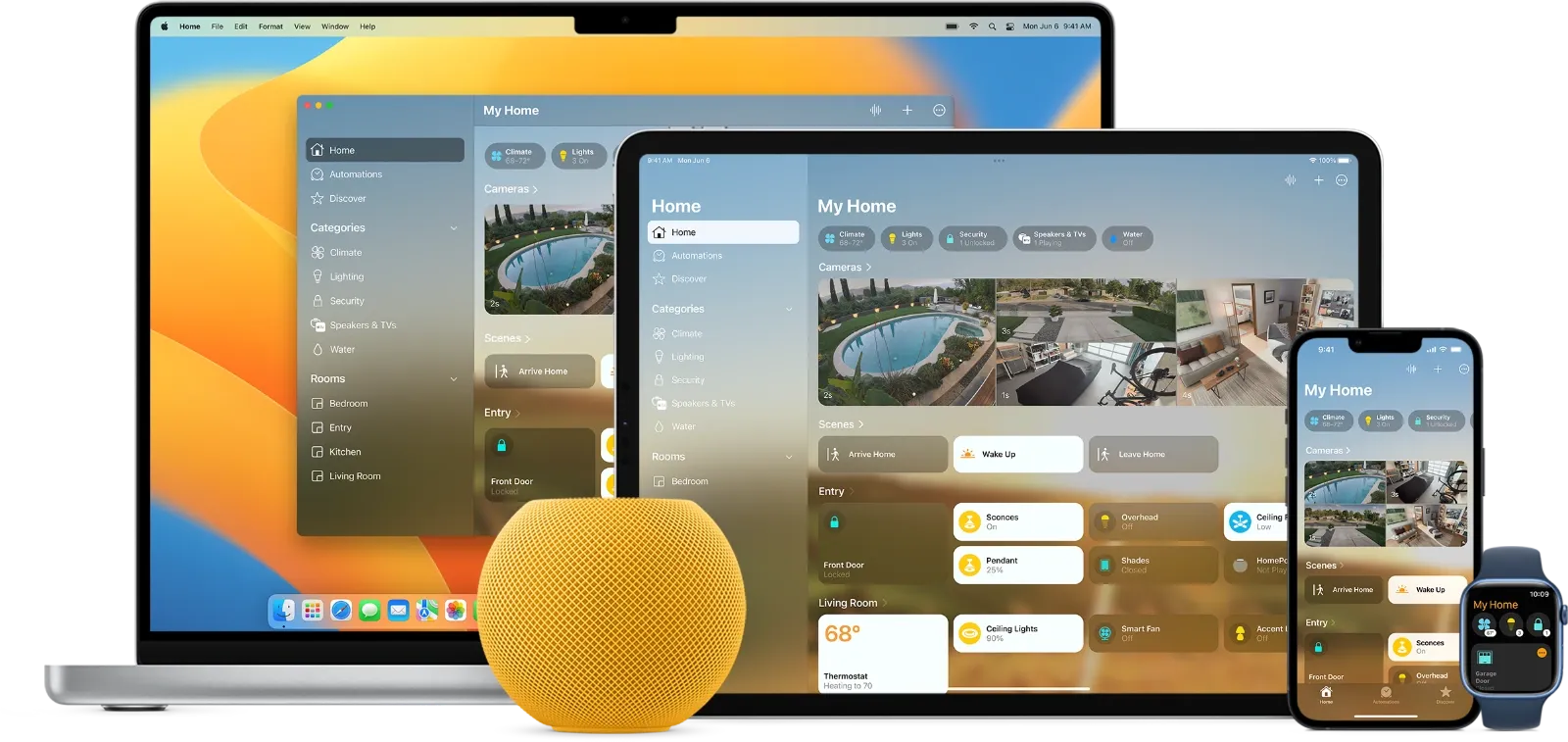
Before you start comparing deadbolts, check two things. First, you need a Thread border router in your home. That means a HomePod mini, HomePod (2nd generation, 2023), or Apple TV 4K (2021 or later). The original HomePod and Apple TV HD do not have Thread radios and will not work as border routers for Thread-based locks. Building a HomeKit smart home from scratch covers this setup in detail.
Second, check your deadbolt. Most smart locks replace a standard single-cylinder deadbolt. If your door uses a mortise lock, rim cylinder, or interconnected lockset, your options shrink dramatically. Retrofit locks like the Level Bolt or Yale Approach fit over your existing hardware and keep your original keys — a huge advantage for renters.
One more thing worth mentioning: Apple rolled out Thread 1.4 support in tvOS 26, which means border routers from Apple, Google, Samsung, and Amazon can now join the same Thread mesh network. If you have a mixed-platform household, your Thread coverage just got significantly better without buying new hardware.
The Locks Worth Your Attention Right Now
I am not going to walk through every lock on the market. Most of them are irrelevant if you care about deep Apple integration. Here are the ones that actually deliver on the promise.
Aqara Smart Lock U400
This is the headline lock for 2026, and for good reason. The U400 is one of the first consumer smart locks with Ultra-Wideband unlocking — the same technology Apple uses for Precision Finding in AirTags. Walk up to your door with your iPhone in your pocket, and the lock detects your approach angle and distance, then unlocks before you touch the handle. No app, no tap, no fumbling with groceries in the rain.
It runs on Matter-over-Thread, supports Apple Home Key through the Wallet app, and includes fingerprint, keypad, NFC, and physical key as backup methods. The rechargeable battery lasts roughly six months per charge. At $269.99, it is not cheap, but UWB proximity unlocking is a genuine quality-of-life upgrade that Bluetooth geofencing never reliably provided.
The catch? You need the Aqara M100 Hub for UWB functionality. The lock works without it through standard Thread, but the hands-free unlocking requires that hub. It is an extra purchase and an extra device on your network.
Level Lock Pro
If aesthetics matter to you — and on a front door, they should — the Level Lock Pro is the one that disappears. It hides entirely inside your door, preserving whatever exterior hardware you already have. Visitors do not even know it is a smart lock.
Matter-over-Thread gives it near-instant response times. Apple Home Key support means an iPhone or Apple Watch tap unlocks it. A CR2 battery lasts nine to twelve months, and it carries a AAA security rating from BHMA along with an IP54 weather rating. For a lock you interact with multiple times daily, the physical feel matters: the Level Pro has a smooth, confident throw that does not feel like it is fighting a motor.
 Ad
AdSchlage Encode Plus
The Schlage Encode Plus was the first lock to support Apple Home Key, and it remains a solid choice. Built-in Wi-Fi means remote access without needing a HomePod or Apple TV as a hub, which simplifies setup for people who have not built out their Apple Home ecosystem yet. The keypad is responsive and the build quality feels commercial-grade.
The trade-off is battery life. Wi-Fi connectivity eats through batteries faster than Thread-based alternatives. The original Encode Plus does not support Matter, though the newer 2.0 version adds it. If you are buying new, get the 2.0 — the Matter support future-proofs it for whatever Apple does next with the Home app.
ULTRALOQ Bolt NFC
For budget-conscious buyers who still want Apple Home Key, the ULTRALOQ Bolt NFC hits a sweet spot around $170. It supports both Apple Home Key and Android NFC unlocking, which is useful in households that are not all-in on Apple. Built-in Wi-Fi means no hub required. Battery life stretches up to a year thanks to an energy-efficient chip, and it carries BHMA certification with IP65 weather resistance.
The trade-off here is that it does not support Matter-over-Thread, so you are relying on Wi-Fi for connectivity. That means slightly slower response times and the battery life depends heavily on how often the Wi-Fi radio wakes up.
How Apple Home Key Changes the Equation
Think about it — your house key lives in the same Wallet app as your credit cards and transit passes. Apple Home Key uses NFC to authenticate, just like Apple Pay. Hold your iPhone or Apple Watch near the lock’s reader, and you are in.
Two modes matter here. Express Mode works like Express Transit: the lock opens without unlocking your phone or authenticating. Fast, convenient, and slightly less secure. Secure Mode requires Face ID, Touch ID, or a passcode before the lock responds. I would recommend Express Mode for most people. The lock is already on your property, behind whatever physical security your building provides, and the convenience of walking up and tapping is the whole point.
Here is a detail Apple does not advertise loudly: Home Key continues working for up to five hours after your iPhone shows the low battery warning. You will not get locked out because your phone died on the commute home. That alone makes it more reliable than any app-based smart lock.
At-A-Glance: HomeKit Smart Lock Comparison for Apple Home (2026)
| Lock | Protocol | Home Key | Price |
|---|---|---|---|
| Aqara U400 | Matter/Thread + UWB | Yes | $269.99 |
| Level Lock Pro | Matter/Thread + BLE | Yes | ~$329 |
| Schlage Encode Plus 2.0 | Wi-Fi + Matter | Yes | ~$299 |
| ULTRALOQ Bolt NFC | Wi-Fi | Yes | ~$170 |
The Aliro Standard and What Comes Next
In February 2026, the Connectivity Standards Alliance released Aliro 1.0 — essentially an open version of Apple Home Key that works across Apple Wallet, Google Wallet, and Samsung Wallet. Apple, Aqara, Schlage, Kwikset, and Yale are among the first companies pursuing certification.
For homeowners, Aliro means your next lock will likely work with every phone in the household regardless of platform. For Apple users specifically, it means Home Key’s convenience is about to become an industry baseline rather than a premium feature. The first Aliro-certified hardware is expected later in 2026.
Kwikset also just launched CarPlay integration for their Halo locks — you can now check lock status and lock or unlock from your car’s dashboard. It is a small convenience, but it is the kind of integration that signals where the whole category is heading: your lock talks to everything in your Apple ecosystem, not just the Home app.
The Honest Edge Cases Nobody Mentions
Auto-unlock via geofencing sounds magical in marketing materials. In practice, it works on horizontal GPS positioning but struggles with vertical positioning. If you live in an apartment building, the geofence might trigger when you walk past your floor on the stairwell, or it might not trigger at all because GPS cannot distinguish between the third floor and the lobby. UWB locks like the Aqara U400 solve this with precision distance and angle measurement, but they cost more and require a dedicated hub.
Battery replacement is another friction point nobody talks about. The Level Lock Pro uses a CR2 battery — not a standard AA or AAA. You will not find CR2 batteries at every convenience store. Plan ahead and keep a spare. The Aqara U400’s rechargeable battery eliminates this problem entirely, but you need to remember to charge it every six months, and during charging, the lock still works on backup methods.
One more gotcha: some locks advertise HomeKit compatibility but require you to set up through the manufacturer’s app first. The eufy Smart Lock E30 supports Matter-over-Thread for $170, which is a great price, but it does not support Apple Home Key despite the Matter certification. “Works with Apple Home” and “supports Apple Home Key” are two completely different claims.

Related Posts
Your Apple Home Is Missing Its Most Important Sensor
Mar 29, 2026
Friday Night Baseball on Apple TV Delivers the Best MLB Broadcast Nobody Expected
Mar 28, 2026
Govee Smart Lights Finally Work With Apple Home — Here’s What You Need
Mar 27, 2026