
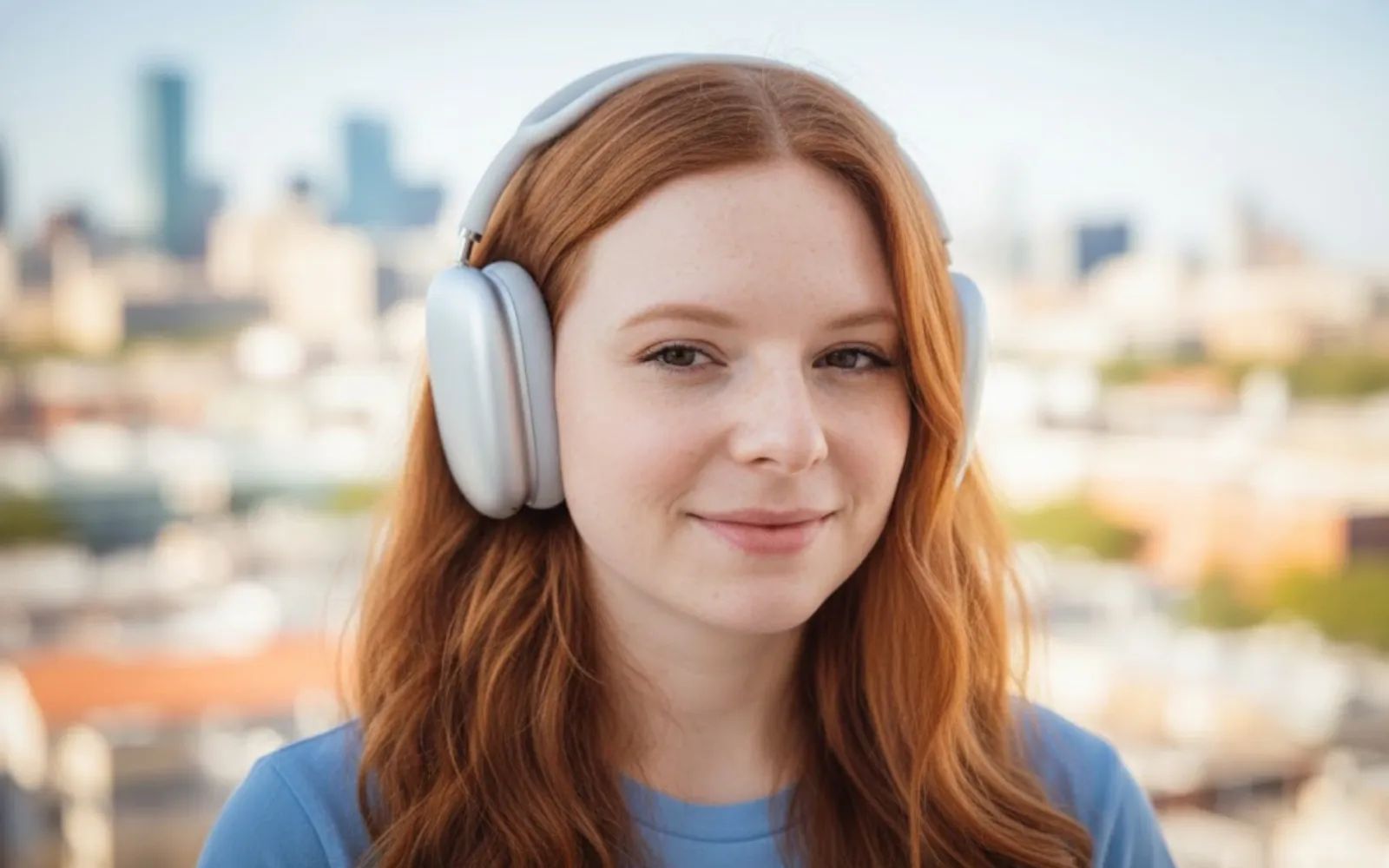
AirPods Max represent Apple's most ambitious audio hardware, combining computational audio processing with premium materials in a package that weighs just under 385 grams. The aluminum ear cups, stainless steel headband frame, and breathable knit mesh canopy deliver comfort during extended listening sessions. But the hardware tells only half the story.
Key Takeaways
- Enable Personalized Spatial Audio in Settings, then Accessibility, then AirPods to create a custom head profile using your iPhone's TrueDepth camera
- Press and hold the Digital Crown for two seconds to cycle between Active Noise Cancellation, Transparency, and Adaptive modes
- Configure Conversation Awareness in AirPods settings to automatically lower volume and reduce background noise when someone speaks to you
- Use the Digital Crown to adjust volume with precise haptic feedback, or press it once to play/pause
- Set up automatic device switching in Bluetooth settings to move seamlessly between Mac, iPhone, and iPad
| Feature | What It Does | Where to Configure |
|---|---|---|
| Spatial Audio | Creates immersive 3D soundstage | Settings → AirPods → Spatial Audio |
| Adaptive Audio | Blends ANC and Transparency dynamically | Digital Crown long press |
| Conversation Awareness | Auto-lowers volume when you speak | Settings → AirPods → Audio |
| Personalized Spatial Audio | Custom profile using face scan | Settings → Accessibility → AirPods |
The software running on macOS Tahoe 26 and iOS 26 transforms AirPods Max from excellent passive headphones into an adaptive audio system that responds to your environment, your movement, and your conversations.
Spatial Audio and Head Tracking: The Foundation
Spatial Audio places sound in three-dimensional space around your head. When watching a film on your Mac or iPad, dialogue anchors to the screen position rather than following your head movement. Turn your head left, and the audio shifts to maintain the illusion that sound originates from the display.
Head tracking relies on accelerometers and gyroscopes inside AirPods Max to monitor your head position relative to your device. The effect works best with Dolby Atmos content in Apple Music, Apple TV+ shows, and compatible third-party apps.
To enable Spatial Audio on your Mac running macOS Tahoe, open System Settings, select your AirPods Max from the sidebar, and toggle Spatial Audio to On. The same setting appears in iOS 26 under Settings, then AirPods, then Spatial Audio.
Fixed Spatial Audio offers a compromise for listeners who find head tracking disorienting. This mode maintains the three-dimensional soundstage without adjusting to head movement. Some users prefer this for music where the "concert hall" effect matters more than screen-anchored positioning.
Personalized Spatial Audio: Your Custom Sound Profile
Generic Spatial Audio uses averaged head measurements that work reasonably well for most listeners. Personalized Spatial Audio scans your ear geometry and head shape to create a profile tuned specifically to how your ears process sound.
The setup process takes about sixty seconds. On your iPhone, navigate to Settings, then Accessibility, then AirPods, and select Personalized Spatial Audio. The TrueDepth camera scans your face from multiple angles, mapping the contours that affect how sound waves reach your eardrums.
The difference can be subtle or dramatic depending on how closely your anatomy matches Apple's default model. Listeners with smaller ears or unusual head shapes often report the most significant improvements. The scan stores locally on your devices and syncs through iCloud.
Affiliate disclosure: some links in this article are Amazon Associate links. If you buy through them, Zone of Mac may earn a small commission at no extra cost to you, and we only recommend products that genuinely bring value to your Apple setup.
Adaptive Audio: Intelligence in Every Environment
AirPods Max offers three primary listening modes: Active Noise Cancellation, Transparency, and Adaptive Audio. Press and hold the Digital Crown for approximately two seconds to cycle between them. A chime confirms each mode change, and a notification appears briefly on your connected device.
Active Noise Cancellation analyzes external sound through outward-facing microphones, then generates anti-phase audio to cancel unwanted noise. The H1 chip performs this processing with minimal latency, making ANC effective against steady sounds like airplane cabin noise or air conditioning hum.
Transparency mode inverts this approach. External microphones capture ambient sound and pipe it through the drivers alongside your audio. The result feels like wearing open-back headphones, useful when you need environmental awareness without removing your AirPods Max.
Adaptive Audio represents the most sophisticated option. The H1 chip continuously analyzes your surroundings and adjusts the noise cancellation intensity in real time. Walking down a quiet street triggers gentle transparency. Boarding a subway ramps up active cancellation. The transitions happen smoothly enough that most users stop noticing them after a few hours.
Conversation Awareness: Social Intelligence
Speaking of social situations, Conversation Awareness detects when you start talking to someone and automatically lowers your media volume while enhancing voices in front of you. The feature uses the same microphone array that powers noise cancellation to identify speech patterns.
Enable Conversation Awareness in Settings, then AirPods, then Audio on iOS 26. macOS Tahoe includes the same toggle in System Settings under your AirPods Max configuration. The sensitivity slider lets you tune how quickly the system responds to conversation.
When Conversation Awareness activates, audio reduces to a background level rather than pausing completely. Short interactions like ordering coffee preserve your listening flow. Extended conversations trigger deeper volume reduction. Media volume restores automatically when you stop speaking for several seconds.
Accessibility and Clarity
AirPods Max include several features designed for users with hearing differences. Headphone Accommodations in Settings, then Accessibility, then Audio/Visual lets you boost soft sounds, adjust the frequency spectrum, or apply audiogram data from a hearing test.
VoiceOver users can navigate AirPods Max settings through standard screen reader controls. The Digital Crown provides clear haptic feedback that communicates volume position without visual reference. Noise cancellation mode changes announce audibly, ensuring users always know their current configuration.
For users with light sensitivity who wear AirPods Max during migraine episodes, the ability to control settings entirely through physical buttons and voice commands eliminates the need to look at bright screens. Siri integration means you can say "Hey Siri, turn on noise cancellation" without touching any device.
Building Your Desk Setup
Premium headphones deserve proper storage. Leaving AirPods Max on a desk risks scratches on the aluminum cups and pressure damage to the mesh canopy. The included Smart Case folds the ear cups flat and triggers a low-power state, but it leaves the headband exposed.
A dedicated headphone stand keeps AirPods Max accessible during work sessions while protecting them when not in use. The curved hook design of quality stands distributes weight across the headband without creating pressure points. Aluminum construction matches Apple's aesthetic while providing stability.
The BENKS Desktop Headphone Stand features protective silicone padding where the headband rests, preventing scratches on the stainless steel frame. The weighted base resists tipping even when you grab your headphones quickly. Universal sizing means it accommodates other headphones in your collection.


Here's where to get the BENKS Desktop Headphone Stand https://www.amazon.com/dp/B09GK8XT9Y?tag=zoneofmac-20
Travel Protection Beyond the Smart Case
Apple's Smart Case drew criticism at launch for its unusual design, but it serves an important function: triggering that low-power state that preserves battery during storage. The case doesn't offer impact protection, though, making it inadequate for travel in checked luggage or crowded backpacks.
Third-party cases address this gap with padded interiors and hard shells. When evaluating options, look for cases that maintain the magnetic sleep function. Some cases include cutouts that allow the Lightning or USB-C port to align with Apple's magnets, ensuring your AirPods Max enter low-power mode automatically.
The Maxjoy Smart Case Cover wraps around AirPods Max with PU leather that protects against scratches during daily use and travel. Internal magnets trigger sleep mode just like Apple's case, preserving battery life. The reserved charging port means you never need to remove the cover to charge.
Here's where to buy the Maxjoy Smart Case Cover for AirPods Max https://www.amazon.com/dp/B0D99S7P37?tag=zoneofmac-20
Audio Settings Deep Dive
Beyond the headline features, macOS Tahoe and iOS 26 include granular audio controls worth exploring. Headphone Safety monitors your listening levels and can automatically reduce volume after extended exposure to loud audio. Find this in Settings, then Sounds & Haptics, then Headphone Safety.
The Reduce Loud Sounds toggle sets a maximum decibel limit. Combined with exposure notifications, these features protect hearing during marathon editing sessions or long flights. Professional users working with calibrated audio can disable these safeguards when accuracy matters more than comfort.
For fine-grained EQ control, third-party apps like the built-in Music equalizer or specialized tools offer adjustment beyond Apple's defaults. AirPods Max respond well to EQ changes thanks to their relatively flat frequency response, making them suitable for both casual listening and critical evaluation.
Join The Inner Circle For Serious Apple Users
Exclusive Apple tips. Free to join.
The Physical Experience
The Digital Crown on AirPods Max deserves attention. This isn't a simple dial. Each rotation delivers haptic clicks that communicate volume changes with remarkable precision. The resistance feels deliberately tuned, heavy enough to prevent accidental adjustment but light enough for quick changes.
A single press plays or pauses audio. Double-press skips forward. Triple-press returns to the previous track. These gestures match iPhone conventions, reducing the learning curve for Apple users. The noise control button on the opposite ear cup handles listening mode switching, keeping common actions within easy reach.
Comfort during extended wear varies by head shape. The mesh canopy distributes weight across the crown of your head rather than clamping sides. Some users find this more comfortable than traditional padded headbands. Others prefer replacing the canopy with third-party options that offer different tension or materials.
Quick-Action Checklist
- Open Settings, then AirPods, then configure Spatial Audio and select "Spatialize Stereo" for non-Atmos content
- Navigate to Settings, then Accessibility, then AirPods and complete your Personalized Spatial Audio scan
- Enable Conversation Awareness in Settings, then AirPods, then Audio
- Test all three listening modes by holding the Digital Crown for two seconds
- Configure automatic device switching in Bluetooth settings on each device you use
- Set up Headphone Safety limits appropriate for your listening habits
- Position a dedicated stand on your desk for proper storage between sessions

Related Posts
Your AirPods Work with Android — Here’s What Apple Holds Back
Apr 10, 2026
Your AirPods Are Collecting Grime That’s Killing Your Sound
Apr 09, 2026
Your AirPods Have a FaceTime Trick That Changes Group Calls
Apr 02, 2026