
Updated January 28, 2026 at 1:06PM EST
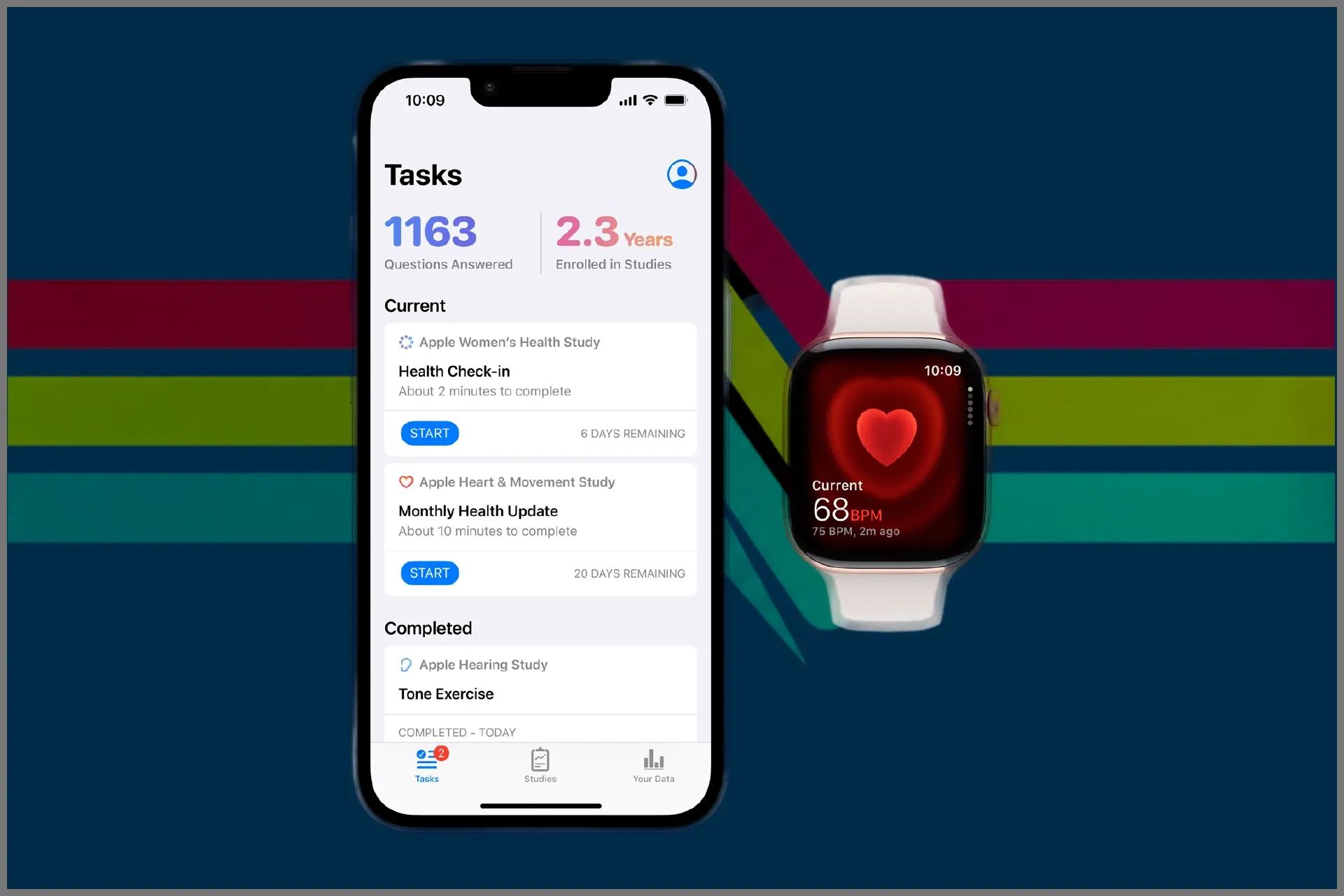
ChatGPT Health launched on January 7, 2026, with direct Apple Health integration. The feature pulls data from Apple Watch Series 11, Apple Watch Ultra 3, and earlier models to provide AI-powered analysis of your health and fitness patterns.
Key Takeaways
- ChatGPT Health connects to Apple Health through the ChatGPT app on iPhone
- Integration includes heart rate, sleep data, activity rings, and workout metrics from Apple Watch
- The service analyzes trends across multiple data points to identify patterns
- Privacy controls let you select exactly which health categories to share
- ChatGPT Health operates separately from regular ChatGPT conversations
- Free and paid ChatGPT tiers can access the feature
At-A-Glance: ChatGPT Health Integration
| Feature | Details |
|---|---|
| Supported Devices | Apple Watch Series 6 and later, Apple Watch SE 2 and later, Apple Watch Ultra and Ultra 2 |
| Data Types | Heart rate, sleep, activity, workouts, steps, stand hours |
| Privacy Level | Separate encrypted space, data not used for training by default |
| Cost | Available on ChatGPT Free, Go, Plus, and Pro plans |
Connecting Apple Health to ChatGPT
The setup process requires the ChatGPT app on iPhone running iOS 16.4 or later. Open the ChatGPT app and tap your profile icon in the sidebar. Select Apps under Account settings, then tap Browse Apps. Locate Apple Health in the extensions library and select Connect. The system prompts you to sign into your Apple Account and authorize the connection. Apple Health presents a permissions screen showing which data categories ChatGPT Health can access. Select the categories you want to share—heart rate, sleep analysis, workouts, active energy, and step count are the most useful for AI analysis.
After granting permissions, ChatGPT Health appears as a connected service in your ChatGPT account settings. The integration works across devices signed into the same ChatGPT account, so analyzing Apple Watch data is possible from iPhone, Mac, or web browsers.
Using ChatGPT Health With Apple Watch Data
Affiliate disclosure: some links in this article are Amazon Associate links. If you buy through them, Zone of Mac may earn a small commission at no extra cost to you, and we only recommend products that genuinely bring value to your Apple setup.
ChatGPT Health operates in a dedicated section separate from standard ChatGPT conversations. Open the ChatGPT app and navigate to the Health section. The interface displays a clean workspace designed specifically for health-related queries. Ask questions in natural language about your Apple Watch metrics. Examples include "What patterns do you see in my sleep data from the past week?" or "How does my resting heart rate compare between workout days and rest days?"
The AI examines your Apple Watch data across multiple dimensions. A query about sleep quality triggers analysis of sleep duration, sleep stages, heart rate variability during sleep, and wrist temperature measurements. ChatGPT Health identifies correlations—perhaps your deep sleep percentage drops on days with late evening workouts, or your resting heart rate spikes after insufficient sleep.
Workout analysis goes beyond basic statistics. Ask "How did my Zone 2 training session yesterday compare to my previous cardio workouts?" and ChatGPT Health reviews heart rate zones, workout duration, active energy burned, and average heart rate across similar activities. The system spots trends in your fitness progression, flagging improvements in cardiovascular efficiency or highlighting days when your performance dipped.
Activity ring completion patterns become clearer through AI analysis. ChatGPT Health notes which days you consistently close all three rings and identifies obstacles preventing ring closure on other days. The AI suggests practical adjustments based on your actual movement patterns captured by Apple Watch sensors throughout each day.
![Apple Watch Series 11 [GPS 42mm] Smartwatch with Jet Black Aluminum Case with Black Sport Band - S/M. Sleep Score, Fitness Tracker, Health Monitoring, Always-On Display, Water Resistant](https://m.media-amazon.com/images/I/31ybzrJZckL._SL500_.jpg)

Here's where to get the Apple Watch Series 11 GPS 42mm with Jet Black Aluminum Case https://www.amazon.com/dp/B0FQFL8PZ5?tag=zoneofmac-20
Privacy and Data Security
ChatGPT Health uses end-to-end encryption for health data transmission. Apple Health information flows directly from your iPhone to ChatGPT's health-specific servers through encrypted channels. The data never merges with standard ChatGPT conversations. OpenAI states that health data submitted to ChatGPT Health is not used to train foundation models by default.
Users control exactly which Apple Health categories ChatGPT can access. The permissions screen during setup lists each data type—heart rate, sleep analysis, workouts, nutrition, mindfulness sessions, and more. Toggle individual categories on or off. Revoke access entirely through iPhone Settings > Privacy & Security > Health > ChatGPT or through the ChatGPT app's settings panel.
The separate Health section in ChatGPT prevents accidental mixing of health queries with other conversations. Starting a health-related discussion in the main ChatGPT interface triggers a suggestion to move the conversation to the dedicated Health space.
Medical Records Integration
ChatGPT Health extends beyond Apple Watch metrics to include medical records stored in Apple Health. The feature is currently limited to United States users. Connect your healthcare provider's patient portal to Apple Health through the Health app on iPhone. Medical records appear in the Health Records section, displaying lab results, medications, allergies, immunizations, and clinical notes.
Once medical records sync to Apple Health, ChatGPT Health can access this information with your explicit permission. The AI helps interpret lab results by explaining what different biomarkers measure and how your values compare to normal ranges. ChatGPT Health cannot diagnose conditions or prescribe treatments, but it can help you prepare questions for your next doctor's appointment based on patterns in your test results.
Combining Apple Watch sensor data with medical records creates a fuller picture. A query like "What relationship might exist between my resting heart rate trends and my recent cholesterol results?" prompts ChatGPT Health to examine both datasets. The AI might note that your resting heart rate has gradually decreased since you started medication, suggesting improved cardiovascular fitness.
Join The Inner Circle For Serious Apple Users
Exclusive Apple tips. Free to join.
Accessibility and Clarity
The ChatGPT Health interface uses clear sans-serif typography with sufficient contrast for readability across different lighting conditions. Voice input works through Siri, allowing hands-free queries about your health data. VoiceOver on iPhone announces ChatGPT Health's responses with proper formatting, making the AI's analysis accessible to users who rely on screen readers.
The AI explanations avoid medical jargon when possible. Technical terms receive brief clarifications in parentheses. Users with dyslexia benefit from the predictable question-and-answer structure—each query receives a focused response without nested complexity or distracting sidebars.
For users with ADHD, ChatGPT Health's dedicated space reduces cognitive load by eliminating unrelated content from standard ChatGPT conversations. The health-focused interface removes the temptation to jump between topics, maintaining concentration on fitness and wellness queries.
Practical Use Cases
Sleep optimization represents one of ChatGPT Health's most valuable applications with Apple Watch data. Ask "What factors correlate with my best sleep quality?" and the AI analyzes sleep duration, bedtime consistency, pre-sleep activity levels, evening heart rate, and room temperature data from HomePod sensors connected to Apple Home. ChatGPT Health identifies patterns—perhaps your deep sleep increases on evenings when you finish dinner by 7 PM and avoid screens after 9 PM.
Training load management helps athletes prevent overtraining and optimize recovery. Apple Watch Series 11 calculates training load based on workout intensity, duration, and heart rate response. ChatGPT Health examines your training load history alongside resting heart rate, heart rate variability, and subjective energy levels you log in the Health app. The AI might suggest a recovery day when multiple indicators point to accumulated fatigue.
Stress pattern recognition combines heart rate variability measurements from Apple Watch with mindfulness minutes logged through the Breathe app. ChatGPT Health spots which activities or times of day correlate with lower HRV, indicating higher stress. The AI can suggest specific interventions—perhaps a 10-minute meditation session reduces your heart rate by an average of 8 beats per minute based on previous data.
Medication timing optimization uses Apple Health's medication tracking feature. Log when you take medications in the Health app, then ask ChatGPT Health to examine the relationship between medication timing and various metrics. The AI might notice your blood pressure readings are lower when you take your medication in the morning versus evening, based on manual blood pressure entries or data from connected home monitors.
Limitations and Considerations
Join The Inner Circle For Serious Apple Users
Exclusive Apple tips. Free to join.
ChatGPT Health cannot diagnose medical conditions or prescribe treatments. The service explicitly disclaims any medical advice and encourages users to consult healthcare professionals for clinical decisions. Treating ChatGPT Health's analysis as definitive medical guidance ignores the nuanced judgment required in healthcare.
The AI's insights depend entirely on data quality. Apple Watch sensors have inherent limitations—wrist-based heart rate measurements are less accurate during certain activities, sleep stage detection works best when you wear the watch snugly overnight, and GPS accuracy varies based on environmental conditions. Gaps in your Apple Watch wearing schedule create blind spots in the AI's analysis.
ChatGPT Health's pattern recognition capabilities work best over longer timeframes. A single week of data provides limited context for identifying meaningful trends. The AI's observations become more valuable after accumulating several months of consistent Apple Watch usage.
The service currently lacks integration with continuous glucose monitors and other specialized health devices beyond Apple's ecosystem. Users who rely on third-party health monitors must manually log data in Apple Health for ChatGPT Health to access it.
Comparing ChatGPT Health to Apple's Built-in Features
Apple Health includes trend analysis for many metrics captured by Apple Watch. The Health app displays line charts showing how your resting heart rate, step count, and other measurements change over time. Apple's analysis is purely visual—you examine charts and draw your own conclusions.
ChatGPT Health adds conversational querying and cross-metric correlation analysis. Instead of studying multiple charts separately, ask "How does my workout frequency affect my sleep quality?" and receive an AI-synthesized answer examining both datasets simultaneously. The natural language interface removes the cognitive overhead of interpreting raw data visualizations.
The Vitals app on Apple Watch Series 9 and later automatically flags significant changes in baseline metrics overnight. ChatGPT Health complements this by explaining why those changes might matter and suggesting follow-up questions to ask your doctor.
Apple Fitness+ provides guided workouts with audio coaching, but the service doesn't analyze your historical workout performance. ChatGPT Health fills that gap by reviewing your Apple Watch workout data and identifying patterns in your training progression or recovery needs.
Quick-Action Checklist
Download and install the ChatGPT app from the App Store on your iPhone.
Open Settings > Privacy & Security > Health and confirm Apple Watch is sharing data with the Health app.
Launch ChatGPT, tap your profile icon, select Apps, then Connect Apple Health.
Choose which health categories to share with ChatGPT Health during the permission screen.
Navigate to the Health section within ChatGPT after connection completes.
Ask your first question about Apple Watch data using natural language.
Review ChatGPT Health's response and ask follow-up questions to dig deeper.
Check Settings > Privacy & Security > Health > ChatGPT periodically to review permissions.
Export conversation transcripts from ChatGPT Health if you want to share insights with your healthcare provider.

Related Posts
Build the Custom Apple Watch Face You Actually Want
Apr 06, 2026
Your Apple Watch Band Has a Cleaning Method Most Owners Skip
Apr 02, 2026
Your Apple Watch Has a Sleep System Most Owners Never Touch
Apr 02, 2026