
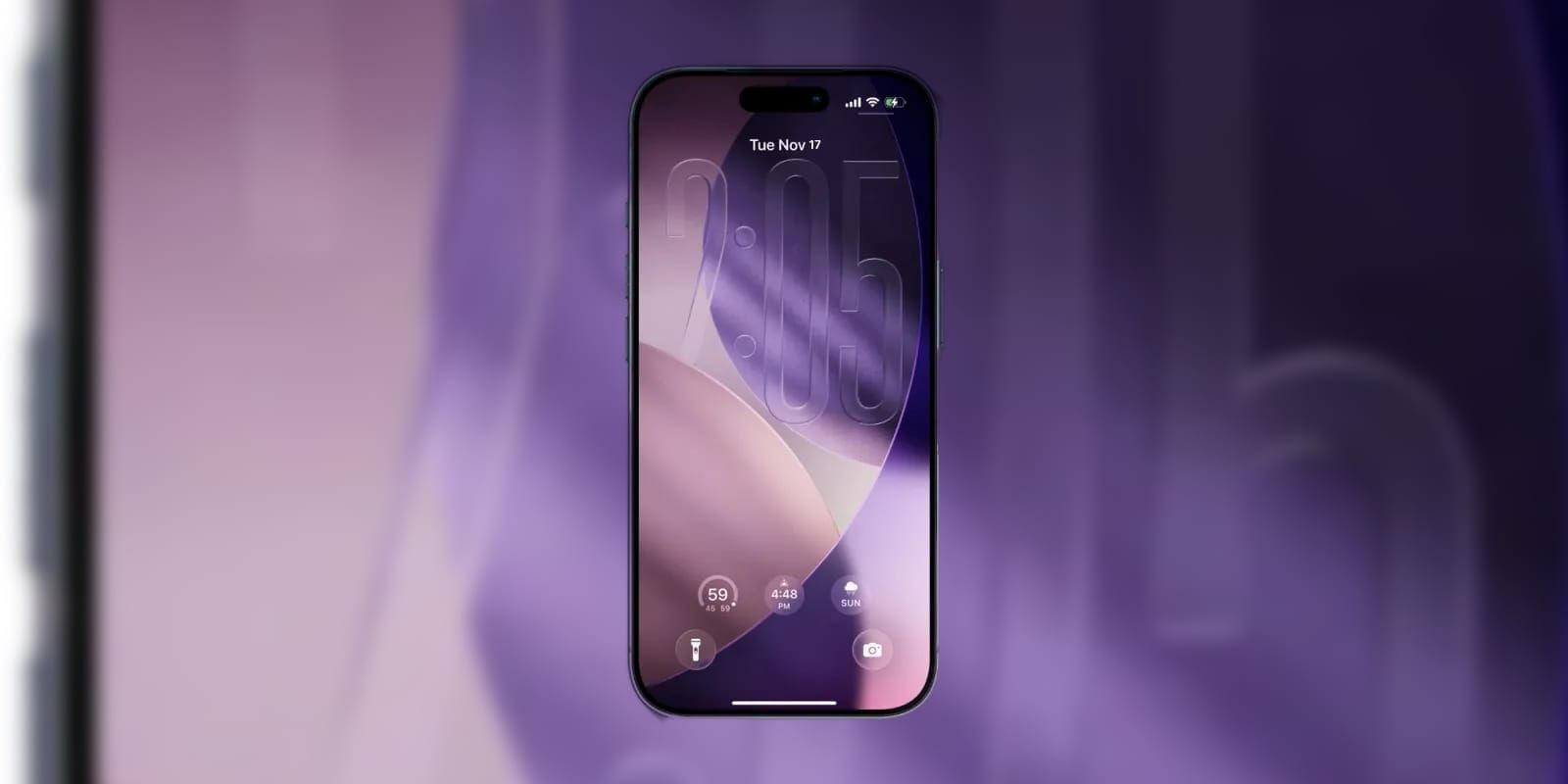

Apple released the first public beta of iOS 26.4 on February 17, 2026, and the headline feature grabbing the most attention is third-party AI chatbots on CarPlay. ChatGPT, Claude, and Google Gemini now run as voice-based CarPlay apps, letting you ask questions hands-free without reaching for your phone. The complication nobody is discussing: most of the other changes in this beta are security and infrastructure upgrades that will fundamentally change how your iPhone handles text messages, device theft, and even how you build playlists. Deciding which features are worth the beta risk depends on whether you are chasing convenience or protection.
This guide breaks down every meaningful change in iOS 26.4 beta 1, separates the features that work well right now from the ones still rough around the edges, and walks through the exact steps to install the beta safely on a supported iPhone.
Affiliate disclosure: some links in this article are Amazon Associate links. If you buy through them, Zone of Mac may earn a small commission at no extra cost to you, and we only recommend products that genuinely bring value to your Apple setup.
Encrypted RCS Messaging Finally Arrives
The single most consequential change in iOS 26.4 is end-to-end encryption for RCS messages. Apple has been under pressure to support RCS encryption since the protocol launched on iPhone in iOS 18, and this beta is the first to include it. When two iPhones exchange RCS texts, those messages now display a lock icon in the conversation thread, confirming that the content is encrypted in transit.
The catch is scope. In this beta, encrypted RCS only works between iPhones. iPhone-to-Android encrypted RCS is coming in a future iOS 26 update according to Apple's release notes, but it is not active yet. The practical upside right now is limited: if both parties own iPhones, iMessage already provides end-to-end encryption. Where this matters is the foundation it lays. Once cross-platform encryption rolls out, every text you send to an Android phone will be protected by default, eliminating a genuine security gap that has existed since RCS replaced SMS.
The iOS 26.3 update patched an actively exploited zero-day vulnerability. If you skipped that, catch up on the iOS 26.3 security patches first before jumping to the 26.4 beta.
Stolen Device Protection Becomes the Default
Apple quietly enabled Stolen Device Protection by default in iOS 26.4. Previously, you had to manually toggle this on in Settings after updating, and most people never did. Now, any iPhone running iOS 26.4 automatically requires Face ID or Touch ID authentication for sensitive actions when the device is away from familiar locations like your home or workplace.
What that means in practice: if someone steals your iPhone and knows your passcode, they still cannot access the Passwords app, disable Find My iPhone, change your Apple Account password, or make purchases in Safari without passing biometric authentication. Some actions also carry a one-hour security delay, so a thief cannot rush through changes even with a compromised passcode.
This is the kind of update that feels invisible until you need it. The friction is minimal when you are the legitimate owner, because Face ID fires almost instantly. But the protection during the worst-case scenario of a phone theft is substantial. Stolen Device Protection alone justifies installing the beta if you carry your iPhone in urban environments where phone theft is common.
CarPlay Opens the Door to AI Chatbots
For the first time, CarPlay now supports a new category of voice-based apps that includes ChatGPT, Claude, and Google Gemini. These are not full chat interfaces on your car's display. They are voice-only interactions, designed so you can ask questions, dictate drafts, or brainstorm ideas while keeping your eyes on the road. The app appears on your CarPlay home screen after you install the corresponding iOS app and update to iOS 26.4.
Apple's CarPlay developer documentation confirms that these apps use the same audio session framework as phone calls, so they duck music volume automatically and respond to steering wheel controls. The response latency is noticeable on the first query of a session, roughly two to three seconds, but subsequent exchanges feel faster as the connection warms up.
The real question is whether Siri becomes redundant in the car. For now, Siri still handles system-level commands: navigation, calling contacts, controlling HomeKit devices. ChatGPT and Claude are better at open-ended questions, summarizing long emails, and generating quick drafts. The two coexist, and Apple has not restricted Siri's CarPlay functionality.
One detail worth noting: the CarPlay AI integration works on every iPhone that supports iOS 26.4, not just models with Apple Intelligence. You do not need an iPhone 15 Pro or newer.
Here is a quick comparison of the standout iOS 26.4 beta features and what they change for your daily workflow.
| Feature | What It Does | Who Benefits Most | Requires Apple Intelligence |
|---|---|---|---|
| Encrypted RCS | End-to-end encryption for iPhone-to-iPhone RCS texts | Anyone texting Android users regularly | No |
| Stolen Device Protection | Requires Face ID for sensitive actions away from home | Every iPhone owner | No |
| CarPlay AI Chatbots | Voice access to ChatGPT, Claude, and Gemini while driving | Commuters and road-trip regulars | No |
| Playlist Playground | AI-generated playlists from a text prompt in Apple Music | Apple Music subscribers | Yes |
| Video Podcasts | HLS-powered video playback in the Podcasts app | Podcast listeners who prefer video | No |
| Wallpaper Gallery Redesign | Reorganized categories and cleaner browsing experience | Customization enthusiasts | No |
| Personal Hotspot Data Usage | Per-device data tracking for connected devices | Tethering users on limited data plans | No |
Apple Music Gets Playlist Playground
Playlist Playground is Apple's answer to a question nobody asked out loud but everyone wanted solved: how do you build a playlist when you know the mood but not the songs? Open Apple Music in iOS 26.4, tap the new Playlist Playground option, and type a prompt like "upbeat 90s road trip" or "calm focus music with no vocals." Apple Music generates a playlist of songs matching that description, pulling from the full catalog.
The feature requires Apple Intelligence, which limits it to iPhone 15 Pro, iPhone 16 series, and iPhone 17 series. The generated playlists are editable. You can swap individual tracks, regenerate the entire list, or save it as a permanent playlist in your library. Apple also added a Concerts Near You section that surfaces upcoming live shows for artists already in your library, a smart way to surface tour dates without forcing you into a separate app.
How the Wallpaper Gallery Got a Quiet Overhaul
The wallpaper picker in iOS 26.4 has been reorganized. The previous design crammed all categories into a single scrolling view. The new layout separates Apple's built-in collections, your personal photos, and third-party wallpaper sources into distinct tabs. The visual browsing experience is cleaner, with larger previews that give you a better sense of how a wallpaper will actually look on your lock screen before you commit.
This sounds minor, but the wallpaper gallery is one of those interfaces you interact with just infrequently enough that every small improvement in navigation saves real frustration. The old gallery required too many taps to find a specific collection. The new one surfaces what you want faster.
Video Podcasts Land in the Podcasts App
Apple Podcasts in iOS 26.4 now supports full video podcast playback using Apple's HLS (HTTP Live Streaming) technology. You can switch between video and audio-only modes within the same episode, and the stream quality adjusts automatically based on your network connection. Podcast creators who publish video versions of their shows no longer need to push listeners toward YouTube or Spotify for the visual experience.
The implementation is smooth. Swiping up from a video podcast minimizes it into a picture-in-picture window, and the audio continues if you lock your phone or switch apps. This is how video podcasts should have worked from the start.
Join The Inner Circle For Serious Apple Users
Exclusive Apple tips. Free to join.
Check your inbox for a confirmation link.
Something went wrong. Please try again.
Your CarPlay Mount Matters More Than Ever
With AI chatbots now living on your CarPlay screen, your iPhone's position on the dashboard directly affects how well voice recognition works. A phone rattling in a cupholder or buried in a pocket forces the microphone to fight road noise and distance. A stable, vent-level mount keeps the mic close to your voice and the screen visible for the occasional glance at a CarPlay response.
The Belkin MagSafe Vent Mount Pro snaps onto any iPhone 12 or newer with MagSafe and locks into your car's air vent with a spring-loaded clip. The magnet grip is strong enough to survive potholes and speed bumps without the phone sliding. It positions the iPhone at eye level, right where CarPlay's new AI apps expect it, and the mount rotates freely between portrait and landscape. The one friction point: the vent clip only fits rectangular and horizontal vents. If your car has circular vents, you will need a different mounting solution entirely, because the clip physically cannot grip a round surface.
Pick up the Belkin MagSafe Vent Mount Pro on Amazon https://www.amazon.com/dp/B08LQVD6ZR?tag=zoneofmac-20
Personal Hotspot Now Tracks Per-Device Data Usage
A smaller but genuinely useful addition: iOS 26.4 adds a Data Usage section to Personal Hotspot settings that shows exactly how much data each connected device has consumed. If you tether your iPad, MacBook, and a colleague's laptop to your iPhone hotspot, you can now see which device is eating through your data plan. This is the kind of granular visibility that used to require a third-party app or digging through carrier dashboards.
How to Install the iOS 26.4 Public Beta
Before installing any beta software, review your current iOS 26.3 privacy settings and make sure your iPhone is fully backed up. Beta software can introduce bugs that affect battery life, app compatibility, and notification delivery.
- Open Settings on your iPhone and tap General, then Software Update.
- Tap Beta Updates and select iOS 26 Public Beta.
- Return to the Software Update screen and tap Download and Install when iOS 26.4 appears.
- Your iPhone will restart. The installation takes roughly 15 to 20 minutes depending on your model.
- After the restart, open Settings, then Privacy and Security, and verify that Stolen Device Protection shows as enabled.
iOS 26.4 beta is compatible with every iPhone from the iPhone 11 onward, though Apple Intelligence features like Playlist Playground require an iPhone 15 Pro or newer. For the full list of changes, Apple's iOS 26.4 beta release notes document the known issues and resolved bugs.
Accessibility and Clarity
iOS 26.4 makes meaningful strides in accessibility. Stolen Device Protection's reliance on Face ID and Touch ID benefits users with physical limitations who may struggle with complex passcode entry under pressure. The biometric-first approach is faster and does not require fine motor coordination.
The redesigned wallpaper gallery uses larger preview tiles with higher contrast between categories, which improves navigation for users with low vision. VoiceOver labels throughout the new gallery are descriptive, announcing the wallpaper collection name and theme rather than generic labels.
CarPlay's AI chatbot integration is entirely voice-driven, making it inherently accessible to users who cannot interact with a touchscreen while driving. The voice-only design removes visual dependency from the interaction entirely. Subtitle and caption customization in the system-wide video player has also been expanded, letting users adjust text size, color, and background opacity for better readability. These caption settings persist across all apps that use the native video player, reducing the cognitive load of reconfiguring preferences in every individual app.
Quick-Action Checklist
- Back up your iPhone to iCloud or a Mac before installing any beta.
- Open Settings, tap General, then Software Update, then Beta Updates. Select iOS 26 Public Beta.
- Download and install iOS 26.4 when it appears on the Software Update screen.
- After restart: verify Stolen Device Protection is enabled in Settings, then Privacy and Security.
- Open the Messages app and start an RCS conversation with another iPhone to confirm the encryption lock icon.
- Install ChatGPT, Claude, or Gemini from the App Store, then check your CarPlay home screen for the new AI app icons.
- Open Apple Music and try Playlist Playground (requires Apple Intelligence on iPhone 15 Pro or newer).
- Check Personal Hotspot settings for the new Data Usage breakdown.

Deon Williams
Staff writer at Zone of Mac with two decades in the Apple ecosystem starting from the Power Mac G4 era. Reviews cover compatibility details, build quality, and the specific edge cases that surface after real-world use.
Related Posts
iOS 26.4.1 Fixes the iCloud Bug That Broke Your Apps
Apr 09, 2026
iOS 26.4 Drains Your iPhone Battery. Here’s What Fixes It
Apr 09, 2026
Your iPhone Finally Lets You Create Custom Ringtones in iOS 26
Apr 08, 2026