
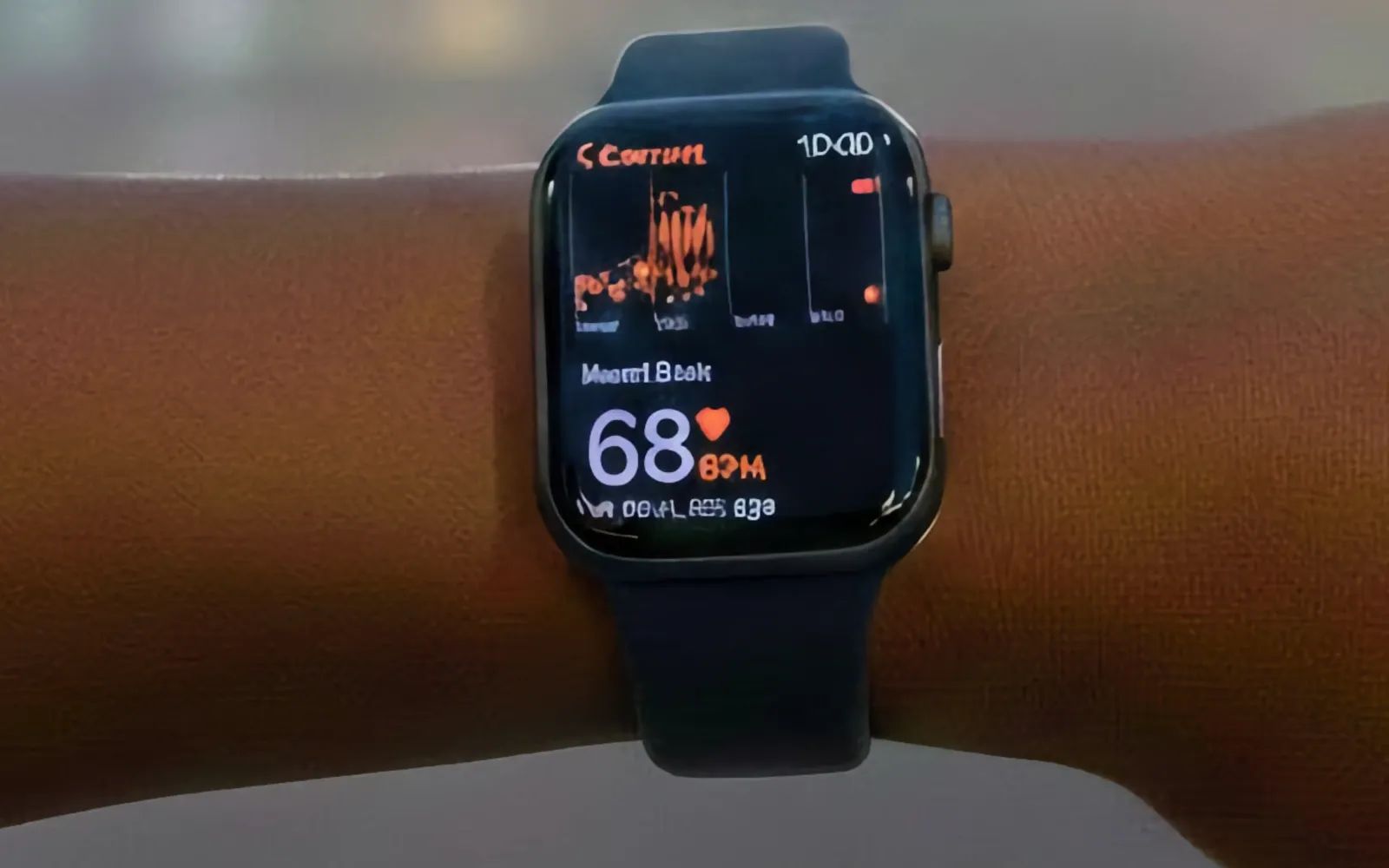

Apple Watch Series 10 running watchOS 26 is a full health monitoring station that tracks heart rhythm, blood oxygen, skin temperature, and sleep stages from the same device that handles your calls, payments, and workout GPS. Whoop 5.0 does none of those extra things. It tracks your body and nothing else, feeding every data point into a single daily Recovery Score that tells you whether to train hard or rest. The real question is not which device has better hardware. The question is whether you need a fitness tracker that lives inside the Apple ecosystem or one that ignores the ecosystem entirely to obsess over recovery.
That distinction changes how you train. Apple Watch presents data alongside the rest of your digital life. Whoop strips everything down to a single actionable number. Both approaches are valid, and choosing the wrong one means either paying for features you ignore or missing the metric that would have changed your workout.
What Apple Watch Measures That Whoop Cannot
Apple Watch Series 10 carries an electrical heart sensor for on-demand ECG readings, an optical heart sensor sampling at hundreds of times per second, a blood oxygen sensor (restored in the U.S. through a redesigned implementation processed on your paired iPhone), a skin temperature sensor, and a third-generation accelerometer paired with a gyroscope for fall detection and crash detection. The Apple Watch Series 10 technical specifications confirm water resistance to 50 meters under ISO 22810, an always-on LTPO3 OLED display, and a weight of 35.3 grams for the 46mm aluminum GPS + Cellular model. Whoop 5.0 carries an optical PPG sensor sampling at 26 Hz, a skin temperature sensor, a blood oxygen sensor, and an accelerometer. No ECG. No fall detection. No crash detection.
The sensor gap matters because Apple Watch can flag atrial fibrillation through its ECG app, detect irregular rhythms passively, and alert emergency services if you take a hard fall during a trail run. I covered how these cardiac alerts work in this guide to Apple Watch heart problem detection. Whoop cannot replicate any of that. Its sensors are built for continuous biometric tracking during sleep and exercise, not clinical-grade health screening.
Where Whoop 5.0 Genuinely Wins
Whoop earns its reputation on one specific thing: telling you exactly how recovered your body is each morning. The Recovery Score is a 0 to 100 percentage calculated from resting heart rate, HRV, respiratory rate, sleep quality, skin temperature, and blood oxygen. Green (67 to 100 percent) means your body is ready for high strain. Yellow (34 to 66) suggests moderate effort. Red (0 to 33) means rest. Over weeks of consistent wear, this score becomes remarkably reliable at predicting whether you will have a strong session or bonk at mile two.
Apple Watch does not produce a single recovery number. It offers Training Load in watchOS 26, which tracks cumulative strain over time, and the Vitals app monitors overnight metrics against your baselines. Both features are useful, but they require you to interpret multiple data points rather than receiving a color-coded verdict. Whoop also assigns a daily Strain score on a 0 to 21 scale based on the Borg Scale of Perceived Exertion, contextualizing how hard your day was relative to your capacity.
Battery life is the other clear win. Whoop 5.0 lasts 14 or more days and recharges via a slide-on battery pack while you keep wearing it. Apple Watch Series 10 lasts up to 18 hours and needs 30 minutes on a magnetic charger to reach 80 percent, which creates a gap in sleep tracking that Whoop never has.
The Ecosystem Advantage Whoop Cannot Replicate
Whoop syncs with Apple Health through HealthKit, so workout data and sleep metrics appear in the Health app. But that is where integration stops. Whoop cannot trigger Shortcuts automations, control HomeKit scenes, route turn-by-turn directions during a run, play Apple Music offline, share Activity rings with family, or receive iMessage replies without pulling out your phone. Apple Watch does all of that simultaneously during your workout.
According to Apple's HealthKit developer documentation, the Health app consolidates over 150 data types from Apple Watch and third-party apps into a unified health record. That record feeds Apple Fitness+ workout recommendations, medication reminders, and the new hypertension detection in watchOS 26. The physical experience reinforces the split: Apple Watch at 9.7mm thick gives notched Digital Crown feedback when scrolling between metrics mid-run, and swiping feels instantaneous. Whoop at 10.6mm and 26.5 grams is light enough to forget entirely, which is part of the design. There is no screen to distract during a sprint interval, but also no way to check your split time or call for help on a remote trail.
Affiliate disclosure: some links in this article are Amazon Associate links. If you buy through them, Zone of Mac may earn a small commission at no extra cost to you, and we only recommend products that genuinely bring value to your Apple setup.
The Right Apple Watch Setup for Serious Fitness Tracking
Apple Watch tracks an enormous amount of health data, but squeezing the most from it during workouts requires the right physical setup. The stock Sport Band shifts slightly during HIIT or heavy lifting, creating noise in the optical heart rate sensor. The Spigen Rugged Armor Pro fixes this with a one-piece case-and-band design that locks the Series 10 firmly against your skin. The carbon fiber textured TPU absorbs impacts if you catch the watch on a squat rack, and the integrated strap distributes pressure so the sensor maintains consistent contact during burpees, box jumps, and deadlifts. It fits wrists from 5.5 inches to 8.5 inches. Pick up the Spigen Rugged Armor Pro for Apple Watch Series 10 on Amazon https://www.amazon.com/dp/B0DFFHJH2Z?tag=zoneofmac-20
The table below compares Apple Watch Series 10 and Whoop 5.0 across the four attributes that matter most for daily fitness tracking on an iPhone.
| Attribute | Apple Watch Series 10 | Whoop 5.0 |
|---|---|---|
| Health Sensors | ECG, SpO2, temperature, heart rate, crash detection | PPG heart rate, skin temperature, SpO2, accelerometer |
| Recovery Scoring | Training Load + Vitals app (manual interpretation) | Daily 0-100% Recovery Score (automated) |
| Battery Life | Up to 18 hours (fast charge to 80% in 30 min) | 14+ days (charges on wrist without removal) |
| 5-Year Cost (no trade-in) | ~$399 one-time purchase | ~$1,200+ in subscription fees |
Charging speed matters more than most comparisons acknowledge. When your Apple Watch dies at 11 PM and you want sleep data, the Apple Watch Magnetic Fast Charger to USB-C Cable reaches 80 percent in about 30 minutes. The braided cable snaps magnetically to the watch back, and the USB-C end plugs directly into a MacBook or any USB-C adapter. The magnetic alignment is precise enough to set down in the dark and hear it click into place. You can grab the Apple Watch Magnetic Fast Charger USB-C Cable here https://www.amazon.com/dp/B0CHX5CS34?tag=zoneofmac-20
Cost Over Time Changes the Entire Calculation
Whoop 5.0 requires a subscription at approximately $30 per month or $239 per year, with the device included as part of the membership. Cancel and the hardware becomes inert. Over two years that totals roughly $478. Over five years, assuming no price increases, you are looking at nearly $1,200. Apple Watch Series 10 starts at $399 for GPS + Cellular with no ongoing fees for health tracking. Apple Fitness+ adds $9.99 per month but is entirely optional. I explored whether Apple Fitness+ is worth the subscription separately, and the core health sensors, Vitals app, and Training Load all work without it.
Join The Inner Circle For Serious Apple Users
Exclusive Apple tips. Free to join.
Check your inbox for a confirmation link.
Something went wrong. Please try again.
Accessibility and Clarity
Apple Watch has a decisive advantage for users with visual or physical limitations. VoiceOver reads every screen, complication, and metric aloud. Dynamic Type enlarges text, Bold Text increases contrast, and Reduce Motion minimizes animations that trigger vestibular discomfort. The Digital Crown provides haptic detents for tactile scrolling confirmation, and Assistive Touch allows full navigation through hand gestures for users who cannot tap the screen. Whoop 5.0 has no screen, which eliminates on-device visual challenges but shifts the entire interface to the smartphone app. Checking a recovery score or reviewing sleep data requires reaching for the phone, a higher-friction interaction than raising a wrist. The cognitive load differs too: Apple Watch presents data in discrete, predictable locations across customizable faces, while Whoop funnels everything through nested app menus requiring more taps.
Which One Deserves Your Wrist
Whoop 5.0 fits one specific person: someone who already wears a smartwatch and wants a dedicated recovery tracker as a second device. Endurance athletes, CrossFit competitors, and professional trainers wear Whoop alongside an Apple Watch because the Recovery Score and Strain tracking genuinely help with periodization. The 14-day battery and screenless design make it unobtrusive as a second wearable on the opposite wrist or a bicep band.
Apple Watch Series 10 is the right choice for everyone else. More health sensors, deeper ecosystem integration, lower cost over any period longer than 12 months, and safety features a screenless band cannot physically provide. The GPS + Cellular model lets you leave your iPhone at home during runs while keeping emergency connectivity, music, and navigation. The Apple Watch Series 10 GPS + Cellular is available here https://www.amazon.com/dp/B0DGJ74GKP?tag=zoneofmac-20
Quick-Action Checklist: Choosing Your Fitness Tracker
- Open the Health app on your iPhone and tap Browse to see which health categories you actually check regularly
- Count how many require Apple Watch sensors (ECG, blood oxygen, wrist temperature, fall detection, crash detection)
- Ask yourself: do you need a single daily Recovery Score or can you interpret multiple health metrics on your own
- Calculate your two-year budget: $399 one-time for Apple Watch Series 10 versus approximately $478 for Whoop 5.0 subscription
- Check whether your gym or training program specifically requires Whoop integration
- If the answer to step 5 is no, buy the Apple Watch and put the subscription savings toward a protective band and fast charger

Blaine Locklair
Founder of Zone of Mac with 25 years of web development experience. Every guide on the site is verified against Apple's current documentation, tested with real hardware, and written to be fully accessible to all readers.
follow me :
Related Posts
Build the Custom Apple Watch Face You Actually Want
Apr 06, 2026
Your Apple Watch Band Has a Cleaning Method Most Owners Skip
Apr 02, 2026
Your Apple Watch Has a Sleep System Most Owners Never Touch
Apr 02, 2026