
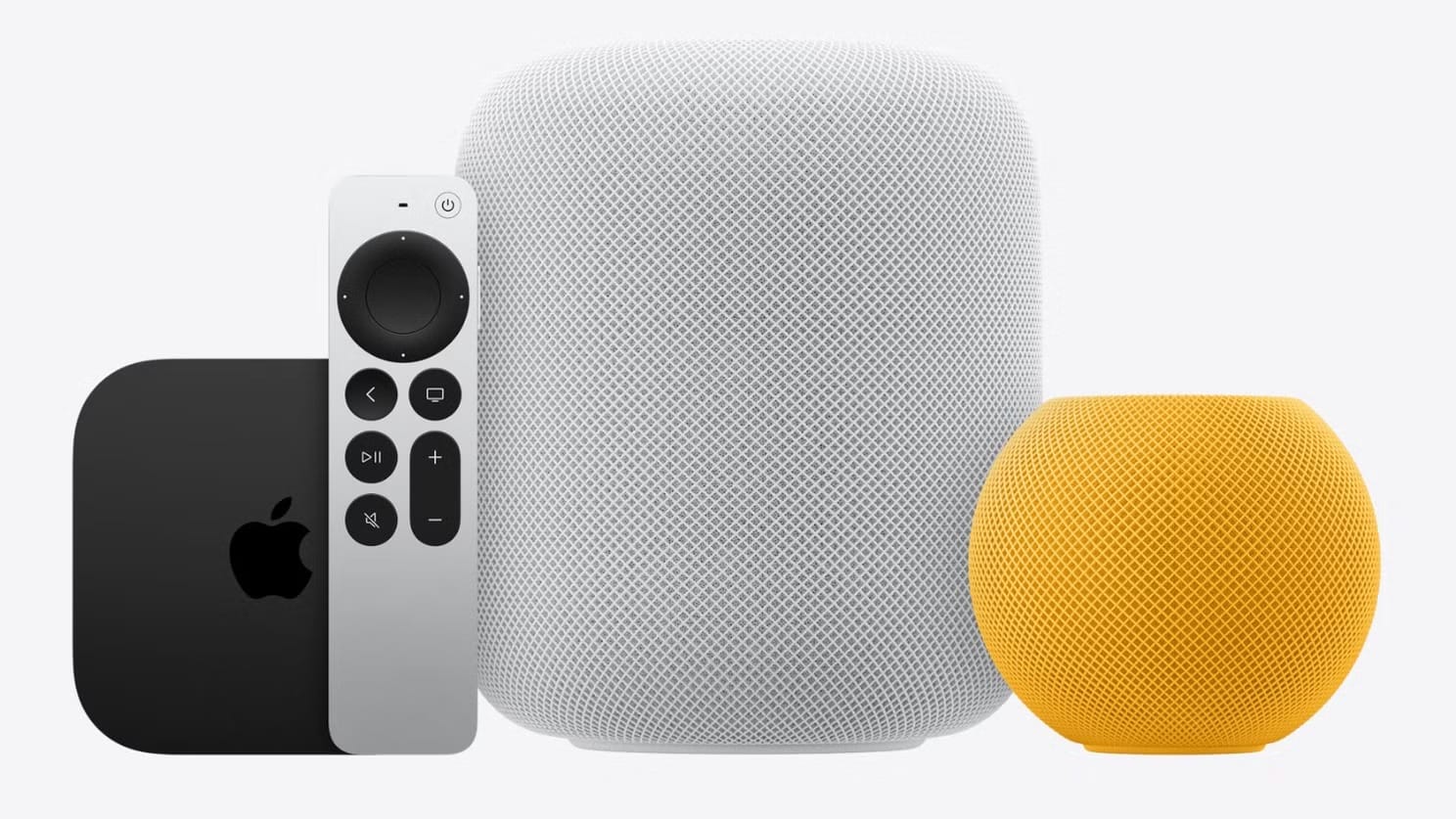

The Apple HomePod (2nd generation) replaces the original’s Apple A8 chip with an Apple S7, drops two tweeters from the array, and adds a temperature and humidity sensor, Thread networking, Ultra Wideband, and sound recognition for smoke and carbon monoxide alarms. The exterior barely changed. The interior is a different speaker.
But “different” does not automatically mean “better at the thing you bought a HomePod for.” The first-generation model had seven tweeters to the second generation’s five, and in blind listening tests, the original actually held its own on bass-heavy tracks. If you still have a working gen 1, the upgrade math is more complicated than Apple’s spec sheet makes it look. And if you are buying your first full-size HomePod today, the gen 2 is the only option Apple sells, but knowing what it gave up helps you understand what you are getting.
I think the second-generation HomePod is the smarter speaker overall, but the original was the better pure audio device in some ways. That tension runs through every section of this comparison, and it is worth understanding before you decide whether to keep, replace, or add a HomePod to your setup.
The Chip Swap That Changed Everything Except the Sound
Apple pulled the A8 chip out of the original HomePod and replaced it with the S7 in the second generation. On paper, the S7 is based on the Apple A13 Bionic architecture, which is a generational leap roughly equivalent to going from an iPhone 6 to an iPhone 11. That matters for computational audio: Apple’s spec page for the HomePod (2nd generation) describes the system as adjusting its tuning models over 100 times per second. The original could do real-time room correction too, but the S7 handles it faster and with more overhead for future software features.
Siri responds noticeably quicker on the gen 2. I would not call the original HomePod sluggish, but there is a perceptible beat of hesitation on the A8 that the S7 eliminates. If you use Siri for HomeKit commands constantly—lights, locks, thermostats—that speed difference compounds across dozens of daily interactions.
The chip also enables the U1 Ultra Wideband radio, which powers Handoff. Hold your iPhone near the gen 2 and music transfers seamlessly. The gen 1 never got this feature, and there is no software update that can add it because the hardware simply is not there.
Seven Tweeters vs Five: Where the Audio Actually Diverges
This is where the comparison gets genuinely interesting. Apple removed two tweeters from the second-generation HomePod and redesigned the remaining five with individual neodymium magnets. The woofer stayed at four inches in both generations, but the acoustic tuning changed.
The gen 2 extends lower in the bass. You hear more sub-bass rumble on tracks that rely on it, and the low end feels fuller in a medium-sized room. But the original, with its seven-tweeter array and individual custom amplifiers for each driver, delivered what multiple blind-test reviewers described as punchier, harder bass on electronic and hip-hop tracks. The gen 2 plays bass deeper; the gen 1 played bass harder. Those are different things, and which one you prefer depends entirely on what you listen to.
Midrange clarity and treble detail tilt toward the gen 2. Acoustic instruments, vocals, and anything with spatial separation sound more defined. If your listening skews toward singer-songwriter, classical, or jazz, the newer speaker is the clear winner. If you primarily blast bass-forward genres, the original was arguably the more exciting listen.
While I appreciate the gen 2’s refinement, I find it slightly cooler and more polished where the original was raw and energetic. Apple clearly optimized for balance over impact, and that is a defensible engineering choice. But it means the “upgrade” is not universally better—it is different. Keep in mind that if you have a working gen 1 and love how it sounds, the gen 2 will not give you the same bass character.
If you want a deeper look at whether the HomePod still holds up as a purchase in 2026, I covered that in our full HomePod buying assessment. For setting up stereo pairs and multi-room audio across both generations, the whole-home audio guide walks through every step.
The Smart Home Features That Only Exist on Gen 2
The second-generation HomePod added four capabilities the original never had, and three of them matter a lot if you run an Apple Home setup.
Temperature and humidity sensing is the headline feature. The gen 2 has a built-in sensor that reports ambient temperature and humidity to the Home app. You can ask Siri “What’s the temperature in the living room?” and get an instant reading. More importantly, you can build HomeKit automations around those readings—close the blinds when the room hits 80°F, turn on the humidifier when humidity drops below 35%, or trigger the thermostat when a specific room gets cold. Apple notes these sensors are optimized for indoor domestic settings between 59°F and 86°F (15°C to 30°C) with 30% to 70% relative humidity. Outside that range, accuracy degrades.
Thread networking makes the gen 2 a Thread border router. Thread is a low-power mesh networking protocol that connects Matter-compatible accessories—smart lights, sensors, locks—without requiring a separate hub for each brand. The original HomePod predates Thread entirely and cannot act as a Thread router. If you are building a HomeKit smart home from scratch, the gen 2’s Thread radio is a significant advantage. Thread devices respond faster and stay connected more reliably than their Wi-Fi or Bluetooth equivalents because the mesh self-heals when a node drops.
Sound recognition listens for smoke and carbon monoxide alarms and sends a notification to your iPhone. This is particularly useful when you are away from home. The gen 1 cannot do this—again, it is a hardware capability tied to the S7 chip’s processing power and the gen 2’s microphone tuning.
And the Ultra Wideband chip enables proximity-based Handoff: bring your iPhone close to the speaker, and whatever is playing transfers automatically. It feels seamless when it works. When it does not, there is a noticeable moment where you hover your phone near the top of the HomePod and nothing happens, then it catches. Worth mentioning because Handoff is not flawless, but it is better than digging into AirPlay menus.
What the Original HomePod Had Going for It
The first-generation HomePod was overbuilt for a smart speaker. Seven tweeters, six far-field microphones, Wi-Fi 5 (802.11ac with MIMO), and individual amplifiers for every driver. The gen 2 dropped to five tweeters, four microphones, and—this one is strange—downgraded the Wi-Fi from 802.11ac to 802.11n, which is Wi-Fi 4.
Yes, the newer speaker has slower Wi-Fi.
In practice, the Wi-Fi downgrade rarely causes problems because audio streaming does not require massive bandwidth. But if your home network is congested or the HomePod sits far from the router, the gen 1’s ac radio had more headroom for maintaining a stable connection. Apple likely made this trade-off to reduce cost and power consumption, but it is the kind of spec regression that catches you off guard when you actually compare the two side by side.
The six-microphone array on the gen 1 also picked up voice commands from farther away than the gen 2’s four-mic setup. Apple compensated with better far-field processing on the S7 chip, so real-world Siri recognition is comparable. But the original had two extra microphones doing the listening, and in a noisy room with music playing loud, that hardware advantage was tangible. If your HomePod is struggling with Wi-Fi or Siri has stopped cooperating, those issues affect both generations—check the troubleshooting guides.
At a Glance: Every Spec That Changed Between Generations
Which HomePod Deserves Your Money Right Now
If you are buying new today, your only choice is the gen 2 at $299. Apple discontinued the original in March 2021 and stopped selling it entirely. You can find used gen 1 units for $150 to $200, but you are buying a speaker with an aging A8 chip that will eventually stop receiving software updates. Apple has not announced an end-of-life date, but the A8 is old enough that every software update feels like borrowed time.
If you already own a gen 1 and it sounds great in your room, I would not rush to replace it. The audio quality is genuinely competitive, and the bass character is something the gen 2 does not replicate. Upgrade when you need the smart home features—Thread networking, temperature automations, or sound recognition—or when Apple drops software support for the original.
If you are building an Apple Home ecosystem and want the HomePod to serve as a hub, the gen 2 is the only sensible option. Thread support alone justifies it. A gen 1 can still control HomeKit devices over Wi-Fi, but it cannot participate in the Thread mesh that newer accessories depend on. That gap will only widen as more Matter-compatible devices arrive.
One thing both generations share: the power cable is permanently attached. You cannot replace it or swap it for a longer run without disassembling the speaker. The cable exits from the base of the unit, and if you position the HomePod near the edge of a shelf, the rigid cable segment near the speaker body creates a slight rocking motion unless you route it carefully. It is a minor annoyance on day one that you learn to work around, but it remains Apple’s most baffling design choice on an otherwise elegant product.
Would you keep a perfectly good gen 1 HomePod, or does Thread and temperature sensing push you toward the upgrade? If you are comparing the HomePod against Alexa speakers, the calculus shifts again—but within Apple’s own lineup, the generational divide comes down to whether you value raw audio character or smart home versatility.

Deon Williams
Staff writer at Zone of Mac with two decades in the Apple ecosystem starting from the Power Mac G4 era. Reviews cover compatibility details, build quality, and the specific edge cases that surface after real-world use.
Related Posts
Apple TV Just Became the Only Way to Watch F1 in America
Mar 07, 2026
The Apple HomePod Sounds Incredible, but Three Years Later, Should You Still Buy One?
Mar 05, 2026
Your Wyze Cameras Work in Apple Home, but Only If You Build the Bridge Yourself
Mar 05, 2026