

🎧 Listen to this article
Prefer to listen? An audio version of this article is available for accessibility and convenience.
Apple Fitness Plus does not offer a student discount. That is the straight answer, and I know it is not the one you wanted. But before you close this tab, the actual savings paths available to you right now add up to more than a simple percentage off ever would.
The confusion makes sense. Apple Music has a student plan at $5.99 a month. Apple gives education pricing on MacBooks and iPads. So when you search for an Apple Fitness Plus student discount, you expect one to exist. It does not. Apple Fitness Plus costs $9.99 per month or $79.99 per year for everyone, student or not. No coupon code, no UNiDAYS verification, no hidden checkout toggle. That said, Apple buries several legitimate ways to pay far less — or nothing at all — for Apple Fitness Plus, and most of them are sitting right in front of you.
I want to walk through every option that actually works, from the ones that cost zero dollars to the ones that save you money long-term. Think of this as the cheat sheet Apple’s marketing page never gives you.
 Ad
AdThe Free Trial You Probably Already Qualify For
Every new Apple Fitness Plus subscriber gets one month free. You sign up, you get 30 days, you cancel before the renewal date if you want out. Simple. But here is where it gets interesting for students specifically: if you recently bought an iPhone, iPad, Apple Watch, or Apple TV, you might qualify for three months free instead.
Apple’s extended trial applies when you purchase an iPhone 8 or later, Apple Watch Series 3 or later, iPad, Apple TV, AirPods Pro 3, or Powerbeats Pro 2. That three-month window starts the first time you open the Fitness app on your new device and sign in with your Apple Account. Well, think about it — if you just got a new device through Apple’s education store, you are sitting on a free three-month trial and you might not even know it.
One thing to watch: the extended trial offer expires 90 days after activating your new device. If you bought a MacBook through the education store six months ago, that window is closed. The timing matters.
The Apple Music Student Plan Trick
Here is the move most students miss entirely. The Apple Music Student plan costs $5.99 a month and includes free access to Apple TV Plus. That is not Apple Fitness Plus, but it knocks one subscription off your list. Why does that matter? Because if you are already paying for Apple Music Student at $5.99 and getting Apple TV Plus bundled in, the math on Apple One starts looking different.
Apple One Individual costs $19.95 a month and bundles Apple Music, Apple TV Plus, Apple Arcade, and 50 gigabytes of iCloud Plus storage. But you already get two of those four services through your student plan for $5.99. Paying $19.95 for Apple One just to add Arcade and iCloud does not make sense when your student plan covers the expensive parts.
If you genuinely want Apple Fitness Plus bundled in, the only Apple One tier that includes it is Premier at $37.95 a month. For a student budget, that is brutal. You get Apple Music, Apple TV Plus, Apple Arcade, Apple News Plus, Apple Fitness Plus, and 2 terabytes of iCloud Plus storage. The savings compared to buying everything separately is real — Apple says you save about $32 a month — but $37.95 is still $37.95.
For most students, the smarter play is keeping Apple Music Student at $5.99 and adding standalone Apple Fitness Plus at $9.99. Your total: $15.98 a month for Music, TV Plus, and Fitness Plus. That is $22 cheaper than Apple One Premier.
 Ad
AdWhat You Actually Get With Apple Fitness Plus
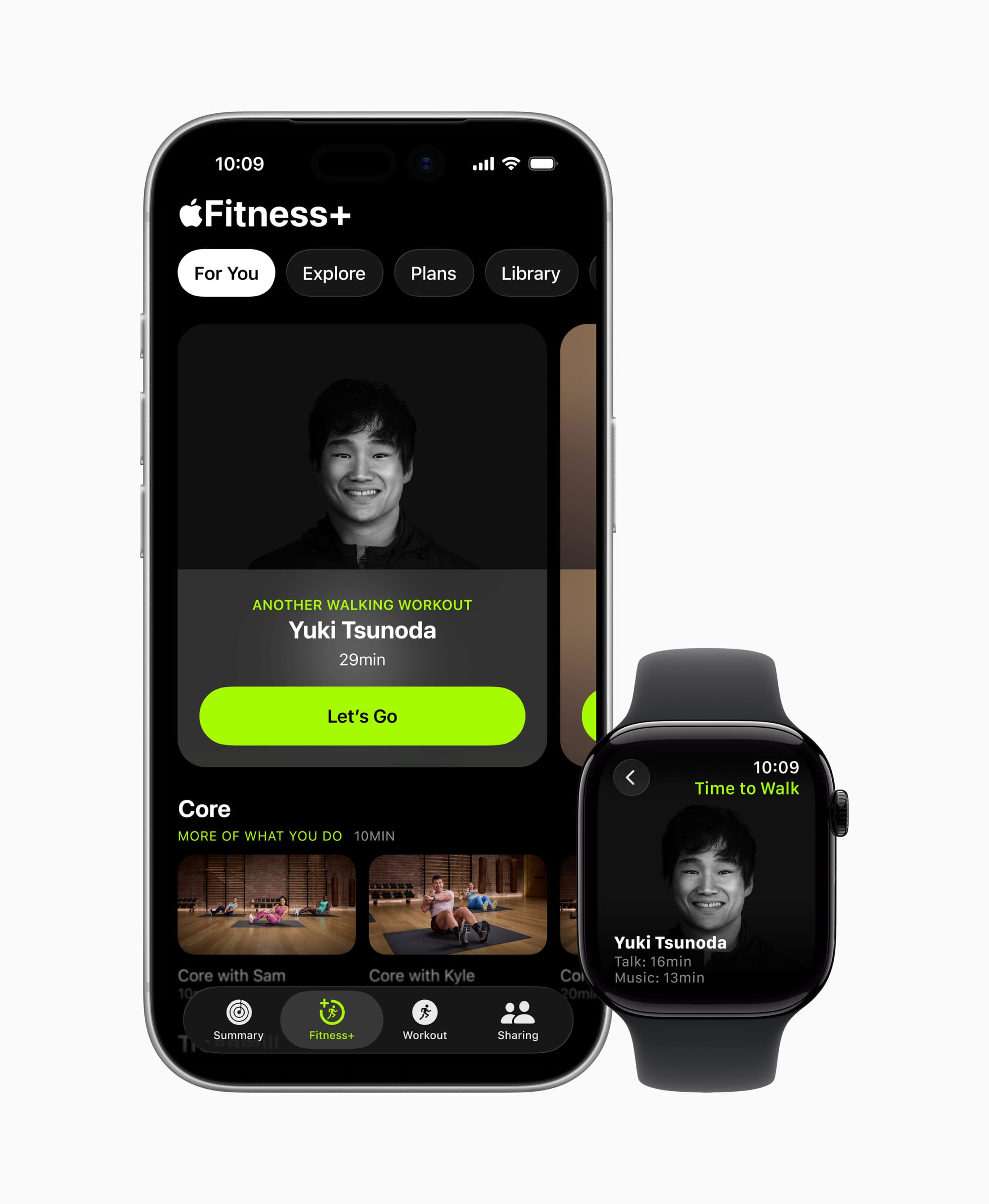
Before you decide whether to spend any money at all, you should know exactly what you are paying for. Apple Fitness Plus delivers guided video workouts across 12 categories: Strength, HIIT, Kickboxing, Yoga, Rowing, Pilates, Cycling, Treadmill Running, Dance, Core, Mindful Cooldown, and Meditation. New sessions drop every week, ranging from 5 to 45 minutes. The workouts stream on iPhone, iPad, and Apple TV.
If you own an Apple Watch, your heart rate, calories, and activity rings show up on screen in real time during the workout. That integration is genuinely useful — seeing your heart rate spike during a HIIT interval keeps you honest in a way that a YouTube workout video never will. AirPods Pro 3 can feed heart rate data too, so even without a Watch on your wrist, you get some biometric feedback.
But here is my honest take: you do not need an Apple Watch to use Apple Fitness Plus. An iPhone is the only requirement. The Watch metrics are a nice bonus, not a gatekeeper. If you are a student trying to stay active between classes, the workouts themselves are solid regardless of whether you have a $400 smartwatch strapped on. If you are already using an Apple Watch for your workouts, ZOM has a breakdown of how to get the most from your workout settings in watchOS 26 that is worth reading alongside this guide.
The Best Buy Back Door
Best Buy periodically runs promotions offering two months of Apple Fitness Plus free to new subscribers. The offer comes and goes, but as of early 2026, it has been available through the Best Buy website. You redeem a digital code, apply it to your Apple Account, and get two months instead of the standard one-month trial.
Stack it: use the three-month device trial first (if you have it), then redeem the Best Buy code when that expires. You could theoretically string together five months of Apple Fitness Plus without spending a dollar. I have not tested whether Apple blocks stacking like this, but the offers use different redemption mechanisms, so it is worth trying.
Family Sharing Changes the Math
If you have roommates, siblings, or family members who also use Apple devices, Apple Fitness Plus supports Family Sharing for up to five additional people. One person pays $9.99 a month, six people use the service. Split that cost and you are looking at roughly $1.67 per person per month. That is less than a single coffee from the campus cafe.
Apple One Family ($25.95 a month) also includes Fitness Plus — wait, actually it does not. Only Apple One Premier includes Fitness Plus. The Family plan bundles Music, TV Plus, Arcade, and 200 gigabytes of iCloud Plus. Apple made this confusing on purpose, and I say that with confidence because the Apple One comparison page requires you to scroll past two tiers before you even see Fitness Plus mentioned.
So if your family wants Fitness Plus through a bundle, it is Premier at $37.95 split across up to six people. That is $6.33 each for Music, TV Plus, Arcade, News Plus, Fitness Plus, and 2 terabytes of iCloud Plus storage. For a family or a group of roommates, that math actually works. For a solo student, standalone at $9.99 is almost always the right call.
Annual Versus Monthly: The Boring Math That Saves You $40
Apple Fitness Plus costs $9.99 a month or $79.99 a year. The annual plan saves you $39.89 over 12 months, which is almost four months free. If you know you are going to stick with it — and the workouts are good enough that most people do — the annual plan is the obvious choice.
The friction here is committing $79.99 upfront when you are not sure you will use it past February. My suggestion: start with the free trial, use it consistently for the full trial period, then evaluate. If you worked out at least three times a week during the trial, go annual. If you opened the app twice and forgot about it, save your money. No judgment. ZOM’s review of whether Apple Fitness Plus is actually worth the subscription goes deeper into that decision if you are on the fence.
What About the Apple Watch Workout App Instead?
Here is something Apple does not shout about: the built-in Workout app on Apple Watch is free and surprisingly capable. It tracks over 80 exercise types, shows real-time metrics, records GPS routes for outdoor runs, and syncs everything to the Health app. For students who just want to track runs, gym sessions, or cycling without guided video instruction, the free Workout app does the job.
Apple Fitness Plus adds the guided video workouts, the trainer-led programs, the music integration, and the new Custom Plans feature that adjusts difficulty based on your history. Those extras are worth paying for if you actually use them. They are a waste of money if you prefer throwing on headphones and running your own routine.
How to Sign Up the Smart Way
Start here. Open Settings on your iPhone, tap your name at the top, tap Subscriptions. Check whether you already have any active Apple subscriptions. Knowing your current spend tells you whether a bundle saves money or just adds cost.
Next, open the Fitness app. If you see a “Try It Free” banner, tap it. You will get either one month or three months depending on whether you recently activated a new device. Set a calendar reminder for two days before the trial ends so you can decide without pressure.
For the Apple Music Student plan, head to music.apple.com/student or open Apple Music on your device. You will need to verify your enrollment through UNiDAYS, SheerID, or Alipay depending on your country. Once verified, your $5.99 rate locks in for up to 48 months with annual reverification. That is your entire college career covered.

Related Posts
Strava and Apple Fitness Plus Both Run on Your Apple Watch — One of Them Wastes Your Time
Mar 07, 2026
Apple Watch Ultra 3 vs Garmin Fenix 8: The Trade-Offs Nobody Tells You Before You Buy
Mar 06, 2026
Your Apple Watch Responds to Seven Gestures You Probably Never Tried
Mar 05, 2026