
Updated January 28, 2026 at 1:14PM EST
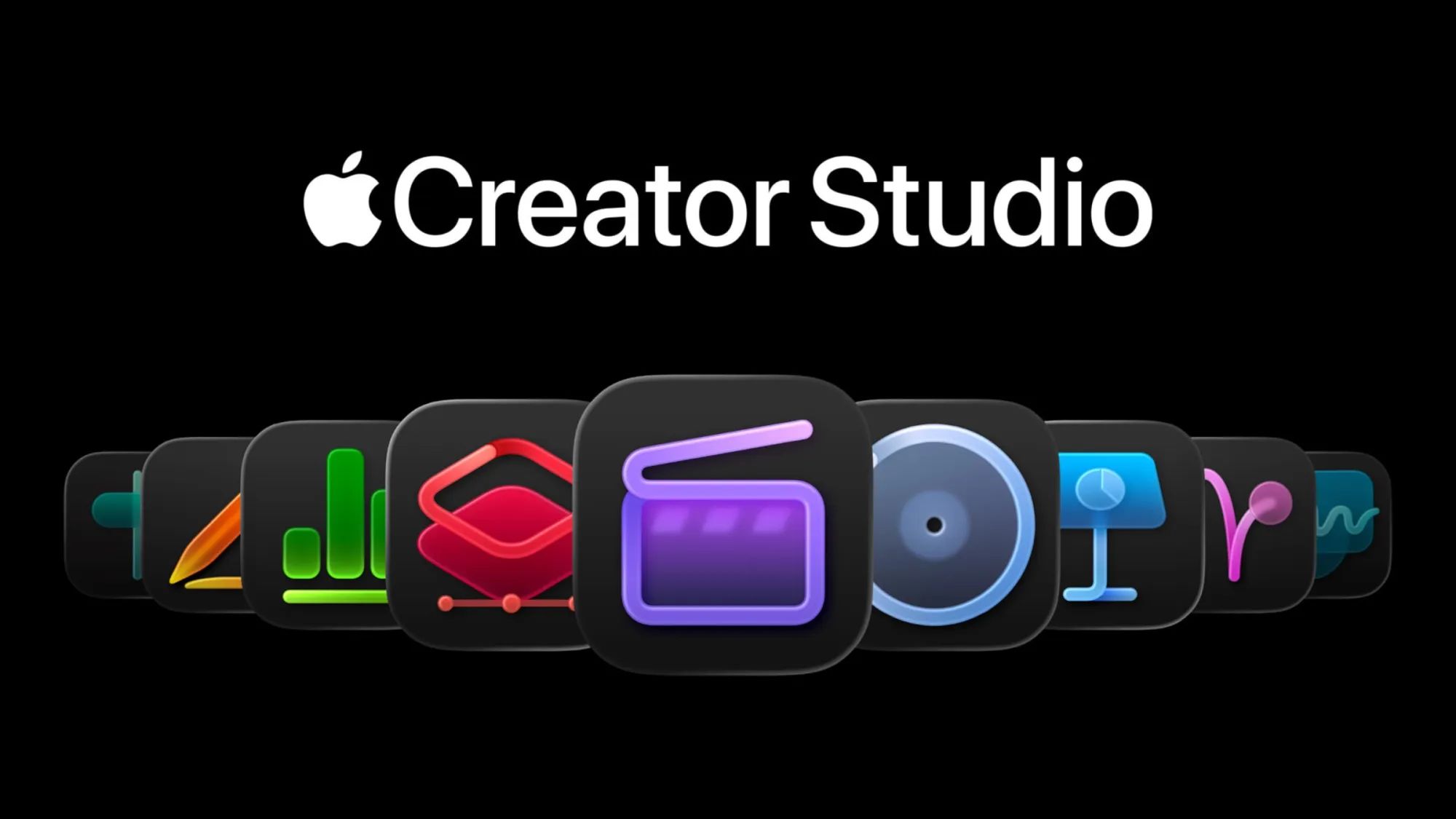
Apple launched Creator Studio on January 13, 2026, bundling six professional creative applications into a single $12.99 monthly subscription. The package includes Final Cut Pro for Mac and iPad, Logic Pro for Mac and iPad, and Pixelmator Pro for Mac and Pixelmator for iPad, along with exclusive AI-powered features and content libraries not available to users who purchase the apps individually.
Key Takeaways
Creator Studio costs $12.99 per month or $129 per year with no free trial period at launch. The bundle includes Final Cut Pro on Mac (normally $299.99 one-time) and iPad (normally $4.99/month). Logic Pro appears on both Mac ($199.99 one-time) and iPad ($4.99/month). Pixelmator Pro for Mac (normally $49.99 one-time) and Pixelmator for iPad (normally free with in-app purchases) complete the lineup. Exclusive AI features include automated color grading in Final Cut Pro and stem separation in Logic Pro. Content libraries provide royalty-free music loops, sound effects, and video templates.
At-A-Glance: Creator Studio Value Breakdown
| Component | Standalone Price | Platform | Creator Studio Benefit |
|---|---|---|---|
| Final Cut Pro | $299.99 (Mac) / $4.99/mo (iPad) | Mac + iPad | Included with AI color grading |
| Logic Pro | $199.99 (Mac) / $4.99/mo (iPad) | Mac + iPad | Included with stem separation |
| Pixelmator Pro | $49.99 (Mac) / Free + IAP (iPad) | Mac + iPad | Full unlock + exclusive presets |
Affiliate disclosure: some links in this article are Amazon Associate links. If you buy through them, Zone of Mac may earn a small commission at no extra cost to you, and we only recommend products that genuinely bring value to your Apple setup.
The Math Behind Creator Studio Makes Sense for Active Creators
Breaking down the standalone costs clarifies where Creator Studio delivers value. Final Cut Pro for Mac costs $299.99 as a one-time purchase, while the iPad version requires a $4.99 monthly subscription. Logic Pro follows the same model at $199.99 for Mac and $4.99 monthly for iPad. Pixelmator Pro costs $49.99 on Mac, and Pixelmator for iPad is free with optional in-app purchases to unlock features.
Purchasing Final Cut Pro and Logic Pro outright for Mac would cost $499.98, which Creator Studio recovers in 39 months of subscription payments. Adding the iPad versions at $9.98 monthly pushes the monthly cost to $19.96 before Creator Studio. The subscription model shifts the cost structure from large upfront payments to predictable monthly expenses, which matters for creators who want access to professional tools without committing $500 immediately.
The exclusive AI features and content libraries provide additional justification. Automated color grading in Final Cut Pro analyzes footage and applies professional-grade color corrections without manual intervention, while stem separation in Logic Pro isolates vocals, drums, bass, and other instruments from mixed audio tracks for remixing and editing. These features do not appear in the standalone app purchases and exist only within Creator Studio subscriptions.
Final Cut Pro Gains AI-Powered Color Grading Exclusive to Subscribers
Final Cut Pro's AI color grading analyzes each clip's exposure, white balance, and color temperature, then applies adjustments that match cinematic reference profiles. The system recognizes scenes shot in different lighting conditions and normalizes them automatically, reducing the manual work required to maintain consistent color across an entire project.
The feature integrates into the existing Color Board interface rather than replacing it. Automated corrections appear as editable adjustment layers, meaning you retain full control to modify or disable any changes the AI applies. This prevents the common problem where automated tools make irreversible changes that require starting over if the result doesn't match your vision.
For video editors working with multi-camera setups or footage shot across different days with varying natural light, this automation collapses hours of color matching into minutes. The friction point it solves: maintaining color consistency across 50+ clips in a wedding video or documentary without manually adjusting each clip's exposure and tint values.
Logic Pro's Stem Separation Works Better Than Third-Party Tools
Logic Pro's stem separation uses on-device machine learning to isolate individual instruments and vocals from stereo or multitrack recordings. Unlike cloud-based separation services that compress audio during processing, Logic Pro processes everything locally and maintains the original file's bit depth and sample rate, preserving audio quality.
The separation algorithm handles complex mixes where instruments occupy similar frequency ranges. Extracting a bassline from a track with kick drums and synth bass typically produces artifacts where the bass bleeds into other stems, but Logic Pro's implementation minimizes this through spectral analysis that differentiates instruments by their harmonic characteristics rather than just frequency content.
Musicians remixing tracks or creating covers benefit directly. Instead of recreating a bassline by ear or purchasing expensive separated stems from commercial services, you can drop any audio file into Logic Pro, separate the stems, and work with isolated instrument tracks immediately. The process completes in real time for most tracks under five minutes in length.
Pixelmator Pro Unlocks Features Previously Locked Behind In-App Purchases
Pixelmator Pro for Mac provides layer-based photo editing with non-destructive adjustments, vector graphics tools, and machine learning-powered selection and background removal. The $49.99 Mac version includes everything without in-app purchases, but the iPad version uses a freemium model where advanced features like RAW editing and batch processing require additional payments.
Creator Studio subscribers get full access to all Pixelmator Pro features on both platforms, plus exclusive content including preset filters calibrated for iPhone photography and template projects for social media graphics. These presets account for the specific color profiles and lens characteristics of iPhone cameras, producing consistent results without manual calibration.
The iPad version's full feature unlock matters for photographers who edit on iPad Pro with Apple Pencil. RAW editing support allows working with full-resolution image data from professional cameras, while batch processing handles hundreds of photos with identical adjustments, which is standard workflow for event photographers processing large photo sets.


Here's where to get the Apple Pencil Pro https://www.amazon.com/dp/B0D3J71RM7?tag=zoneofmac-20
This stylus integrates with Pixelmator Pro's precision editing tools through pressure sensitivity and tilt detection. The squeeze gesture switches between brush and eraser modes without touching the screen, while barrel roll rotates shaped brushes for calligraphy-style strokes. The haptic feedback engine provides physical confirmation when the brush edge snaps to guides or selection boundaries, reducing accidental strokes outside intended areas. It pairs and charges magnetically on iPad Pro and iPad Air models with M2, M3, M4, and M5 chips.
The Content Library Includes Royalty-Free Assets Not Available Elsewhere
Creator Studio subscriptions include access to exclusive content libraries across all bundled apps. Final Cut Pro subscribers gain 500+ video templates for titles, transitions, and motion graphics designed specifically for YouTube, Instagram Reels, and TikTok aspect ratios. Logic Pro adds 2,000+ instrument loops and sound effects recorded in professional studios and tagged with tempo and key information for automatic matching.
Pixelmator Pro's library contains 300+ preset filters and adjustment layers calibrated for common photo editing scenarios like product photography, portrait retouching, and landscape enhancement. These presets include detailed documentation explaining which adjustments contribute to the final look, functioning as educational resources for photographers learning color grading techniques.
The royalty-free licensing allows using these assets in commercial projects without attribution requirements or additional fees. Content creators producing client work or monetized videos avoid the legal complexity of tracking which assets require attribution and which licenses permit commercial use.
Join The Inner Circle For Serious Apple Users
Exclusive Apple tips. Free to join.
Subscription Pricing Shifts Software Ownership Model
Creator Studio operates on a subscription-only model with no perpetual license option. Canceling the subscription revokes access to all bundled apps and exclusive features, though projects created during the subscription period remain editable if you purchase the standalone apps later or resubscribe. Projects created with exclusive AI features that don't exist in standalone versions lose those capabilities when the subscription ends.
This represents a departure from Apple's traditional approach of selling professional creative software as one-time purchases with free updates for several years. Final Cut Pro's last major version sold for $299.99 in 2011 and received free updates until the transition to subscription-based iPad versions in 2023. Logic Pro followed a similar pattern.
The shift aligns with industry trends toward subscription software but introduces recurring costs for users who previously paid once and used the software for years. A creator using Final Cut Pro and Logic Pro on Mac for five years would spend $774 on Creator Studio subscriptions versus $499.98 for one-time purchases, assuming no feature updates or version upgrades during that period.
Annual Subscription Offers Limited Savings
Creator Studio costs $12.99 monthly or $129 annually, representing a savings of $26.88 per year compared to monthly payments. The annual commitment requires paying $129 upfront without the option to pause or prorate if your project schedule doesn't require the tools year-round.
Apple's subscription terms do not include family sharing, meaning each user in a household creating content needs a separate subscription. This contrasts with Apple One bundles that allow sharing across family members, making Creator Studio less economical for households with multiple content creators.
No free trial period accompanies the launch, which is unusual for Apple's subscription services. Apple Music, Apple TV+, and Apple Fitness+ typically offer one to three months free for new subscribers, allowing users to evaluate whether the service fits their workflow before committing to monthly payments. Creator Studio requires payment immediately, shifting the evaluation process to the paid experience rather than a trial period.
Accessibility & Clarity
Creator Studio's bundled apps maintain high accessibility standards through VoiceOver integration that reads adjustment values and layer names in Pixelmator Pro, allowing visually impaired users to navigate complex editing interfaces. Final Cut Pro supports keyboard-only navigation for all editing functions, eliminating dependency on precise mouse movements that users with motor impairments find difficult. Logic Pro's visual feedback system displays waveforms with high-contrast color schemes and adjustable UI scaling to accommodate users with reduced visual acuity or color blindness.
The subscription model reduces cognitive load for users managing multiple software licenses and update schedules by consolidating six apps into one billing relationship. However, the lack of family sharing increases friction for households where multiple users need access, requiring separate subscriptions and login management that creates complexity for families with children learning creative software.
Quick-Action Checklist: Setting Up Creator Studio
Initial Setup
- Navigate to System Settings → Apple ID → Media & Purchases on Mac
- Select Subscriptions → Browse → Creator Studio
- Choose Monthly ($12.99) or Annual ($129) billing
- Confirm payment method and activate subscription
App Installation
- Open App Store on Mac or iPad
- Search "Final Cut Pro" and select Download (subscription required)
- Repeat for Logic Pro and Pixelmator Pro
- Apps download without additional payment prompts when subscription is active
Accessing Exclusive Features
- Final Cut Pro → Effects Browser → AI Color Grading appears in Color Board
- Logic Pro → Track Menu → Stem Separation processes selected audio regions
- Pixelmator Pro → File → Content Library shows subscriber-only presets
Project Migration
- Final Cut Pro projects created in standalone version open in subscription version
- Logic Pro sessions maintain compatibility across subscription and standalone versions
- Pixelmator documents preserve layers and adjustments when opening in subscription app
Hero Image Brief: Clean product photography showing MacBook Pro display with Creator Studio apps (Final Cut Pro, Logic Pro, Pixelmator Pro) arranged in macOS dock, with Apple Pencil Pro positioned on desk surface next to iPad Pro. Professional lighting with shallow depth of field, high contrast.
Suggested Alt-Text for Hero Image: MacBook Pro displaying Creator Studio apps in macOS dock including Final Cut Pro, Logic Pro, and Pixelmator Pro icons, with Apple Pencil Pro and iPad Pro on desk showing creative workspace

Related Posts
Your iPad Moves Files Six Ways and You're Probably Using One
Apr 08, 2026
Your iPad’s Magic Keyboard Has a Shortcut Layer Most Owners Never Open
Apr 07, 2026
Your Apple Pencil Tip Is Wearing Out and You Can’t Even Tell
Apr 06, 2026